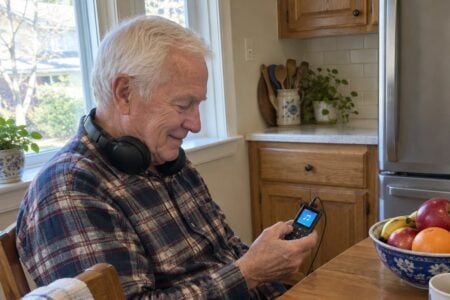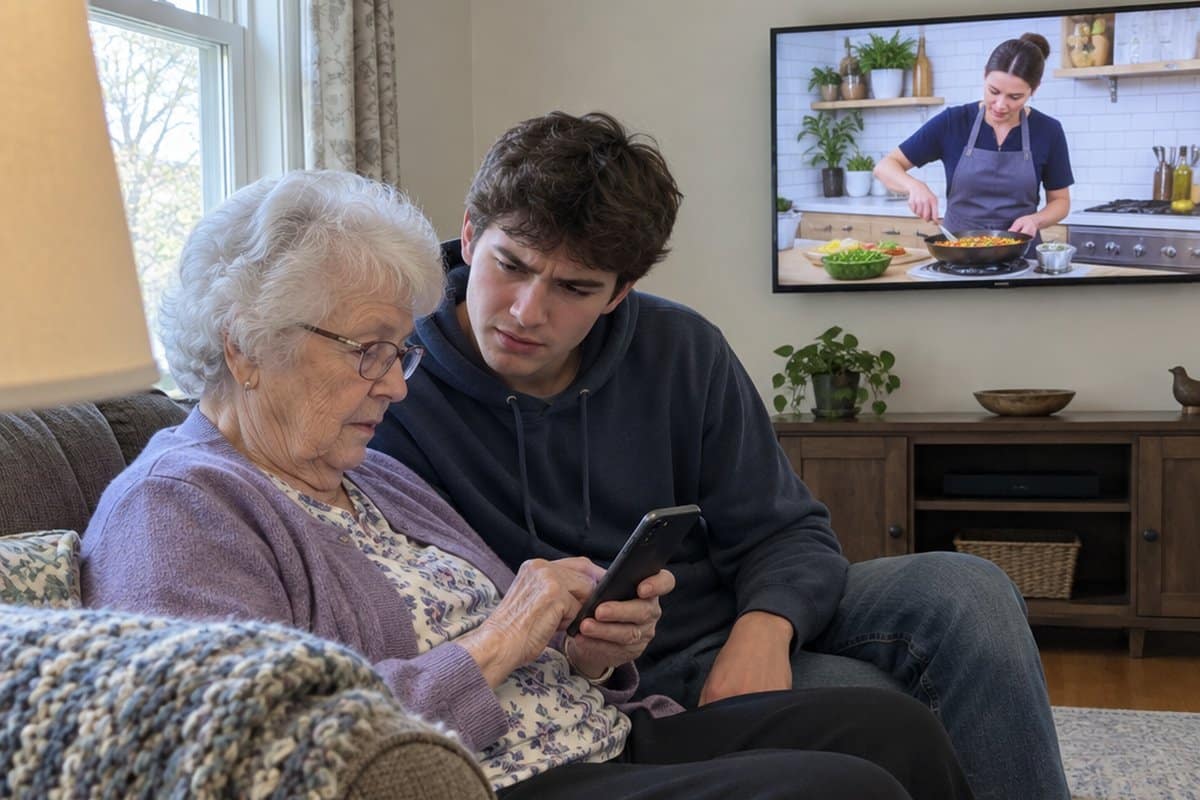
You may know someone who is quicker with a voice assistant than the grandkids who set it up. This article is about technology for seniors, and why many older adults learn it well. We’ll cover where they shine, including photos, research, organizing and long projects, plus careful troubleshooting and smart privacy habits. We’ll also talk about taking your time when you pick out a new device, and the trade-offs that come with a careful pace.
The Stereotype That’s Costing Seniors Their Independence
We’ve all seen the media portrayals: confused older adults staring helplessly at smartphones, overwhelmed by basic computer tasks.
But here’s what these stories miss: seniors often have advantages that younger users don’t.
Why we assume seniors struggle:
- Media focuses on complex devices rather than practical applications
- We overlook the systematic learning approach seniors use
- Generational assumptions about “digital natives” cloud our judgment
- We forget that motivation trumps age every time
The surprising reality:
- Seniors have more time to learn systems thoroughly
- They focus on practical benefits, not novelty features
- Life experience helps them identify truly useful technology
- They’re highly motivated by health and safety improvements
When seniors find technology that solves real problems, they don’t just learn it. They master it.
The Technologies Where Seniors Become Power Users
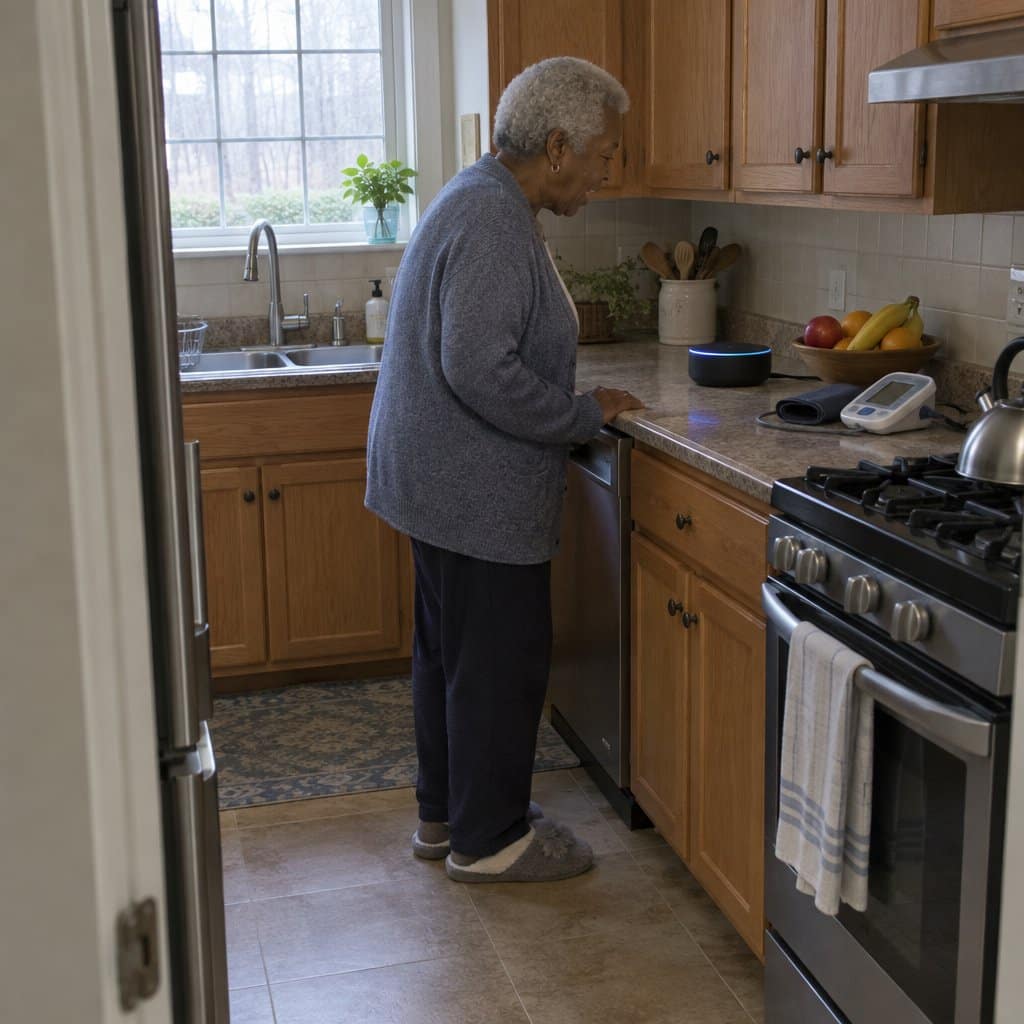
Voice Assistants: The Senior Superpower
Why seniors excel with voice technology:
- Natural conversation feels more intuitive than typing
- Voice commands work perfectly with vision or dexterity challenges
- Hands-free operation fits seamlessly into daily routines
- Simple, consistent interface reduces the learning curve
What voice assistants can be used for:
- Medication reminders with specific timing alerts
- Weather reports for planning daily activities safely
- Emergency contact calling with simple voice commands
- Smart home controls for lighting and temperature
- News updates and music for entertainment and connection
Health Monitoring Technology
Health tools are where many seniors do well, and understanding safe medication practices matters for getting the most out of them.
Why seniors become health tech power users:
- Direct health benefits provide powerful motivation
- Simple, focused functionality reduces confusion
- Daily routine integration creates lasting habits
- Clear data visualization shows immediate value
Health tech worth knowing about:
- Blood pressure monitor with smartphone sync and trend tracking
- Pulse oximeter readings to review with your doctor
- Medication tracking app with photo verification features
- Fall detection watch with automatic family notifications
- Telehealth platform for convenient virtual doctor visits
Share your readings with your doctor, who can tell you what they mean and what to do about them.
Why Seniors Often Outperform Younger Users
The Focus Advantage
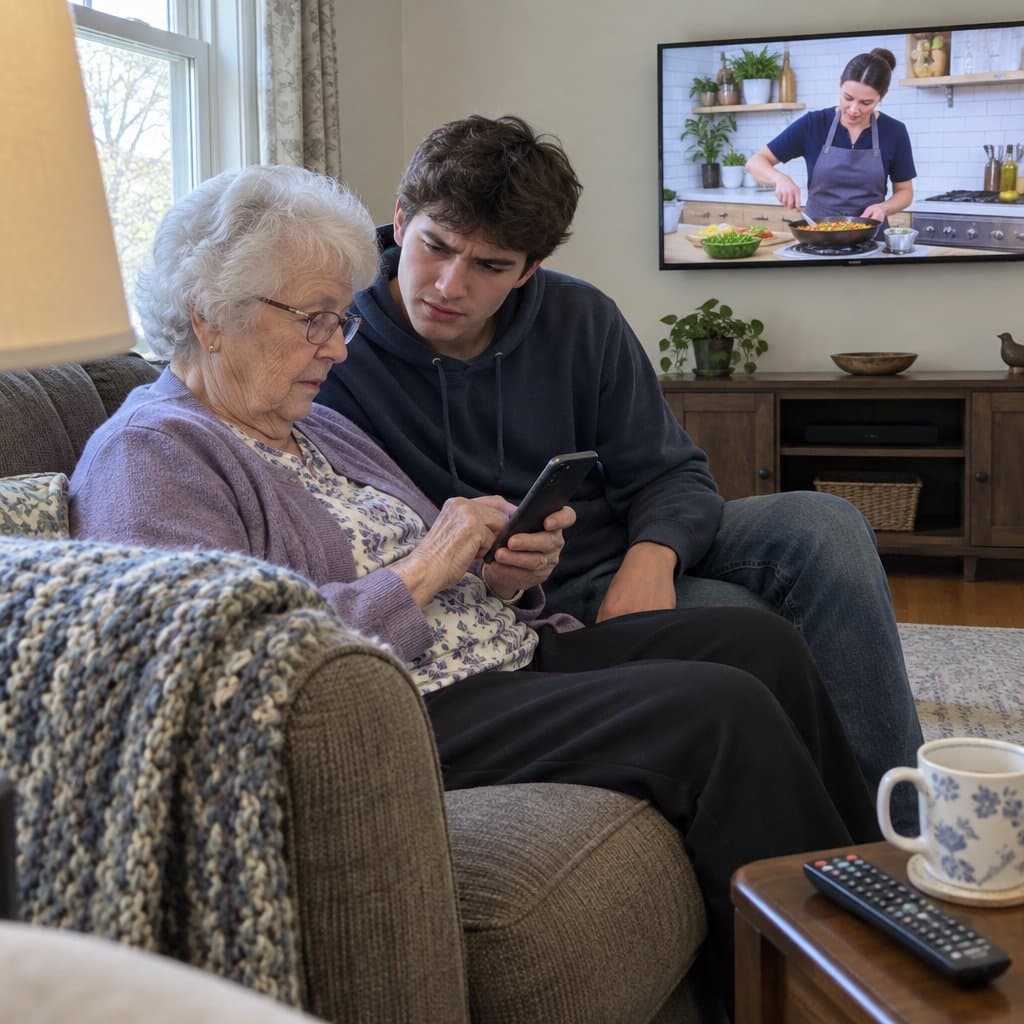
Seniors concentrate on learning one system completely before moving to the next.
Unlike younger users who jump between multiple apps and devices, seniors take a methodical approach. They prioritize practical benefits over entertainment features and are less distracted by social media notifications.
Most importantly, they’re more likely to read manuals and follow tutorials completely, which often leads to deeper understanding.
The Motivation Factor
Health and safety needs provide incredibly powerful learning incentives.
When technology can help seniors maintain independence, monitor their health, or stay connected with family, they’re willing to invest the time needed to master it properly.
Addressing loneliness through technology has become a particularly strong motivator for many older adults learning new digital skills.
The Patience Dividend
Retired seniors have something precious: time to practice and perfect their usage.
They don’t rush through setup processes or skip important steps. Multiple practice sessions lead to better retention, and their systematic approach prevents them from becoming overwhelmed by complexity.
The teaching advantage seniors have:
- Life experience helps identify what’s truly important
- They ask specific, helpful questions rather than general ones
- They’re more likely to seek human help when genuinely needed
- They create organized systems for remembering processes
Ready to discover more ideas for healthy, comfortable aging? Subscribe to our newsletter for tips and product recommendations designed specifically for older adults.
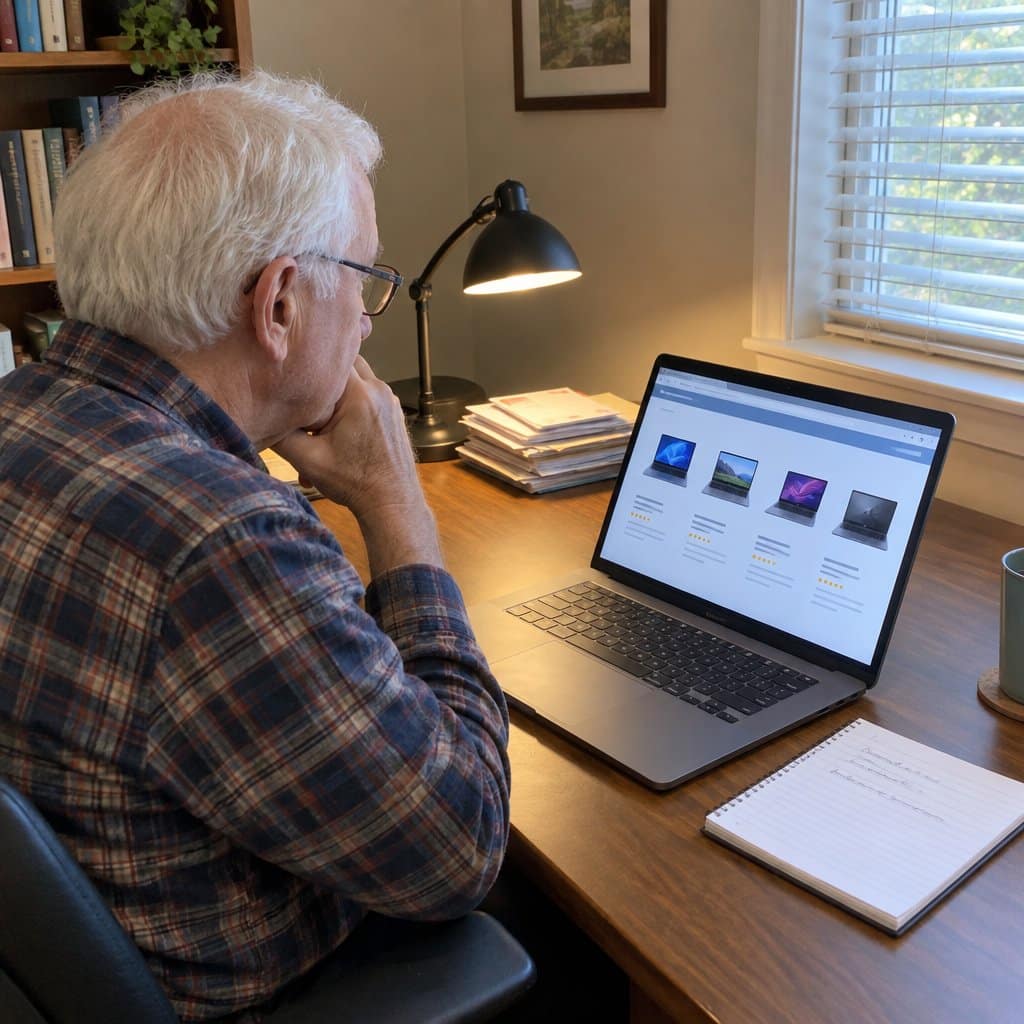
Taking Your Time When You Pick Out a New Device
A thorough pace pays off most when you are ready to buy something new. Your careful way of learning leads to deeper understanding and better long-term retention, and that carries over to choosing well.
Say you are looking at the simplest laptop options. You can take the time to ask what you actually want to do with it, then pick the one that fits.
The same goes for deciding whether a laptop or tablet suits your needs and the way you like to learn.
The comparisons you already know help here too. If you see how a new device works like something familiar, it is easier to judge which one you would be comfortable with.
The trade-off is that a careful decision takes longer than grabbing whatever is on the shelf. Anyone who suggests you should learn faster is not the one who will be using it every day.
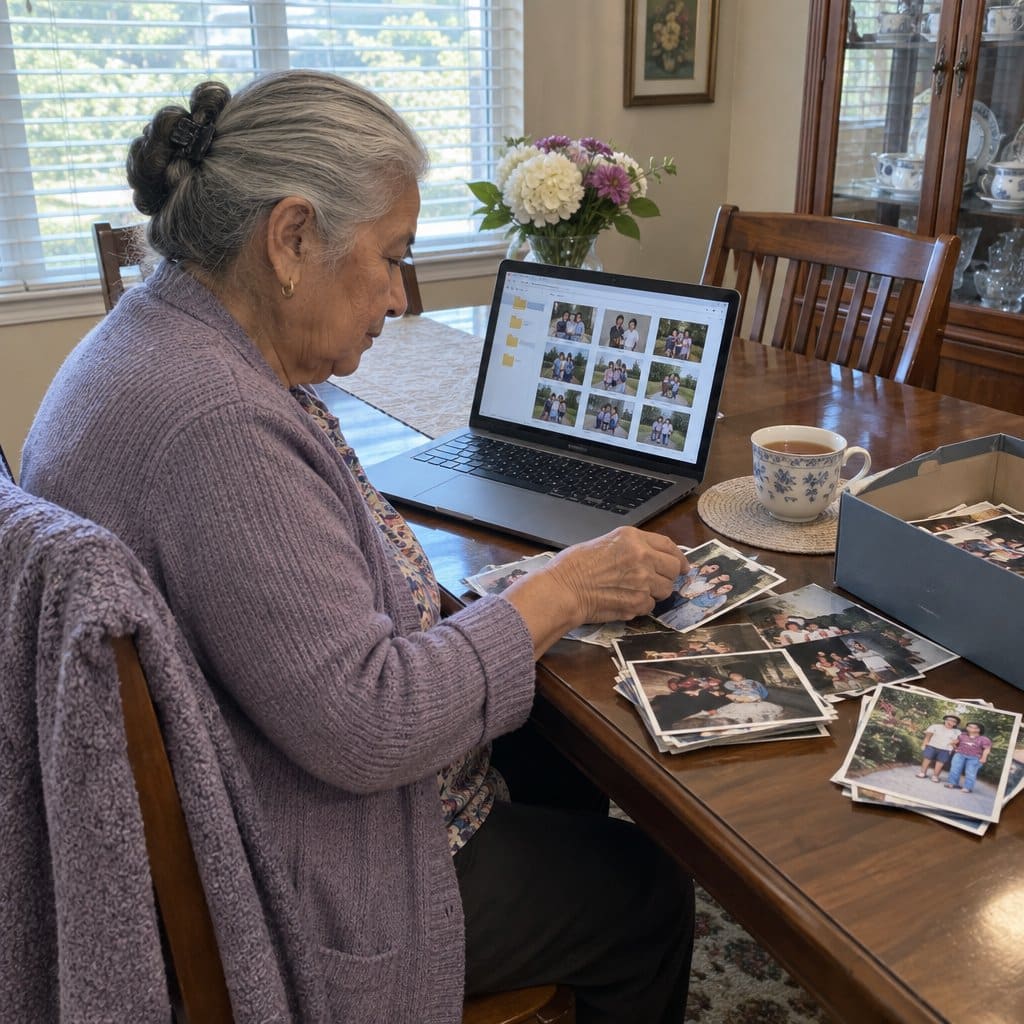
Where Older Adults Often Excel: Photos, Research, Organizing and Long Projects
Once older adults commit to learning something, a few areas tend to play to their strengths.
Photography is one. A good eye for composition, plus the patience to learn editing software, often beats a quick smartphone snapshot.
Research is another. Decades of experience help you verify sources, compare what you find, and dig deeper than the first page of results.
Online learning suits the same habits. You can approach a course with focus, complete it, take notes, and put what you learn to use.
Digital organization comes naturally to people who have always kept physical things in order. You can build logical folders for files and photos, then keep them tidy.
Long projects are where patience pays off most. Genealogy research, memoir writing, or sorting a whole photo collection can take months or years of steady work. Projects like these often lead people toward new hobbies and creative pursuits that mix old interests with modern tools.
A few ways to build on this:
- Start with a purpose. Say you want to share photos with grandchildren, video call distant relatives, or organize family history. Learning with a goal sticks better.
- Look for familiar ideas. Email is like letter-writing, and photo albums on a device work like the paper kind.
- Teach someone else once you have it down. Explaining it reinforces what you know.
The trade-off is that this thorough style takes time, and long projects ask for steady effort over months. That is fine, because the depth you gain is the point.
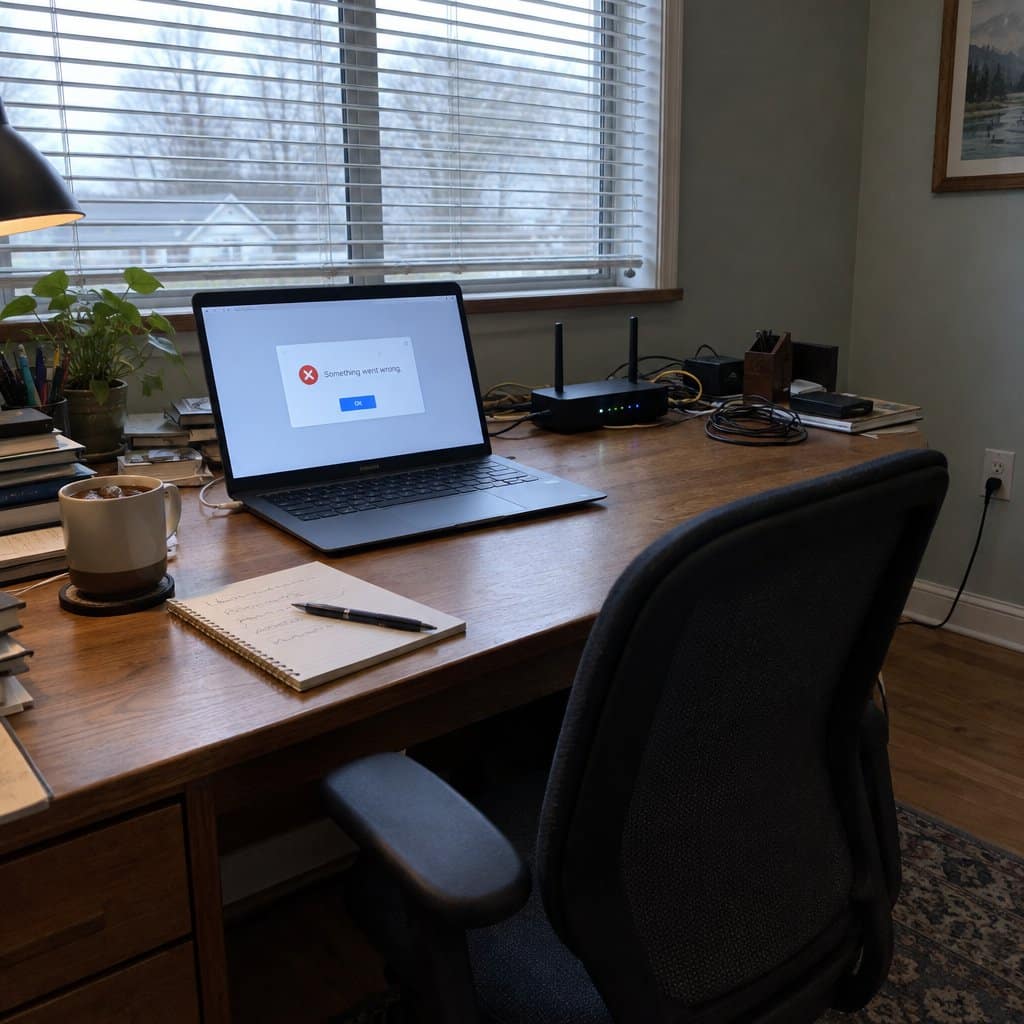
Careful Troubleshooting and Smart Privacy Habits
When something stops working, a lot of older adults don’t hand it off right away or give up. They investigate.
They read the error message instead of clicking past it. They try a different approach and think through what might be causing the trouble.
That steady, logical way of working often solves problems that stump quicker, more impulsive users. It is why many people end up as the family’s go-to help for a particular device or app.
Privacy is another strength. Many older adults take time to understand the privacy settings instead of clicking “accept” on everything.
They tend to be more careful about what they share on social media. They are also good at noticing when a website or app seems “off,” which helps them avoid online scams.
The same methodical approach helps when you choose tools. A set of ergonomic keyboards can reduce strain during long computer sessions, for example.
It also helps when you are deciding whether a laptop or tablet suits your needs better.
The trade-off is time. Working through a problem step by step is slower than asking someone else, so give yourself room and ignore anyone who tells you to hurry.
Step 1: Start with One Device and Master It
Step 2: Get Family Support Without Losing Independence
Ask a family member to handle the first setup and show you how it works, then take notes and ask for written instructions.
Family can stay available for questions, but you stay in charge of how you learn. That balance helps the new habit stick.
Step 3: Focus on Practical Daily Applications
Skip features that don’t serve a purpose right away, and practice the same few functions until they become automatic. Add new ones only after the old ones feel easy.
Step 4: Build Community Learning Networks
Joining a senior center technology class connects you with other people using similar devices.
This kind of peer support is handy for sharing discoveries, troubleshooting tips, and staying motivated. Sometimes the best teacher is someone who recently learned the same skill.
Step 5: Become the Teacher
Once you are comfortable, you can help friends with their own device setup and use.
Teaching others reinforces what you know and gives you a sense of purpose. For caregivers, recognizing when aging parents refuse help with technology can be the first step toward finding the right learning approach.
Technology Recommendations for Senior Success
Best First Technologies for Seniors
Voice assistants top the list for hands-free control and instant information access.
One practical use many families like is voice-activated medication reminders, which a simple smart speaker can handle.
Large-button smartphones with health monitoring apps provide essential connectivity without overwhelming complexity.
Smart home safety devices offer immediate security benefits that are easy to see and use every day.
Telehealth platforms let you talk with your doctor from home. Check with your doctor’s office about which platform they use.
Setup Success Strategies That Actually Work
Choose devices with simple menus and larger text options.
Start with one technology and get comfortable with it before adding another device. Family can help with the first setup, but you should be the one using it day to day.
Focus on practical daily applications rather than entertainment features initially.
Learning Resources and Support Systems
Senior center technology classes provide peer support and structured learning environments.
YouTube tutorials made for beginners offer step-by-step guidance at a comfortable pace.
Some manufacturers offer customer service lines for people who are new to a device. It is worth checking before you buy.
Building ongoing support:
- Technology buddy systems with other seniors
- Regular family check-ins for questions and updates
- Community groups focused on learning technology
- Professional setup services for complex installations
Plenty of grandparents learn new technology well, and many are more careful about it than people assume. Keeping that in mind can help caregivers approach tech support with more confidence and fewer assumptions.
Want more ideas for healthy, comfortable aging? Subscribe to our newsletter for tips and product recommendations.
Your Next Step: Try One New Thing
People of all ages can master technology when they find devices that solve real problems. The key is matching the right technology with a genuine need and offering support while they learn.
As a caregiver, your role isn’t to do everything for your loved one. It’s to help them discover what they can do for themselves. Technology can help maintain independence, but only when the person feels comfortable using it.
Consider introducing one new technology this month. Start small, focus on practical benefits, and see how it goes.
Have you seen someone you care for pick up technology in a way you didn’t expect? What devices have made the biggest difference? Share your experiences in the comments.