You ask Alexa a simple question, and she answers something else entirely. It happens to everyone.
This guide to Alexa apps for seniors explains skills, apps, and routines in plain words, so you know which is which. It covers setup, privacy, and 26 handy things Alexa can do, like timers, reminders, calls, and weather.
It also names the downsides, so you don’t spend money on something that won’t suit you.
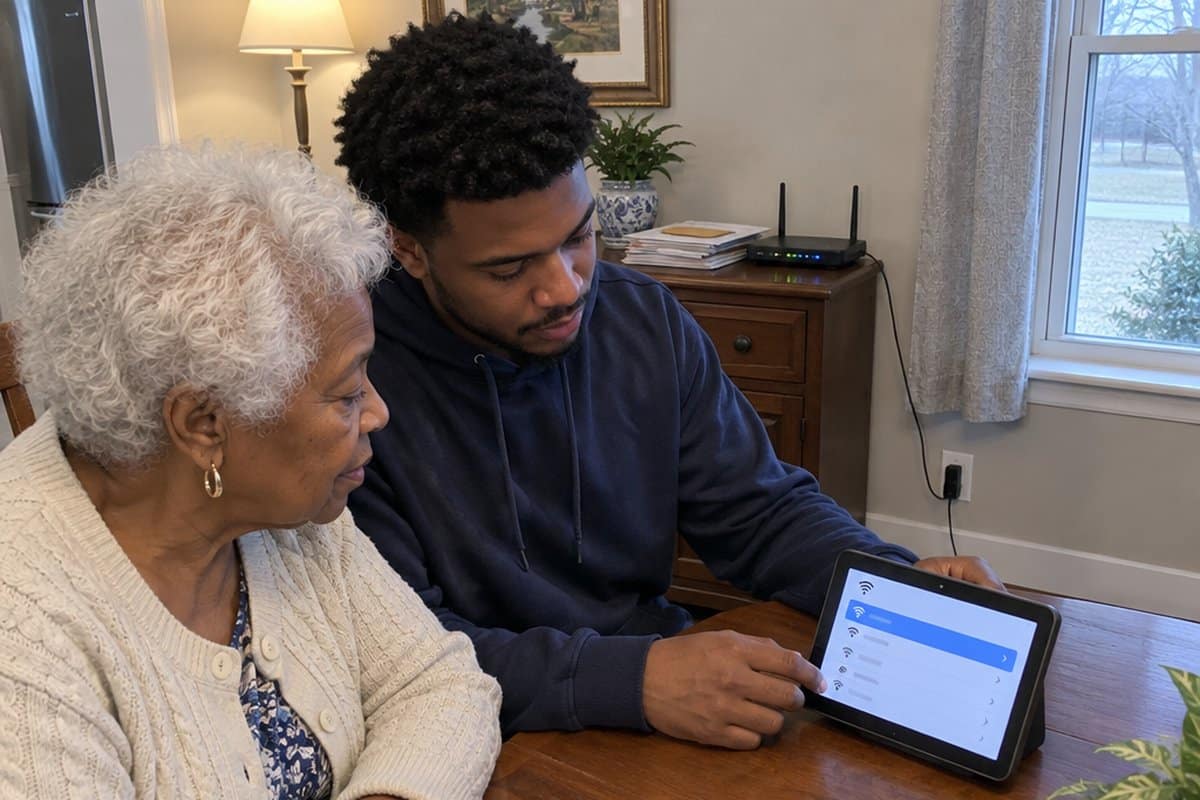
Look into skills like audiobooks, music, and simple games to keep you entertained throughout the day. Enable these right away when setting up your Alexa device. For an easy setup, ask a family member or friend to help link Alexa to your Wi-Fi and Amazon account.
Use Alexa’s reminders and calendar features as a nudge for medications and appointments. Say “Alexa, remind me to take my medicine at 9 am.” A reminder can fail if the power or Wi-Fi is out, or if you don’t hear it, so it is not a replacement for a pill organizer. Check with your doctor or pharmacist about your routine.
Ask Alexa for the weather, news, and your favorite sports teams’ scores to stay up to date. Say “Alexa, what’s the weather today?” to get your local forecast.
Video call family using the Echo Show’s Drop In feature. Simply say “Alexa, drop in on [contact name]” to instantly connect face-to-face. It’s a great way to stay in touch.
Let Alexa help with everyday tasks like setting timers, alarms, playing music, and controlling smart home devices. She’ll turn on the lights for you or alert you when the cookies are done baking.
We’ll recommend the most useful Alexa skills to try for news, leisure, and home automation. Alexa can handle small tasks by voice, such as timers and calls. It is not a substitute for a medical alert system.
Basics of Amazon Alexa
It is best to start by saying the wake word on the device before you can start talking to Alexa. Alternatively, you can press the action button on the device. The inbuilt technology detects acoustic patterns in what you have said.
Amazon secure cloud is responsible for verifying the wake word. In some instances, Alexa may wake up when you mention names that sound similar to Alexa.
You can tell when Alexa is listening through the light indicator that appears on the device. You may also hear an audible time sound.
In case you get wrong responses, you can seek clarification. You can use “Alexa, tell me what you heard.” or “Alexa, why did you do that?”
Using Alexa, you can access your voice recordings. You get to hear the requests you made and the responses you got from Alexa from the history. You are at liberty to delete the history on the device.
Alexa allows you to have your text transcripts deleted after every 30 days if you do not want the history on your device.
You can enhance your privacy by using the Amazon Echo smart speakers that use microphone controls. You can switch off the microphone by pressing the microphone off button.
A red light on the device means that it cannot take your requests and cannot detect the wake word. If you need Alexa’s help again, you must turn on the microphone first and have the red light go off.
Some echo show devices allow you to use a built-in shutter to cover the camera.
It is possible to turn off both cameras and audio on Alexa-enabled devices with screens. Alexa has a wide range of inbuilt skills. Some of them include quizzes, meditations, and games. Third parties offer skills on Alexa.
The device never shares information with third parties without your consent. Your voice recordings are also not shared with third parties.
Skills vs. Apps vs. Routines
- Alexa Skills: These are built-in features found on Alexa devices and named skills. You can find a list of skills in the Category or Discover section. You can also use the search platform to look for a skill you know about. Learn more about Alexa Skills here.
- Alexa App: This is a virtual assistant technology application that you need to download on your phone to access usage. Learn more about the Alexa App here.
- Alexa Routines: They are a series of skills you would want Alexa to help you with. Routines can help you turn smart lights on and off when certain activities occur or at specific times. Learn more about Alexa Routines here.
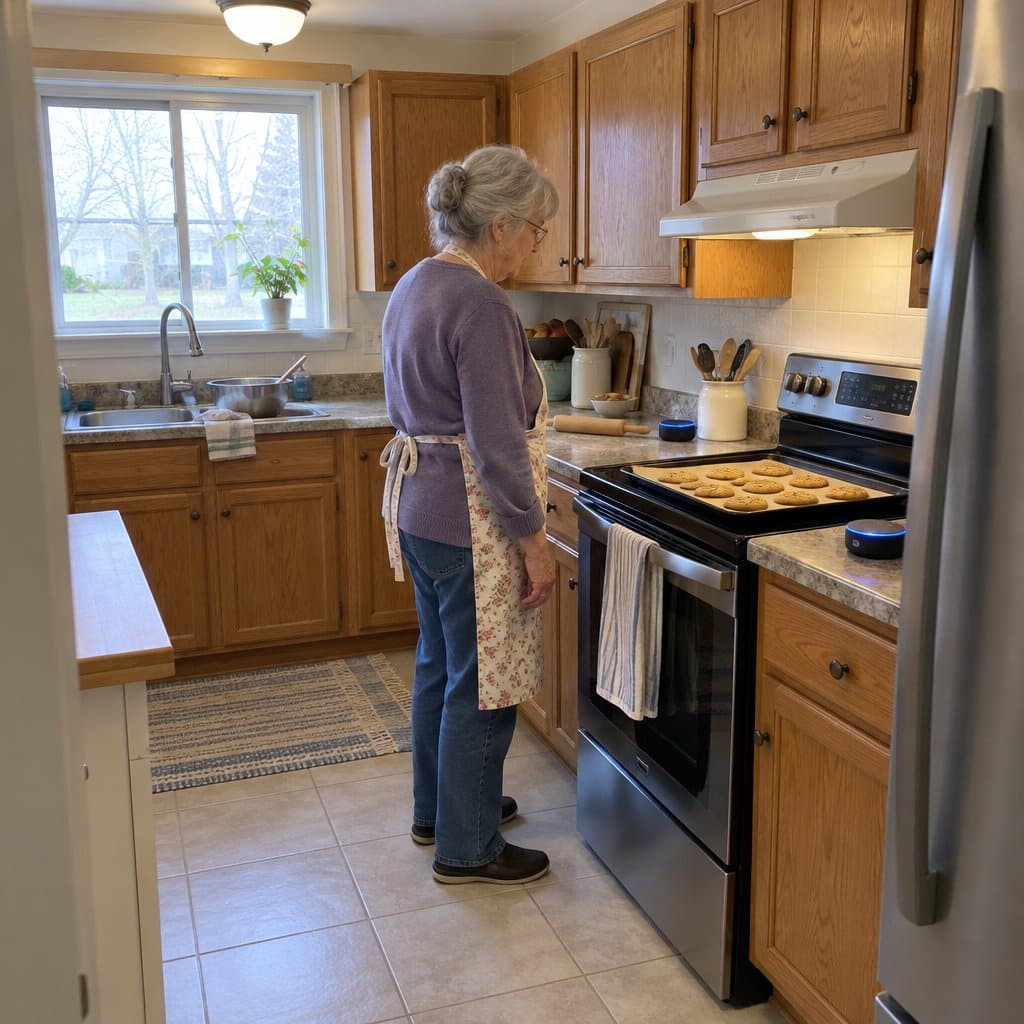
What Can Alexa Help Senior Citizens Do?
Alexa has plenty to offer older adults. You may find that one of the most useful things is simply asking it for information.
Here are 26 ways seniors can make use of Alexa:
1. Show and Tell
It is available through the Echo show. Seniors use it by holding an item and giving a command to Alexa to tell them what they are holding. It is commonly used by those who are blind or visually impaired.
2. Finding the Cell Phone
Phones get misplaced. You can find yours by simply asking Alexa to trace it. Alexa calls your phone, so you can find it by the ring.
3. Night Light
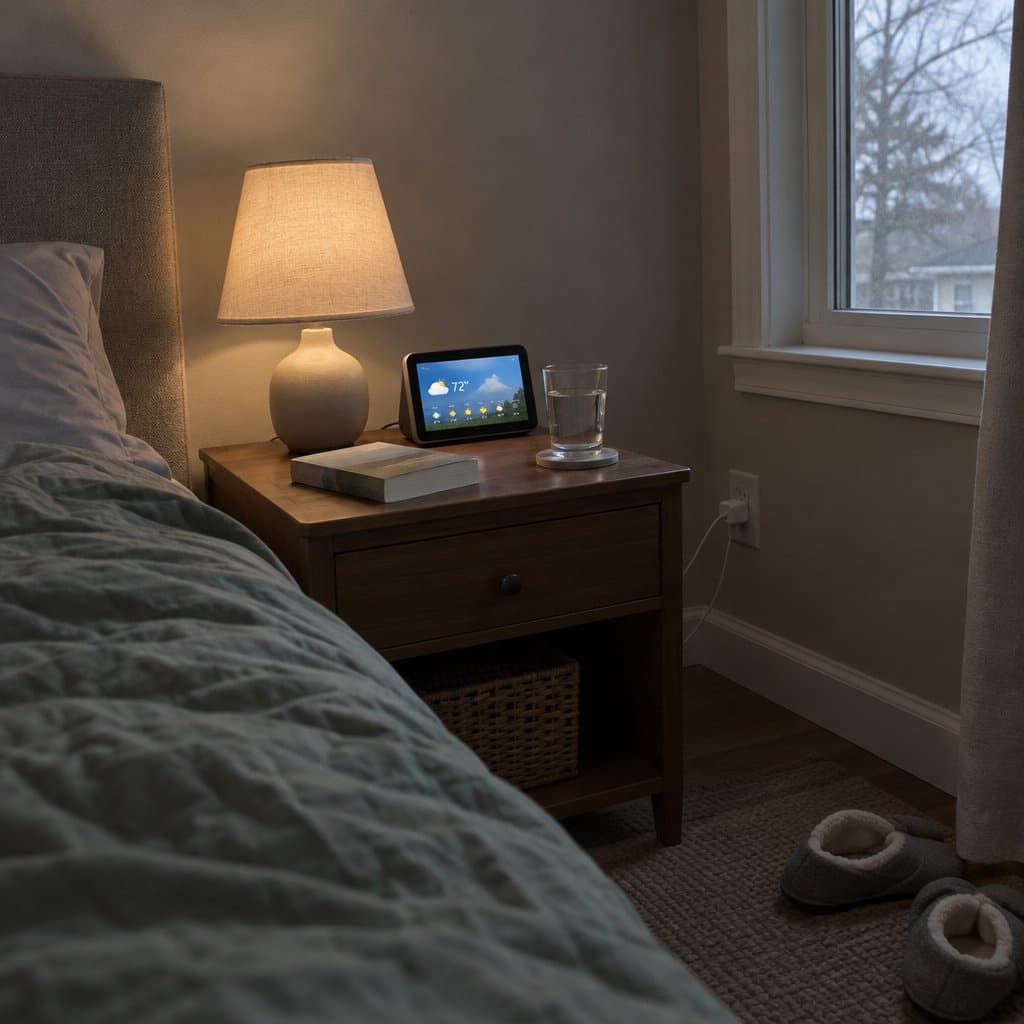
Night bathroom visits are typical among many. Alexa makes this easier for you by providing light at night. You need to set up the night light skill first. You can then turn the light on by using a simple command.
4. Using Smart Home Devices
You can connect smart home devices to Alexa and use Alexa to operate them. Some devices include Light switches, televisions, door locks, home security systems, and garage doors.
5. Date and Time
Alexa helps seniors keep track of dates and times by answering their questions on the same.
6. Marking the Calendar
Seniors can use Alexa to keep track of special activities. These include birthdays, doctor appointments, and anniversaries.
7. Notifications and Reminders
Apart from allowing seniors to mark their calendars, Alexa also allows them to set notifications and reminders. This feature is suitable especially for individuals with any form of cognitive decline.
8. Multiple Timers
Alexa allows you to set up numerous timers and name each according to its purpose on all Alexa devices. On the Echo Show device, you can get the time left displayed on the screen.
9. Intercom System
It is suitable for seniors who live in multilevel homes when communicating with other family members. You will find this feature preset on the Alexa device.
10. Drop-In Skill
It is an excellent feature for you if you are an adult taking care of a senior. It is available on the Amazon Echo Show device. It allows you to have video surveillance of the person you drop in on.
11. Music, Videos, and Audio Books
Alexa is a good platform for entertaining seniors. Through the Echo Show, you can access all videos, audiobooks, and songs available through Amazon Prime Membership.
12. Making Orders from Restaurants
Alexa Skills has several restaurants from which you can order food. Some of them include Starbucks, Pizza Hut, and Denny’s.
13. Burglar Deterrent
This skill helps seniors to enhance security in their homes. It gives you a variety of sounds to choose from to detect where an intruder could be. It works until you give it a command to stop.
14. Alexa Guard
It helps seniors to detect sounds of alarms and breaking glasses. You must activate this feature on your device to use it.
15. Weather Forecast
Alexa helps seniors to check out the weather forecast. It spares them the hustle of fiddling on the phone to get information on the weather. You can access both local weather and the weather elsewhere.
16. News Update
Alexa offers seniors a flash briefing report. You can use a simple question such as “Alexa, what is in the news today?”
17. Asking for Help
Alexa allows seniors to set up someone as a buddy on their device. Whenever you require help, Alexa contacts your buddy on your behalf upon request.
18. Call 911
Alexa cannot call 911 on its own in most homes. Check what your setup supports, and keep a phone within reach for emergencies.
19. Phone Calls
Alexa also allows seniors to add a contact list. It gives you the chance to integrate the phone’s contact list if you are using Alexa from your phone.
To make a call via Alexa, you need to give a command mentioning the name of the person you would want to call as it appears on the contact list.
20. Video Phone Calls
These are easier for seniors who have access to large screen sizes. You can only call another person who has the Alexa app on their phone or the Echo Show. It helps caregivers to check in on the seniors when they are away constantly.
21. Alexa Hunches
This feature helps Alexa alert you when a connected device does contrary to what it is supposed to.
22. Shopping List
This feature allows seniors to write down shopping lists and share them with their spouses, friends, or caregivers. It is helpful for seniors who prefer to have others help them do their shopping.
23. Control the Television
When seniors cannot trace their remote, they can control the television using the Alexa device. It is important to note that different television brands have adopted different ways of setting up Alexa on their devices.
24. Answers to Simple Medical Questions
Amazon Echo has partnered with National Health Services to give you answers to medical questions. However, many have questioned its privacy.
25. Calling Local Businesses
This skill only requires you to know the business’s name. If your company of choice has various outlets, it asks you to choose the exact location, after which it calls the company number upon your confirmation.
26. Starting the Car from the House
This skill is necessary if you live in a very hot or cold place. It requires your car to have a remote start feature. It helps you warm or cool your car before you can get in the car.
It, however, works with only a few car models, such as Chevrolet and some Fords.
Your senior loved one may not need to use all the features on the Alexa device. You should select those that suit their unique needs and train them on how to use them.
Best Alexa Device for Seniors
Of the many Alexa devices available in the market, these two stand out for use among seniors.
Audiocrazy Vintage Wooden AM FM Radio


This one is not an Alexa device at all, and that is the point. It is a walnut-finish clock radio that handles your alarm, AM/FM radio, and a Bluetooth speaker in one device for the nightstand. No apps, no streaming accounts.
It holds 80 AM/FM presets, so you save your favorite stations once and skip the retuning every morning. Tap-to-snooze and a sleep timer are handy at the bedside.
Bluetooth works without an app. The radio shows up in your phone or tablet’s device list, and you connect from there.
The trade-off is the first setup. Saving presets and setting the alarm takes some patience, and you may want a family member nearby to help.
Also, nothing confirms a battery backup, so a power flicker could reset the clock. If you want to talk to your speaker and ask it questions, this is not the one. It is for someone who wants a simple radio and alarm.
Amazon Echo Show 5 Smart Display

The Amazon Echo Show 5 is a smart display with a 5.5″ screen. It shows news and weather at a glance, and you can use it for video calls with family.
It plays music, shows, and podcasts from services like Amazon Music, Spotify, and Prime Video. This newest model has deeper bass and clearer vocals, so voices and songs come through well.
It also works with compatible smart devices at home, like lights and thermostats, even when you are away. The built-in camera lets you check in on family or pets, and with a compatible video doorbell you can see who is at the front door.
When you are not using it, the screen can show a rotating slideshow of your favorite photos.
The trade-off is the screen. At 5.5″ it is best for a nightstand, kitchen counter, or small desk, and it is not the pick if you want to watch a lot of video from across the room. The camera is also worth a thought: if you do not want one in the room, this model is not a fit.
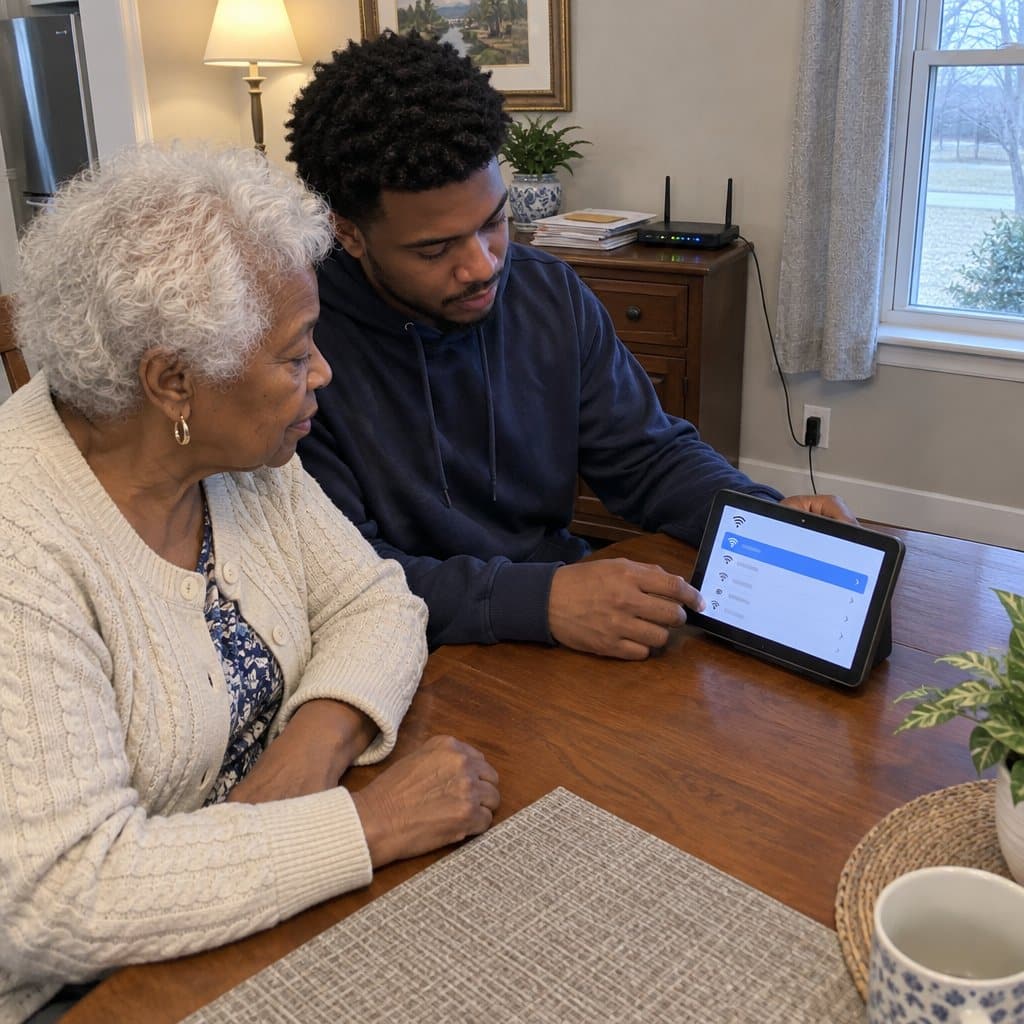
How to Set Up an Alexa Device for Seniors
Before setting up an Alexa device for a senior, you will need the name and password of the network they will be using.
You will also need their Amazon account login details. You can use their email address to set up a new account if they do not have one.
Here are the steps you need to follow to set up an Alexa device:
- Step 1: Plug in the device, tap the screen, and choose a language.
- Step 2: Select your Wi-Fi network, enter the Wi-Fi password, and click Done on the top right corner.
- Step 3: Enter the senior’s Amazon account email and password and click Sign in.
- Step 4: Confirm the senior’s time zones and select continue to finish the setup.
- Step 5: If they are using an Echo show, you need to add a “real” Wi-Fi network from the settings.
You may also:
- Download the app on your phone and set up contacts to help you easily tweak them up in the future.
- Print out a few basic commands for their use.
- Upload some setup apps and pictures.
How to Install an Alexa Skill
Alexa devices allow you to make use of several skills. Follow the following steps to install a skill on the device.
- Open the Alexa app, go to the upper left corner where we have the menu, tap on it, and type the skill you need.
- Tap on Discover and Categories to view the descriptions.
- If you are sure that the skill available is what you want, click the “Enable To Use” button.
Alternatively, you can give Alexa a command to enable the skill you need to add.
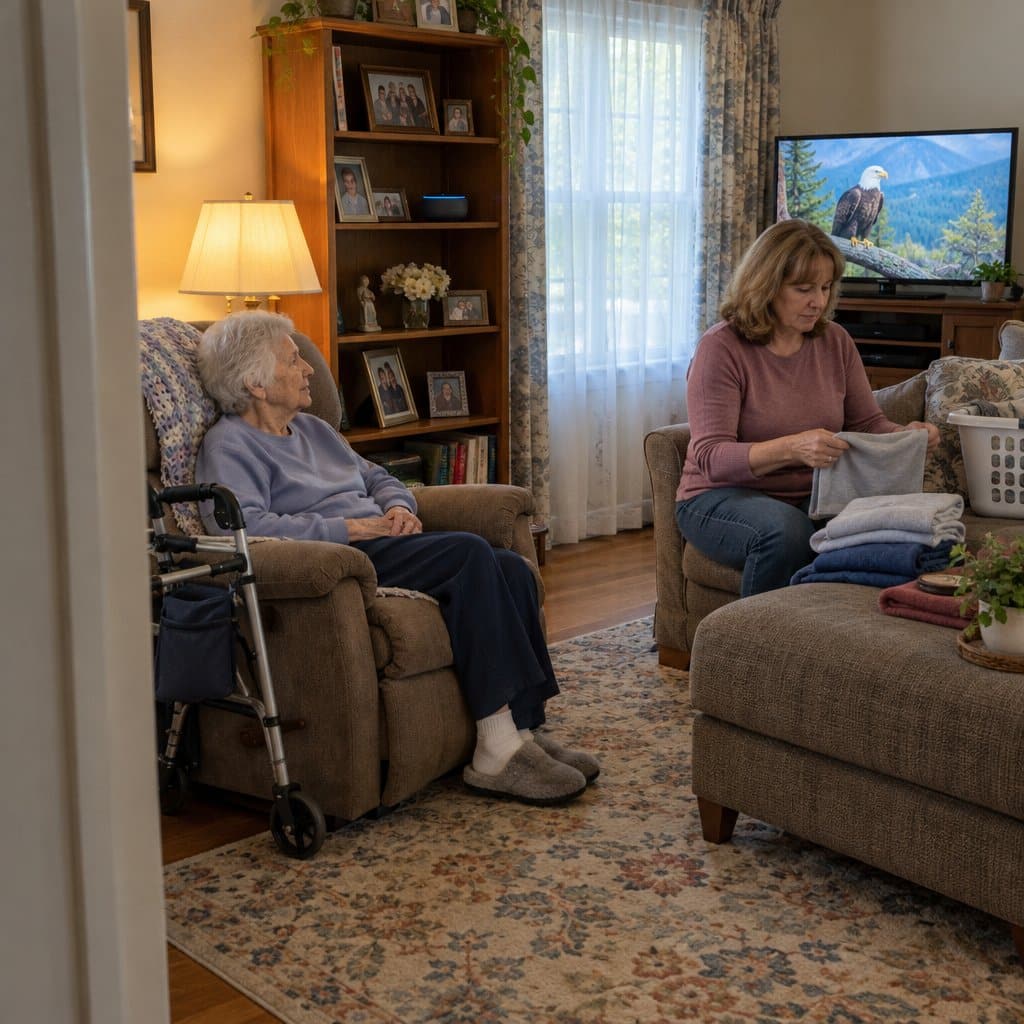
Amazon Echo’s Alexa Helps Seniors with Dementia
Caring for someone with dementia takes a lot of attention. They may need you nearby most of the time, ask many questions, and need to be entertained.
Some of the features that will help you out with seniors who have dementia include:
- Playing audiobooks and music
- Telling riddles
- Reporting news and weather conditions
- Sending shopping lists
It is essential to remember that Alexa cannot provide the human touch and real conversations like human beings.
Alexa only helps ease the burden of attention so you can take part in other important activities. Seniors with dementia will love having instant answers from Alexa.
Tips for Making Alexa Devices Easier to Use for Seniors
There are several ways you can help seniors have an easier time using Alexa devices. Some of them include:
- Creating a profile for them and their buddies.
- Helping them come up with a convenient wake word.
- Helping them create voice profiles.
- Add non-supported home devices on their behalf.
- Help them create routines on the device.
- Teach them how to use the Alexa device.
- Purchase a voice remote for them.
FAQs
Difference Between Alexa and Echo
Echo is a hardware device, while Alexa is a software device. Echo devices give you access to Alexa. Alexa is the virtual assistant that listens and answers your questions or executes your commands.
Are Alexa Apps Free?
Some Alexa apps are free, while others might need you to make a payment.
What Free Apps Work with Alexa?
If you need to use a free app that works with Alexa, here are some of the best senior-friendly and free apps you can choose from.
- Big Sky: It is the most powerful weather Alexa app. Big Sky gives you weather alerts and weather conditions of any location. You also get access to extra details such as dew points, wind speed, UV index, and humidity.
- Ambient Sound Apps: They are the most popular apps for Alexa. You have access to more than a dozen of these apps. Some of the ambient sounds they offer you include forest night, heavy rain, distant thunderstorm, and sleep sounds.
- Fitness Tracker Apps: Only some fitness tracker apps, such as Fitbit and Motiv (available on the Apple App Store and Google Play Store), work with Alexa. Their main functions are to set workouts for you.
- Uber and Lyft: These two apps work the same way. You only need to ask Alexa for a ride, and the app sends you a driver. Uber and Lyft provide you with a form of neatly asking for a ride.
- Amazon Alexa: Amazon Alexa is the best app so far. It offers you the opportunity to interact with Alexa and all Alexa-enabled devices. It also gives you recommendations on new stuff.
Is there a Monthly Fee for Alexa?
There are no monthly charges for Alexa unless you want to use an Amazon Prime account. You only need a Wi-Fi connection to use Alexa.
Is Alexa Always Listening?
Alexa is always listening since that is one of Alexa’s primary functions. Alexa constantly monitors voices at home, waiting to hear the wake word. The only time Alexa is not listening is when you have turned off the device.
Alexa Is the Real Deal
Alexa can handle small tasks by voice, such as timers, music, and calls. It is not a substitute for a medical alert system. It offers many skills, and you can use the ones that fit your day.
When buying a device for a senior, endeavor to choose from the best Alexa devices for seniors. You will also need to help seniors who are having trouble learning to use the device adapt.
Consider assisting seniors in setting up the devices and installing their skills of choice.
Sources:
- https://www.amazon.com/how-does-alexa-work/b?ie=UTF8&node=21166405011
- https://alexaforseniors.net/which-alexa-device-to-choose/
- https://www.thetechhelper.com/set-up-alexa/
- https://www.theverge.com/2019/11/19/20972973/amazon-echo-alexa-how-to-add-skills-smart-home-games-sounds
- https://dailycaring.com/amazon-echo-for-dementia-technology-for-seniors/
- https://www.cnet.com/home/smart-home/amazon-echo-alexa-tips/
- https://ipervox.com/difference-between-alexa-and-echo/
- https://www.androidauthority.com/best-skills-and-apps-for-alexa-869243/