
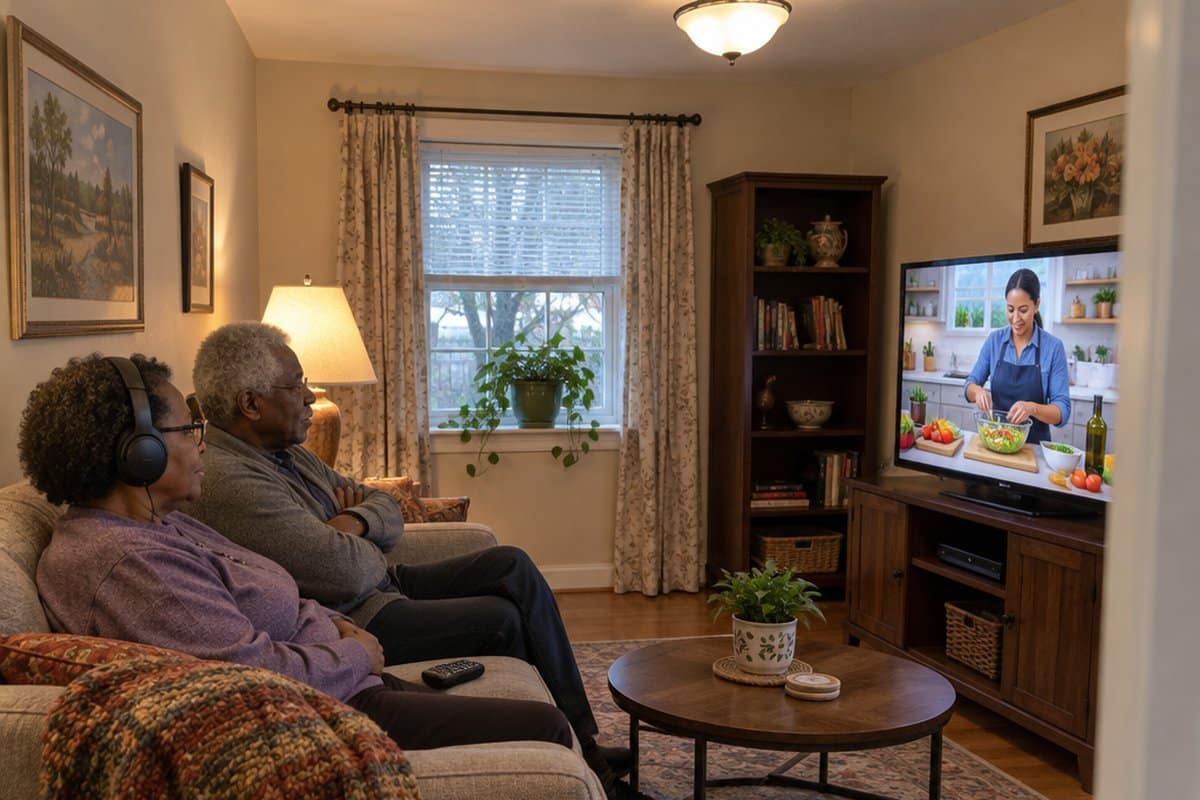
You sit down to watch your favorite show and can’t work out which app it’s on, or which remote to press. Finding the best TV streaming apps for seniors shouldn’t feel like that.
This guide covers easy streaming apps and services, the simplest streaming sticks, big button remotes, wireless TV headphones and TV speakers, where to find old and classic movies, shows worth watching, and whether any services offer senior discounts.




Best Streaming Apps for Seniors
Sling TV
Sling TV is the first app-based TV service that allows you to watch live TV and on-demand content via the internet. It offers a mix of TV shows, movies, children’s programming, news, and sports.
Sling TV is mainly a paid service. It also has a free tier with some content, but check Sling’s site for what it requires today.
For premium channels, you have to pay $30 monthly or $45 to get some paid extras. The free tier also has interesting content to stream.
Sling TV is an excellent solution for anyone searching for a streaming service that is comparable to pay television.
Hulu
It is an excellent option for seniors who don’t care for live TV but still want to keep up with their favorite channels.
It offers innumerable shows from Fox, ABC, CNN, and other major networks. It’s also reasonably priced, with monthly subscriptions starting at $5.99.
If you’re keen on Live TV, Hulu also has a Hulu + Live TV option where you can stream live TV, sports, news, entertainment, and many others. You can watch Hulu on your Smart TV, or computer, or using a streaming device like Roku.
Amazon Prime Video
It’s an Amazon-provided streaming service. If you already have an Amazon Prime account, you’ll have access to the tens of thousands of series and films available. Movies can also be rented or purchased through Prime Video.
Amazon creates award-winning and highly acclaimed original films and television series that aren’t available anywhere else.
You can stream using your streaming device, smart TV, Fire TV, mobile phone, tablet, name it! All you have to do is install the Prime Video app.
FuboTV
FuboTV is the streaming service to use if you’re primarily interested in watching sports. It has a monthly subscription of $64.99.
With this, you get access to almost all sports networks, including NBCSN, MLB, ESPN, ESPN2, and many others.
Netflix
Netflix is, without a doubt, the most well-known streaming service available.
It’s a streaming service that makes award-winning TV series, documentaries, animations, movies, and other content available on thousands of internet-connected devices.
For one cheap monthly fee of $8.99 per month, you can watch as much as you want, whenever you want, without ever seeing a commercial. The best part is that Netflix offers new refreshing content each week!
Apple TV
It’s a subscription streaming service that includes Apple Originals as well as other award-winning shows, dramas, kids’ shows, and others.
Apple TV+ is included free for a year when you buy an eligible Apple device (if claimed within 90 days of purchase).
Otherwise, it comes with a 7-day trial, after which you pay a monthly subscription fee of $4.99. You can stream on Roku devices, Firesticks, Samsung Smart TVs, iPhones, and iPads.

So Which Are the Best Streaming Services for Seniors?
It’s now time to choose a streaming service. Netflix, Hulu, and Amazon Prime Video are all outstanding on-demand video providers.
If you want something close to cable TV, though, you should consider signing up for a live streaming service.
Sling TV is one of the most cost-effective live TV streaming services available in the United States. For $20 a month, you can get over 30 channels, including CNN, AMC, and A&E. Others include AT&T Watch TV, Philo, and others.
You can live stream your favorite network and cable channels for a fraction of the cost with live TV streaming services!
Best Streaming Stick for Seniors
Streaming sticks are devices that provide free live and premium TV over the internet. They’re simple to set up: all you have to do is plug the gadget into power and put it into your TV’s HDMI connection.
Roku Streaming Stick 4K
The Roku Streaming Stick 4K plugs into your TV’s HDMI port. Once you connect it to your internet, you can start streaming. Setup is quick and straightforward.
It has a long-range Wi-Fi receiver, which helps if your TV is in a room farther from your router. That means fewer pauses in the middle of a show.
The picture comes in 4K, HDR and Dolby Vision. Those are names for sharper, brighter, more lifelike video, and you will only see the difference if your TV supports them.
The voice remote also has TV controls. You can turn the TV on, change the volume, and ask for a show by speaking instead of typing letters one at a time.
The stick is compact and tucks behind the TV, so there is no extra box sitting on the shelf.
One thing to know: it needs a working internet connection and an HDMI port on your TV. If you have an older TV without an HDMI port, this one will not work for you.
Amazon Fire TV Stick HD
The Amazon Fire TV Stick HD plugs into an HDMI port on your TV and gets its power from the TV. Setup is meant to be simple, and once it is running you can start watching right away.
It shows Full HD and supports Wi-Fi 6. The home screen lets you pin your favorite apps so they are easy to find. It also suggests shows based on what you like.
It carries Prime Video, Netflix, YouTube, Disney+, Apple TV, HBO Max, Hulu, Peacock, Paramount+, and thousands more. There is free, ad-supported content too, including live TV.
The Alexa Voice Remote lets you speak instead of typing out titles with arrow buttons. You can say what you want to watch, and Alexa+ helps you find it.
One thing to know: the stick gives you the apps, but most streaming services still charge their own subscription fees. It also needs a Wi-Fi connection at home. If you only want a few channels and no internet, this is not the right fit.
Google TV Streamer 4K
The Google TV Streamer (4K) plugs into your TV and puts your streaming services on one home screen. Movies and shows from all of them show up in one place, so you don’t have to hop between apps to find something.
It also suggests things to watch based on what you like, and it can keep separate recommendations for each person in the house. If you spot a show on your TV, in the phone app, or in a Google search, you can add it to a watchlist and come back to it later.
The remote has voice search, so you can say what you’re looking for instead of typing it with arrow buttons. It also carries live TV and over 800 free channels from services like Pluto TV and Tubi.
It plays up to 4K HDR with Dolby Vision, and you can connect speakers that support Dolby Atmos. Those extras only matter if your TV and speakers can use them.
The trade-off is that it has more on the screen than a basic Roku, with recommendations and rows of suggestions. If you want the fewest choices possible, that may feel like a lot. You also need an HDMI 2.1 cable, which is sold separately.
Best Big Button TV Remote for Seniors
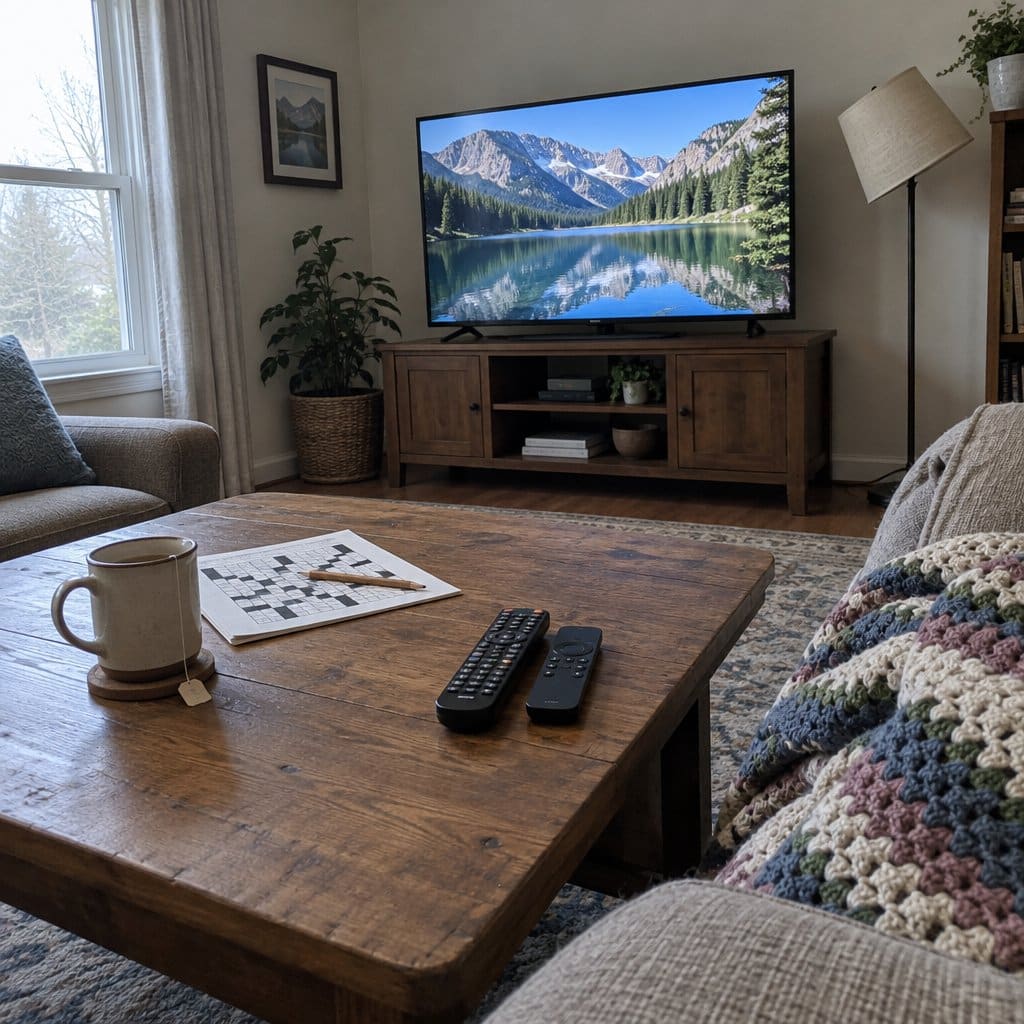
Most remotes that come with a TV or streaming stick have far more buttons than anyone uses. Press the wrong one and you can end up on a menu or in an app you never meant to open. A simpler remote handles the everyday jobs (on, off, volume, channel) and leaves the rest out of the way.
Here is what to look for. Big buttons with clear labels are the start, and shapes you can tell apart by feel are even better, so you don’t have to look down. Fewer buttons is the whole point. Check that it works with your TV brand, and see how it is set up, because some remotes want a code typed in and others ask you to hold down a couple of buttons. The downside is that many of these simple remotes run the TV and nothing else. If you also use a streaming stick, a cable box, or a soundbar, you will probably still need the other remote for those.
EZclicker Big Button TV Remote

This one is a remote, not a streamer. The EZclicker Big Button Universal TV Remote is a stripped-down, TV-only remote with large, high-contrast buttons. It suits someone who just needs to turn the TV on and change the volume.
Because there are so few buttons, there is less chance of landing on a screen you don’t recognize. The buttons are large and shaped differently from one another, so you can find the right one by touch without looking down. It works with major TV brands, and you don’t need a code book to set it up.
The trade-off is that it controls the TV and nothing else. Cable boxes, streaming sticks, and soundbars are out, so you would still need the other remote for those. Setup also asks you to hold two buttons at once, which can be hard if hand strength is limited. Have someone help with that step.
Best Wireless TV Headphones for Seniors
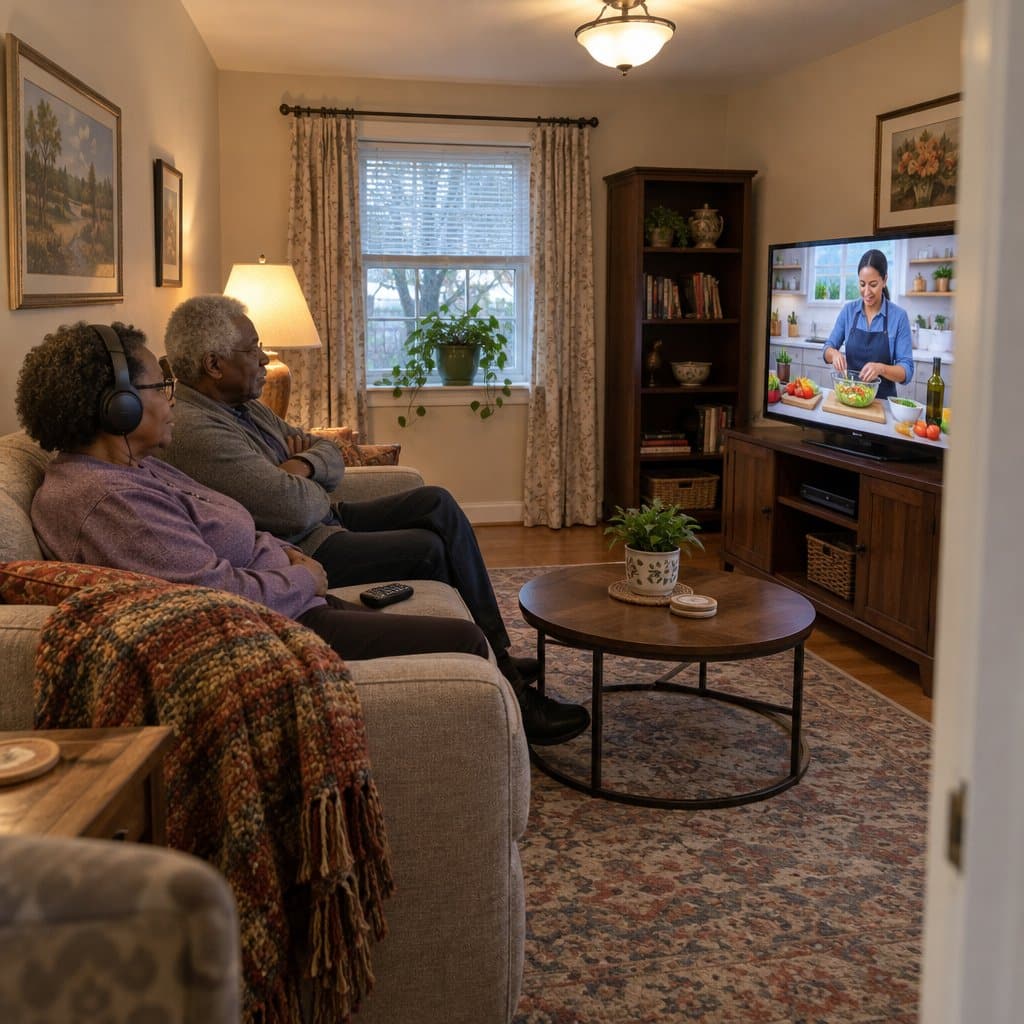
A streaming stick gets the shows on the screen. It does nothing about the oldest argument in the living room: one person wants the TV louder, and the other doesn’t. Wireless TV headphones fix that. A small base unit, called a transmitter, plugs into the TV and sends the sound to the headphones. Each person can set their own volume without bothering the other.
Here is what to look for. Pick a set that comes with two headphones if you watch with a partner, and make sure each one has its own volume dial. A mode that makes voices louder than the music and background noise helps with following dialogue. Check how long the battery lasts and whether a spare comes in the box. Look at how the transmitter connects to your TV, because some newer TVs need an extra adapter. If you wear hearing aids, check the fit. Over-ear headphones can be snug on top of them.
Conqier Dialogue Clear Wireless TV Headphones

These are wireless TV headphones that come as a pair: two headsets and one transmitter. Each person sets their own volume, so one of you can hear the dialogue clearly while the other keeps the room quiet. That tends to end the volume argument for couples where one partner has hearing loss.
A Dialogue Clear mode pulls voices forward, which is useful for mild hearing loss. There is also a left/right balance control on each headset, and a 3 TONE setting. The box includes a spare battery, and each battery runs about 14 hours. The listing also mentions a 164-foot range and an audio bypass to a soundbar.
The trade-offs are about fit and hookup. If your TV uses HDMI ARC, you may need a separate adapter, so confirm that before ordering. The over-ear fit may also be tight if you wear behind-the-ear hearing aids.
Best TV Speakers for Seniors
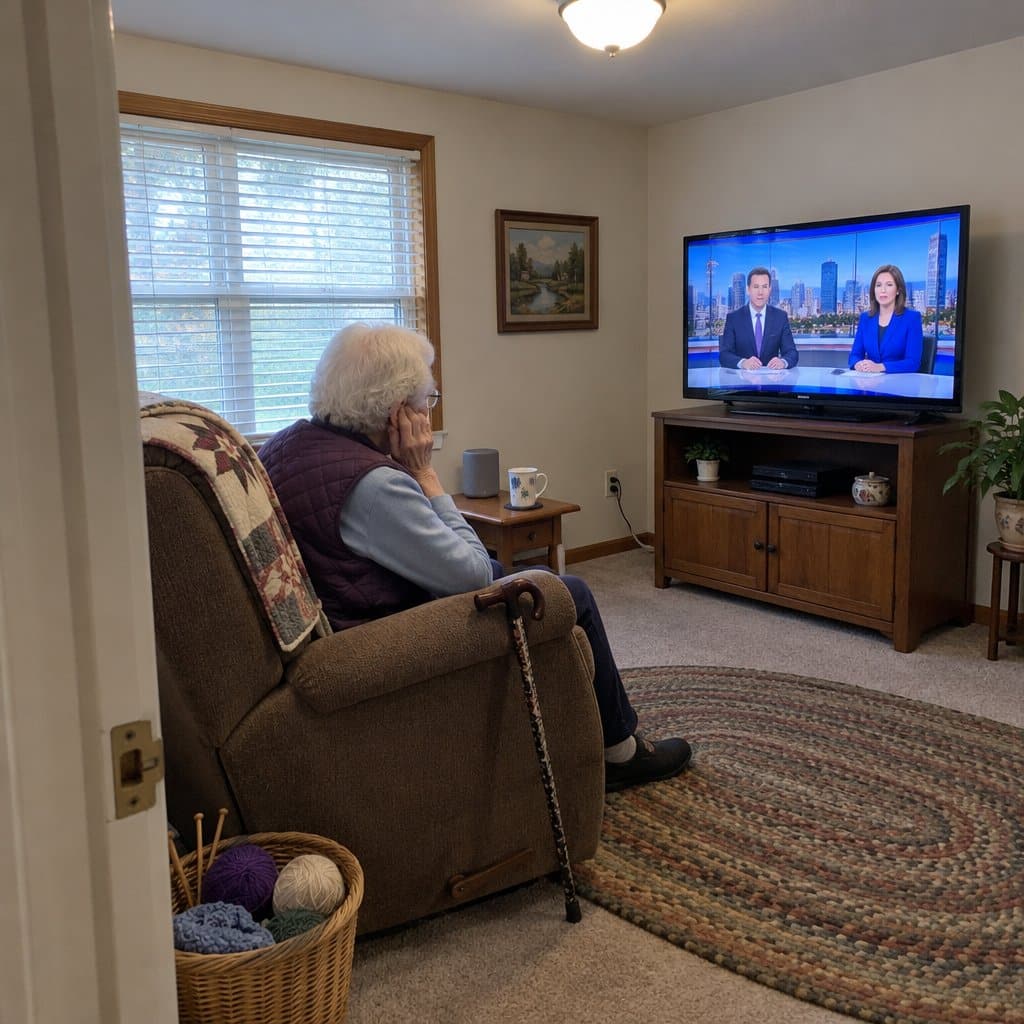
A streaming stick gets the shows onto the screen. It doesn’t help if you can’t make out what the actors are saying. TV speakers are thin and often point away from you, and a lot of modern shows have quiet talking, loud music, and not much in between. A separate speaker you place near your chair can make the dialogue clearer without making everything else louder. That also means the rest of the house isn’t listening to your program.
Here is what to look for. Choose a speaker with a setting that boosts voices, often called a dialogue or speech mode. Look for big buttons you can find by feel. Check how it connects to your TV: some plug in with a cable, and some use Bluetooth, which is a wireless link like the one in a car. Make sure your TV has the right port or output, because not every TV does. Setup should be simple, with no app and no password. The downside is one more box and one more remote, so it should earn its spot on the table.
SIMOLIO Dialog Enhancer TV Speakers
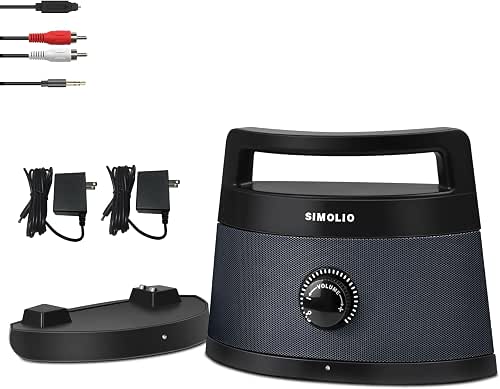

This is a wireless speaker made for TV listening, and it suits anyone who has trouble following dialogue. It has a Dialogue Enhancer that helps speech come through over background noise, so you can follow what people are saying at a lower volume. The details say speech is clear at 40% volume instead of 75%.
Setup takes about two minutes. There is no app, no WiFi and no passwords. The controls are oversized and you can feel them under your fingers, which helps if small buttons give you trouble. It also has 3 EQ modes.
The range is 164 feet, and the battery runs up to 8 hours. You can carry it to your chair in another room or leave it docked all day. Because the sound goes to the speaker, the TV can stay quieter for everyone else in the house.
The trade-offs: if your TV only has an HDMI output, you will need a separate audio converter to connect it. It is also a single speaker, so music and movies will not have much stereo separation. It is meant for clearer talking, not for a home theater.
Best Wireless TV Headphones for Seniors
A streaming stick gets you the shows. It doesn’t fix the problem of not being able to hear them. If you keep reaching for the remote to turn the volume up, or someone else in the house keeps asking you to turn it down, wireless TV headphones are worth a look. You hear the TV at the volume you like, and everyone else gets their quiet.
Here is what to look for. First, setup should be simple. Look for a base that plugs into the TV once and then stays put, with no apps or pairing codes. Second, look for a mode that makes voices clearer, since dialogue is usually the hard part to follow. Third, check the battery life and whether the headphones charge by sitting on the base. Fourth, make sure they are comfortable enough to wear through a whole movie. The catch is that the base needs a spot on your TV to plug into, usually an optical, RCA, or AUX output. Those are the little ports on the back or side. Check yours before you buy. Also, headphones like these are made for talking on TV, not for music.
Swiitech Wireless TV Headphones
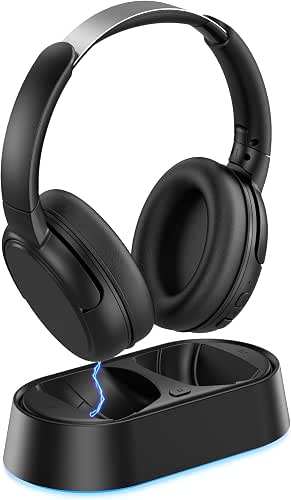

These are wireless headphones made for TV watching. The charging base plugs into your TV with one cable, and the headphones pair with it on their own. No app and no pairing codes.
They have a dialogue enhancement setting that favors voices, so speech is easier to follow. You can set your own volume without turning up the room for everyone else. The battery lasts 24 hours, and setting the headphones on the base to charge keeps them ready for the next show.
They suit someone who wants to hear the dialogue clearly while a spouse or housemate keeps the TV quiet. They are tuned for TV speech, so they are not the pick for listening to music.
The trade-off is the connection. Your TV needs an optical, RCA, or AUX output. Bluetooth works as a backup, but it adds a step on older sets.
What Is the Easiest Streaming Device for Seniors?
You’ll need a streaming device to use streaming services. This can be as simple as a computer or a smartphone, but it’s preferable to buy a device that can connect to your loved one’s Television.
That said, the top two streaming devices are:
Smart TV
Most streaming services like Netflix, Hulu, and Amazon Prime come with apps that can be downloaded on smart TVs for easy streaming. If your senior has a smart TV, all you need to do is go to the app store and install the application you’d like.
From here, log in and make sure you choose the “remember me” option. And then, they can simply turn on their TV and watch the shows they love!
Roku
It connects to any TV through HDMI. It is the most popular streaming device since it allows you to easily manage all of your streaming services under one umbrella.
Users may even sign up for new services from the device’s dashboard, as it’s intended exclusively for streaming.
Streaming Apps for Old/Classic Movies
1. Turner Classic Movies TCM
You may recognize this one right away. It is a US television network with affiliates in the United Kingdom, Scandinavia, Germany, Latin America, and Asia.
If you live in the United States and have a cable TV subscription, you can view whatever is presently airing on Watch TCM for free.
There’s also a mobile app for Android and iOS. The site also offers a store where you can buy and download old movies. Check the store for current prices.
2. Pluto TV
Pluto TV is best known for offering free live television. But did you know that the service also works as a great tool for watching old movies?
It has multiple channels dedicated to classic films: CTM Westerns, 80s Rewind, Classic Movies Channel, Paramount Movie Channel, and others.
3. Shout! Factory TV
Shout! Factory TV is an app that is popular for vintage films, cult movies, live music, B-side films, and others. It has licensing agreements with Sony Pictures, Fox, Warner Bros, MGM, and others.
4. The Criterion Channel
The Criterion Channel is a television network based in the US. It focuses on “essential classic and contemporary films.” It costs $10.99/month or $99 for 12 months, and you get a large library of great films that are now part of the Collection.
You may view them all, as well as a constantly rotating selection of Hollywood, international, art-house, and independent films from well-known studios and independent directors, on the app and website.
Stacks of supplemental content, such as interviews and conversations, are also available.
Best Streaming Shows
Documentaries
- Bobby Kennedy for President: Netflix
- The Imagineering Story: Disney+
- Planet Earth and Planet Earth II: Amazon
Game and Reality Shows
- The Great British Baking Show: Reality baking competition on Netflix
- Jeopardy!: Reality on Hulu
- Betty White’s Off Their Rockers: Celebrity-fueled prank show on Hulu
Period Dramas and Comedies
- The Great: Satirical Russian Drama on Hulu
- Downton Abbey: Drama on Amazon
- The Crown: Drama on Netflix
- The Marvelous Mrs. Maisel: Comedy on Amazon
Scripted Shows Featuring Complex Older Characters
- Grace and Frankie: Comedy on Netflix
- Trust: Drama on Hulu
- Hot in Cleveland: Comedy on Amazon
- The Kominsky Method: Comedy on Netflix
- Homeland: Drama on Hulu
Do Any Streaming Services Offer Senior Discounts?
Most streaming services don’t have a specific discount for seniors, but they have discounts based on other factors. Amazon, for example, considers the senior’s Medicaid status.
Hulu does not have a standard senior discount that we could confirm. Check the Hulu site for current offers.
Sling is mainly a paid service. It also has a free tier with some content, but check Sling’s site for what it requires today.
Bottom Line: The Options Are Endless, It’s All Up to You
The best thing about using a streaming service is that there are so many options available.
All you have to do is pick the ideal one for you based on your preferred type of show and budget. Movies, original shows, sports, documentaries, it’s all up to you!
As long as you have a mobile phone, tablet, TV, or computer, you can enjoy a lot of content. And, streaming apps, one of the most popular types of entertainment apps for seniors, are what you need to access all these programming choices.
If you don’t have a smart TV and you’d like to watch on TV, you can buy a cheap device to plug into your TV. We hope this article opens up a world of entertainment for you!
Sources:










I am a computor 101 person. There is so much I do not understand. But this is the best information I have found. If I have Pluto (my nephew) do I already have whatever I need?
Awesome Elise! I am so glad this information was helpful!
I can’t believe that this content is designed for seniors and you don’t get it. Most seniors don’t understand the concept of apps so the problem is no apps have a menus and functionality similar to what they’ve been doing the last 75 years. If they can’t adjust to the “App” mentality they have no options.
Thanks for your comment but I am going to disagree with you that “most seniors” don’t understand the concept of apps. Quite frankly, I am trying to change attitudes like this. Many seniors use tech like this daily. Many are also willing to learn if others would just take the time to teach them. Most apps to day are touch based and require very little skill or technical know how to use. Do you disagree?