If you want the short list, these are my top microwave picks for seniors, and you’ll find the details on each one further down.




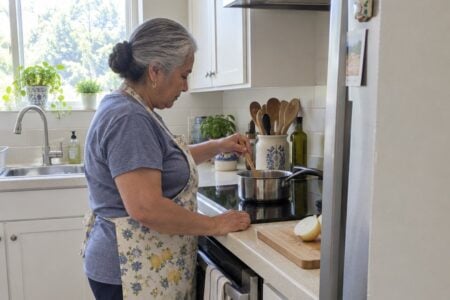
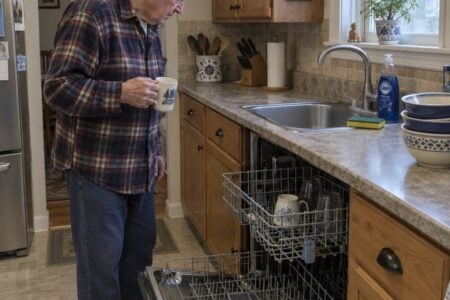
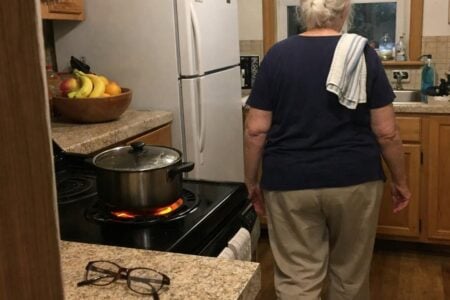
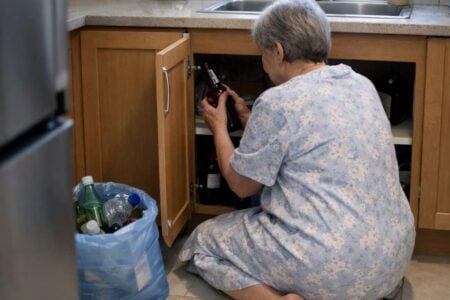
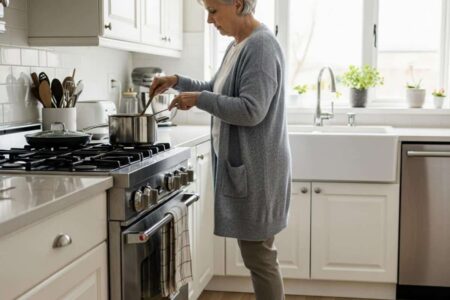
Walking into a parent’s kitchen and finding a dish towel inches from a burner that is still on is a hard moment. You want the kitchen to be safer, but you don’t want to take away their independence.
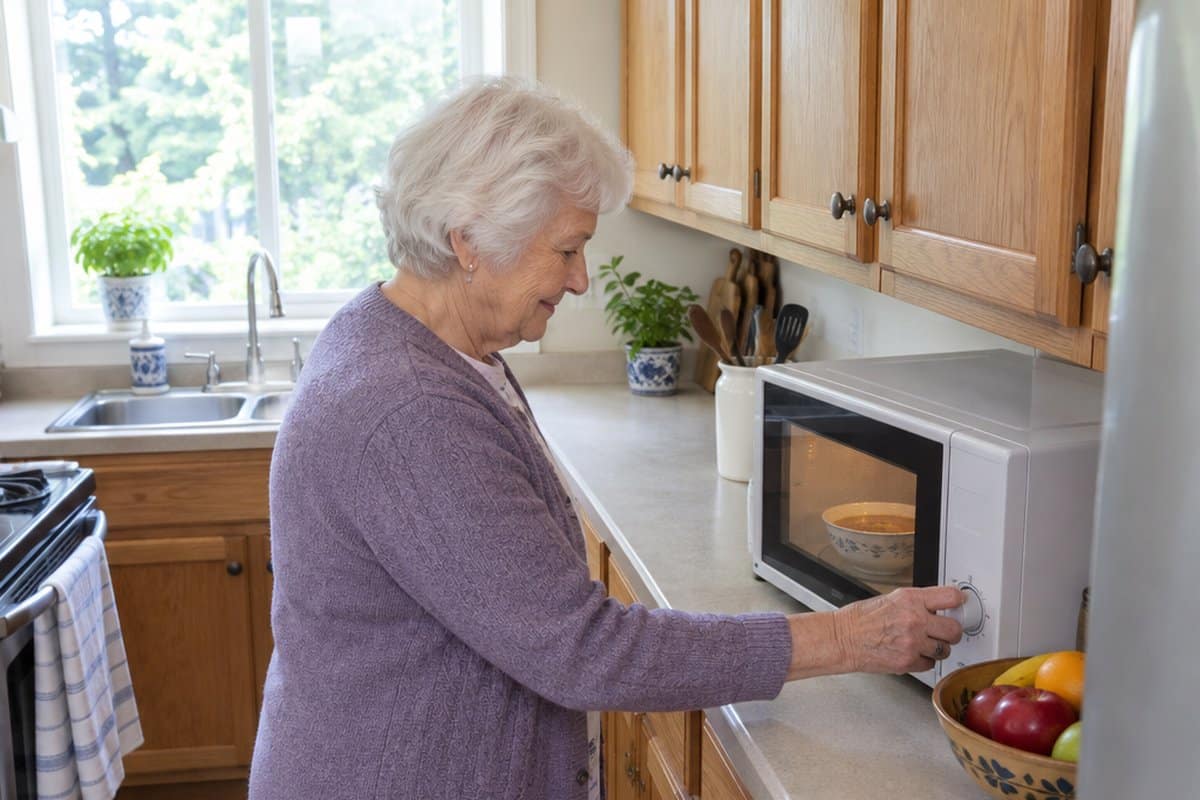
A microwave can help. It keeps them cooking for themselves and skips the “you can’t use the stove anymore” talk.
This article covers which microwave features make cooking easier, especially if arthritis makes buttons, dials and handles painful.
Microwave Recommendations for Different Needs
Here’s the truth: there’s no single “best” microwave for all seniors. The right choice depends on your parent’s specific situation.
I start with simpler, lower-cost microwaves, then move up to the sturdier and smarter ones. The pricier models are here for a reason, and each write-up says who they are worth it for.
Chefman Countertop Microwave Oven
Best for: Older adults who want a simple microwave with a few one-touch options and the freedom to set their own times.
The Chefman Countertop Microwave is a 0.7 cubic foot, 700 watt model in black. It has six presets: popcorn, pizza, beverages, veggies, potatoes and leftovers. If you would rather skip the presets, you can press the number keys to set the minutes yourself.
Controls that stay simple: There is a +30 seconds button for adding a little time without starting over. It also has 10 power levels. A low setting melts butter gently, and the top setting heats food fast.
Two features worth knowing about:
- Child safety lock: the door will not pop open by accident. To open it, you pull upward on the top edge of the handle.
- Mute button: it turns off the beeps, which helps in a quiet home or if loud sounds bother you.
Limitations: At 0.7 cubic feet, it will not hold big dishes or large platters. The handle also works differently from a standard push-button door. It takes a pull upward on the top edge, so try it once to make sure it feels comfortable for your hands. And if you turn the beeps off, you will not hear when the food is done, so keep an eye on the display.
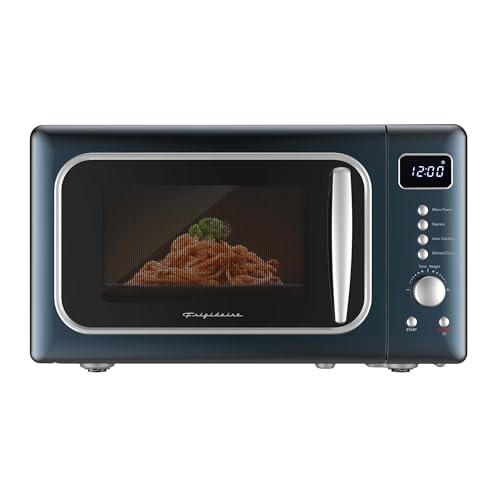
Frigidaire Retro Countertop Microwave Oven
Best for: Older adults who want a straightforward microwave for everyday heating and defrosting.
The Frigidaire Retro Countertop Microwave is a 0.7 cubic foot, 700-watt model in Azure-Argent. The compact size suits small spaces, and the 5 power levels let you heat gently when a food needs it.
Buttons that save steps: It has eight one-touch Auto Cook menus for things like popcorn, pizza, beverages and frozen dinners. Press one and the microwave handles the timing, so there is less to work out at mealtime.
Auto Defrost figures out the time and power level for you. Express cooking starts a quick heat with a single touch. The LED display and digital clock are bright and easy to read.
Limitations: At 0.7 cubic feet and 700 watts, it is not the choice for large casserole dishes or for anyone who wants food heated as fast as possible. It also has digital controls, so if your parent prefers a simple dial, try the buttons together first.
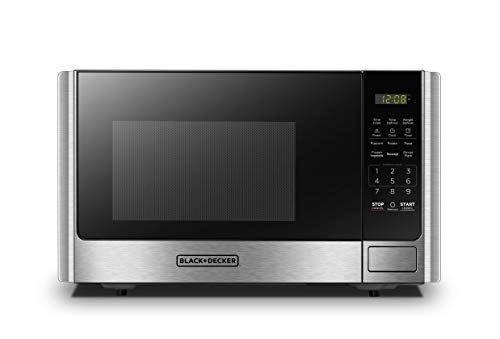
BLACK+DECKER Countertop Microwave Oven
Best for: Older adults who want a microwave with a clear display and one-touch buttons for the foods they heat most.
The BLACK+DECKER countertop microwave is 0.9 cubic feet and 900 watts, with a stainless steel door frame and a black enclosure. It measures 18.7″ wide, 13.4″ deep and 10.7″ high, so measure your counter before you buy.
Easy to read and easy to start: The large LED display and easy-to-read control panel make the time and settings simple to see. There are preset buttons for popcorn, potato, pizza, frozen vegetable, beverage and dinner plate, plus a 30 second express cooking button. For many meals, that means no typing in minutes at all.
Door and safety touches: The door opens with a push button, so there is no handle to pull. A child safety lock is built in, which helps if grandchildren visit. The 10.6″ glass turntable is removable for washing, and an interior light lets you see the food.
Who needs this: Someone who mostly warms up plates, drinks and frozen vegetables and wants fewer steps. It also has 10 power levels, a clock and a kitchen timer for when you want more control.
Limitations: The presets only help if they get used, so it is worth pressing each one together once. Someone who finds any set of buttons confusing may prefer a model with fewer of them. The 10.6″ turntable also limits how large a dish will fit.
COMFEE' Retro Countertop Microwave Oven
Best for: Older adults in an apartment, a small kitchen or a spare room who want a straightforward microwave with a bit of personality.
The COMFEE’ Retro Countertop Microwave is a 0.7 cubic foot, 700 watt model in green. That is room for a bowl of soup, a plate of leftovers or a cup of tea. The outside measures 17.3 by 14.3 by 10.2 inches, so check your counter before you order.
Easy to read and set: It has a bright LED display and a simple control panel, so the settings are easy to see. Six preset menus handle common foods, and there are 11 power levels if you want gentler heating for something delicate. Defrost by weight and two-stage cooking are also built in.
Quiet and safe extras: The mute function silences the operation sounds, which helps early in the morning or late at night. A child lock keeps the controls from being pressed by accident, which is handy when grandchildren visit.
Limitations: At 700 watts and 0.7 cubic feet, it will heat more slowly than a stronger microwave and will not take large casserole dishes or big platters. Eleven power levels is also more choices than some people want, so if you prefer just a few buttons, a model with simple one-touch controls may suit better.
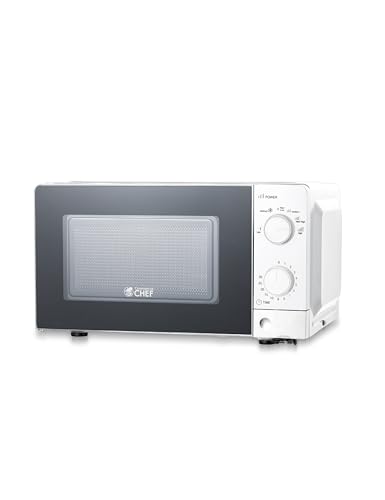
Commercial Chef Countertop Microwave
Best for: Someone who wants a microwave with a dial to turn and nothing else to learn.
Some people just don’t want a screen with a dozen buttons. If that’s your parent, this one is worth a look.
What you get: A Commercial Chef 0.6 cubic foot microwave with a mechanical timer dial. You turn it to set anywhere from 30 seconds to 30 minutes, and it signals when the time is up. It runs at 700 watts and has a turntable.
Power levels: There are six: Low, Defrost, Medium Low, Medium, Medium-High and High. That’s handy for gentler jobs like softening butter or warming leftovers without scorching the edges.
Key features:
- Mechanical timer dial (no digital menu to work through)
- Six power levels, from Low to High
- 700 watts and a turntable for even heating
- Signal when the cooking time is done
What you sacrifice: At 0.6 cubic feet, a large casserole dish probably won’t fit. At 700 watts, bigger portions can take a little longer than they would in a stronger machine. There are no preset buttons or extra programs, so your parent will be setting the time by hand each go.
When this makes sense: Your parent gets confused by digital controls and does best with a dial. Or you’re setting up a second kitchen or a small apartment. If they cook full-size family meals, look at a larger model instead.
Whirlpool Countertop Microwave
Best for: Older adults who want a microwave that handles the everyday basics without a lot of fuss.
The Whirlpool WMCS3018RW is a 0.7 cubic foot countertop microwave in white. That is enough room for the day-to-day essentials: a bowl of soup, a plate of leftovers, a cup of tea.
Buttons that save steps: It has four Express Buttons, so you can start cooking without typing in a time. For someone who finds number pads fiddly or forgets the right minutes, that is a real help.
It also has Auto Functions for reheating, defrosting and keeping dishes warm. The microwave picks the cooking mode, so there is less to figure out at mealtime.
Cleanup made easier:
- Steam Clean: put a bowl of water inside, press the button, and the steam helps lift messes so you can wipe them away with a damp cloth.
- The turntable plate is dishwasher-safe, so a spill does not mean scrubbing it by hand at the sink.
Cleaning matters more than people expect. A microwave that is hard to wipe out tends to stay dirty, and reaching in to scrub is no fun for sore shoulders or wrists.
Who needs this: Someone who mostly reheats, defrosts and warms food, and who would like fewer buttons to think about. It suits a kitchen where a mid-sized microwave fits comfortably on the counter.
Limitations: At 0.7 cubic feet, it is not built for big casserole dishes or large platters. If your parent cooks for a crowd, or likes to heat a full-size dish in one go, a larger model will suit better. Auto modes are also only helpful if they get used, so it is worth sitting down with your parent and trying the Express Buttons together once.
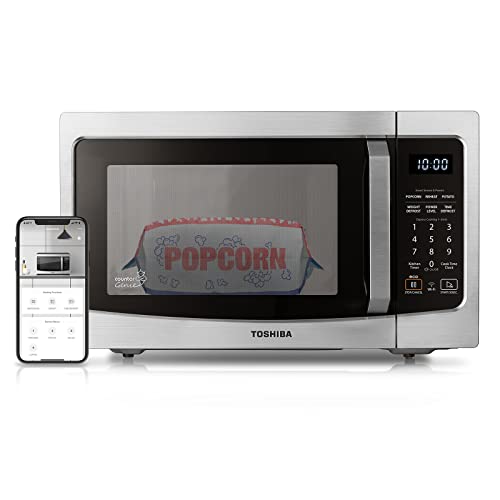
Toshiba Smart Microwave Oven
This one costs more than the basic models, and what you get for it is voice control and sensor reheating. It earns its place when someone already uses Alexa, or when pressing small buttons is the hard part.
Best for: Older adults who already talk to Alexa and want a microwave that listens.
If your parent asks Alexa for the weather every morning, this Toshiba is worth a look. If voice assistants are still new to them, my guide on introducing technology to seniors who resist it is a good place to start first.
Voice control: The Toshiba works with Alexa through an Echo device, which is not included. You can also run it from an app. That means no small buttons to press and no display to read, which helps a lot with arthritis or limited hand strength.
“Alexa, reheat my coffee.”
“Alexa, popcorn.”
That’s the idea, anyway.
Setup: Someone has to connect it to the Echo, so plan on a caregiver or family member sitting down with it once. After that, your parent can just talk to it.
Sensor Reheat: A built-in humidity sensor adjusts the cooking power on its own as the food heats. Your parent doesn’t have to guess at times and power levels, and that is a real help for someone who finds those numbers confusing.
Key features:
- Works with Alexa by voice or app (Echo device not included)
- Preset menus for popular foods like popcorn, potato, pizza and vegetables
- Built-in humidity sensor that adjusts cooking power automatically
- Mute button to turn off the beep when cooking finishes
- Two-step child lock to prevent unintended use
- 1.3 cubic feet, 1100 watts
A note on the child lock: It takes two steps to open the microwave once the lock is on. It’s meant for little ones, so if your parent doesn’t need it, you may want to leave it off, or they could get stuck with a microwave that won’t open.
Ideal candidates: Older adults who already use Alexa, especially those with arthritis or limited hand mobility. The mute button also suits a household where someone is sleeping while another is up for a snack.
Limitations: You need an Echo device and a working home network for the voice features. Voice commands only help if your parent is comfortable speaking to a device. If they would rather not, this is more microwave than they need.
Panasonic Compact Commercial Microwave
This one costs more than the other microwaves here, and that is the trade. You are paying for a commercial build and the simplest control there is, which matters most when buttons and menus are the real problem.
Why this is the simplest option: The Panasonic NE-1025F runs on a dial timer. Turn the dial to the time you want and it counts down in 10-second steps.
When the countdown ends, the timer resets itself. There’s no keypad to work through and no string of buttons to remember in order.
If your parent loses track of what they’re doing mid-task, a single dial with nothing else to press helps. The door is see-through and there’s an interior light, so they can also watch the food.
Who this serves: Someone who gets confused by multi-step controls, or who just doesn’t want to deal with a keypad. It’s also a good fit for a small kitchen, since it’s a compact countertop microwave.
Key features:
- 6-minute electronic dial timer, counting down in 10-second steps
- Timer resets automatically after the countdown
- 1000 watts, 0.8 cubic feet inside
- Stainless steel door with a grab-and-go handle
- See-through door and interior light
Limitations: This is a light-duty commercial microwave, made for places like break rooms, offices and cafeterias, so it wasn’t designed with a home kitchen in mind. The timer tops out at 6 minutes, so anything that needs longer means turning the dial again.
The inside is 0.8 cubic feet, so a large casserole dish may not fit. If your parent wants programmed settings for popcorn or a baked potato, this isn’t that kind of microwave.
But for reheating a cup of coffee or last night’s dinner, one simple dial is often worth more than a long list of features.
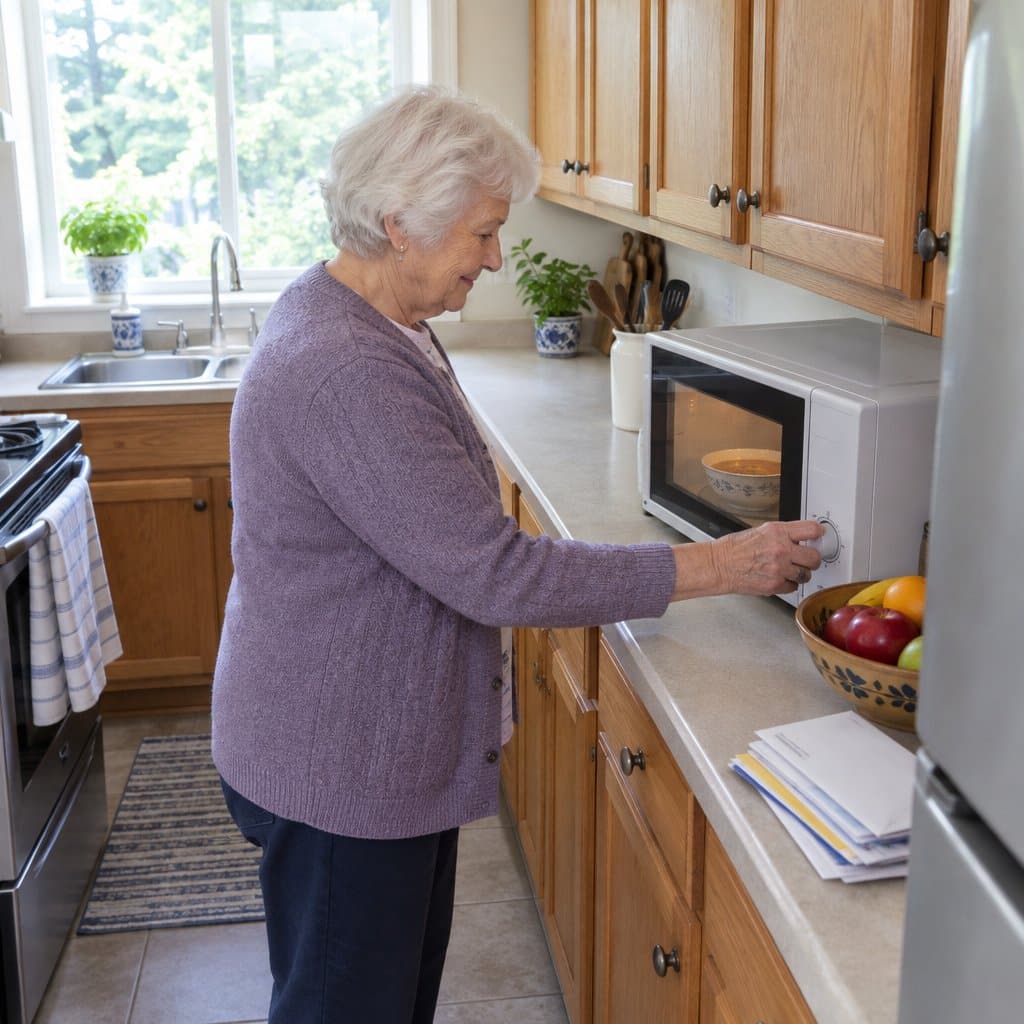
Why Smart Caregivers Are Making the Switch to Microwaves
You’re not overreacting when you worry about kitchen safety. The statistics tell a sobering story.
Kitchen dangers are easy to miss. Forgotten burners left on for hours. Paper towels or dish towels near open flames. Falls while reaching over hot surfaces.
Here’s what many people don’t realize: Changes in vision, memory or attention can make stove cooking riskier. Poor vision makes it harder to see if a burner is on. Memory lapses mean forgetting about a pot on the stove. Distraction can pull attention away mid-task.
A microwave can lower several of these risks.
The Safety Factor No One Talks About
Microwaves have some built-in safety advantages over traditional stoves. Cooking stops when the timer ends. There are no open flames or hot exposed burners. Shorter cook times leave less time for things to go wrong.
The exterior stays relatively cool. The cooking environment is contained and controlled.
Most importantly: Your parent can still prepare their own meals. They can maintain their routine, their autonomy, and their sense of self-reliance.
This isn’t about taking away independence—it’s about making independence safer and more sustainable.
A microwave only helps if the stove stops being the easy choice. If your parent has memory changes, add stove knob covers or an automatic shut-off device, and ask their doctor or an occupational therapist to look at how they manage the kitchen.
What Actually Makes a Microwave “Senior-Friendly”
Not all microwaves are created equal when it comes to senior use. After 20 years working with elderly patients, I’ve learned what features actually matter.
Here’s what to look for:
1. Simple, Easy-to-Understand Controls
Fewer buttons are better. Period.
If you have to read the manual more than once, it’s too complicated. Some seniors do well with dial controls—just turn and start. Others prefer a few large, clearly labeled buttons.
For those with dementia or Alzheimer’s, simplicity isn’t just a preference—it’s essential.
2. Easy-to-Read Displays and Buttons
High contrast is critical. Black print on white background, or vice versa. No glossy surfaces that create glare.
Large, clear numbers and letters. Buttons spaced far enough apart for arthritic fingers to press without accidentally hitting neighbors.
3. The Right Size for Real Meals
Your parent’s microwave needs to fit a standard dinner plate—at least a 10-12 inch turntable. Nothing’s more frustrating than a microwave that can’t accommodate an actual meal.
Consider counter space too. In small kitchens or apartments, a compact model might be necessary. But interior depth matters—if they can’t reach items in the back, size becomes a barrier instead of a benefit.
4. Easy-Open Doors
This detail matters more than you’d think.
A push-button or touch-release door usually takes less grip than a pull handle. The door should open with minimal force. Arthritis-friendly mechanisms aren’t a luxury. They decide whether your parent will actually use the microwave. For more on what to look for, see these arthritis-friendly microwave features, from sensor cooking to easy-open doors.
5. Audio Alerts You Can Actually Hear
A loud, clear “ding” that carries to other rooms is essential. Even better? Continuous beeping until the door opens.
For seniors with hearing loss, volume matters. Some models offer adjustable volume controls. This simple feature can make the difference between remembered meals and forgotten food sitting inside.
6. Safety Features That Work in the Background
Auto shut-off stops cooking when the timer ends, though food can still overheat if the time is set too long. Programmable buttons create consistency, which helps people with memory issues. Child lock features prevent accidental reprogramming.
Sensor cooking can be helpful, but only for those with the cognitive capacity to use it properly.
A few cautions go with any microwave. Lift covers away from your face, since steam from a covered dish can burn.
Water for tea or coffee can get hotter than it looks, so stir it and let it sit a moment. Keep metal and foil out of the microwave.
? Pro Tip: The best microwave is the one your parent will actually use. Sometimes “good enough” features they’ll embrace beat “perfect” features they’ll ignore.
Easy-Grip Containers and Tools for the Microwave You Already Own
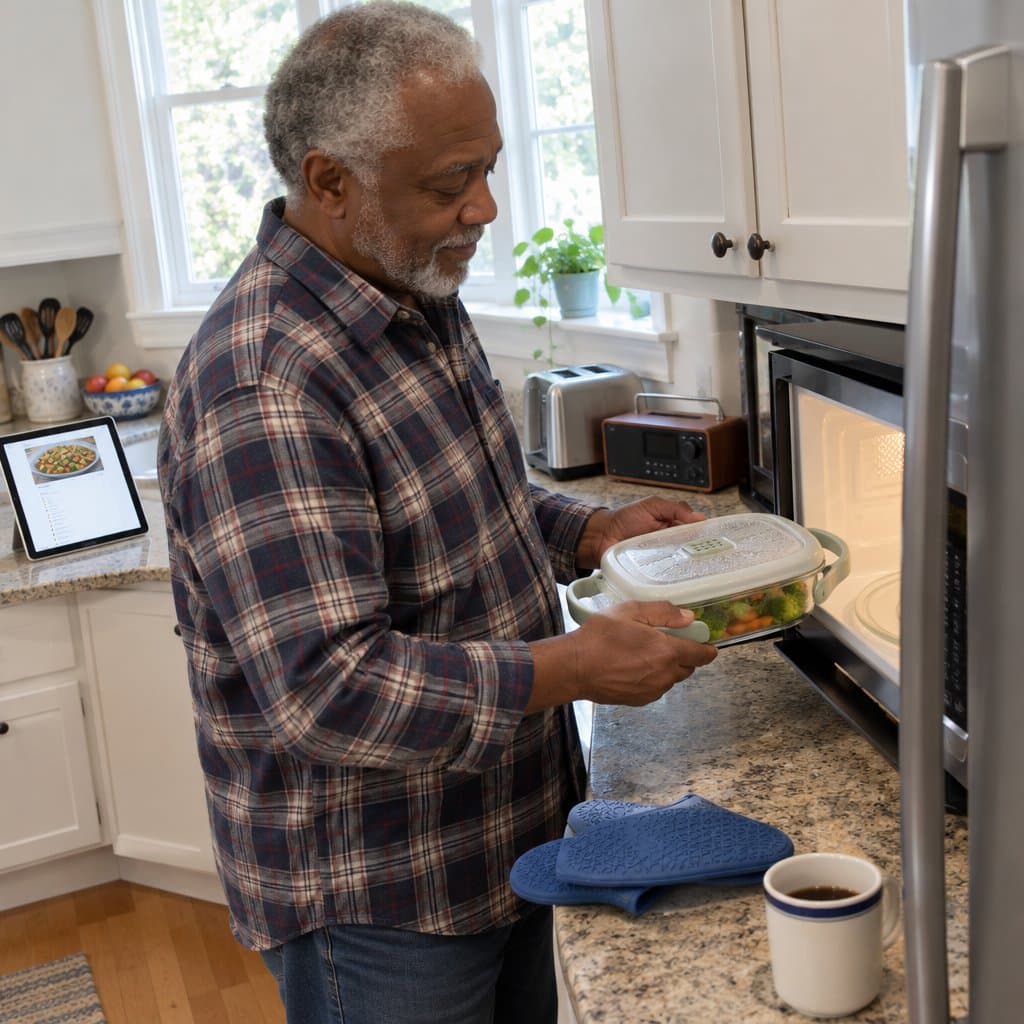
Even the best microwave won’t help much if the dish going into it is heavy and awkward. Containers and a few small tools can take a lot of strain off sore hands.
Look for large handles with a soft or textured surface. You get something solid to hold, instead of pinching a narrow edge.
Weight matters too. Modern BPA-free plastics and thin borosilicate glass are much lighter than old ceramic dishes, and they hold up well. A container that feels light empty can feel heavy full of soup, so test the weight with your usual portion.
Wide-mouth openings make it easier to get food out without reaching a spoon into a narrow space, which means fewer burns and spills. Lids with a built-in steam vent save you from wrestling with plastic wrap. If you’re also dealing with memory or thinking changes, simple adaptive kitchen tools can make mealtime easier for everyone.
Silicone oven mitts with a textured grip hold better than cloth ones, especially when your hand strength is reduced. Plate covers with an easy-lift tab beat the kind you have to pinch and lift at the same time.
A rubber grip aid on the door handle of your current microwave can also help, with no new appliance needed. If you’ve been resistant to technology, these changes are an easy place to start, since there’s nothing to learn.
Carry hot dishes with two hands, even if one feels like enough. Hot containers are not forgiving when a grip slips. Lightweight doesn’t mean fragile, either, because these materials are built to last.
The trade-off is that a better container and a grip aid make the old microwave easier to live with, but they don’t change how its door or buttons work. If those are what hurt, you may still want a new microwave someday.
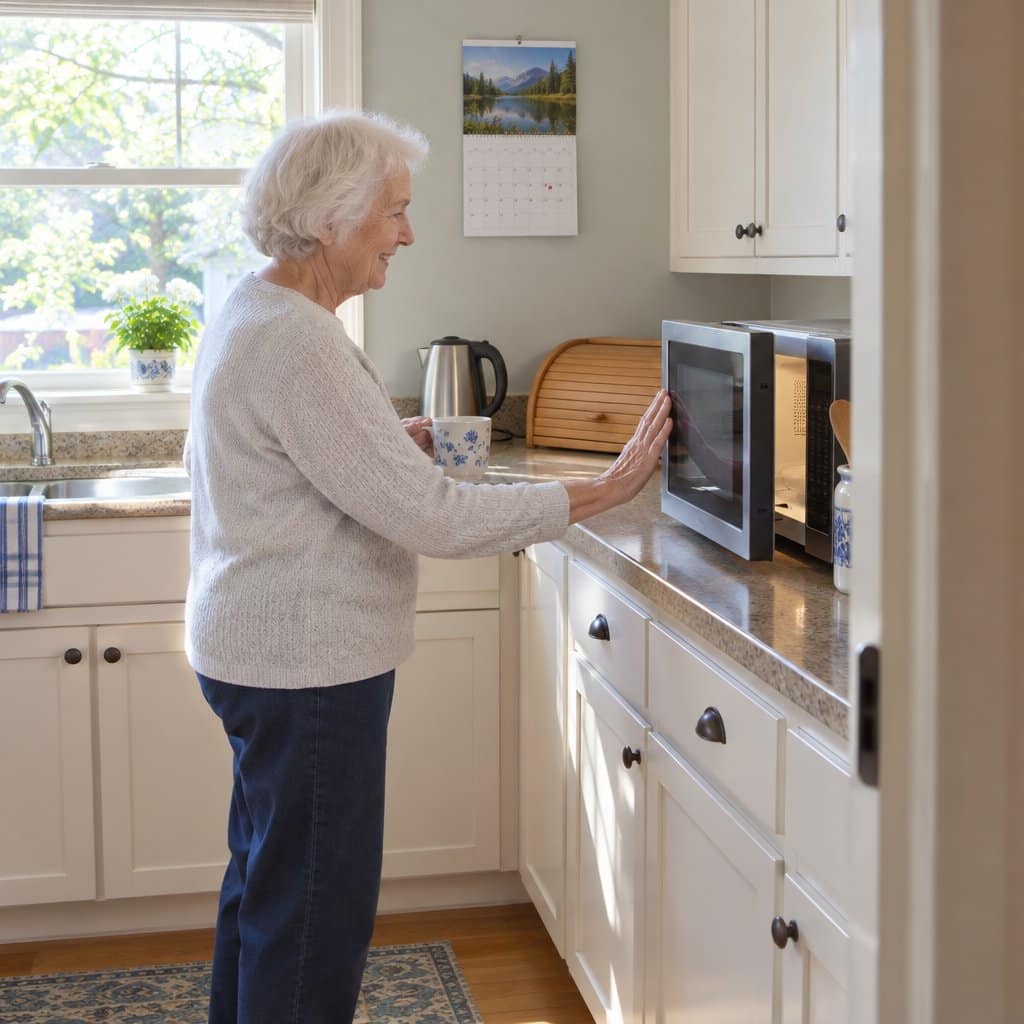
Why Door Design Matters More Than You Think
Few people think about how the door opens when they buy a microwave. Count your own day, though. Morning coffee, breakfast, lunch, hot water for tea, dinner leftovers.
That’s easily 6 to 10 openings a day, or somewhere between 2,000 and 3,600 a year.
A traditional pull handle asks you to grip tightly, then twist your wrist while you pull. Do that thousands of times and every joint in the hand and wrist takes a share of the strain.
A push-release door skips the grip and the twist. Some models go a step further with a touch sensor, so the door releases the moment you barely make contact.
Drop-down doors are less common on countertop models. They use gravity to help the door open, so you’re working with physics instead of against your joints.
If opening your microwave hurts, you’re not imagining it and you’re not being overly sensitive. The door design is working against you. When you’re already living with daily arthritis pain that affects multiple aspects of life, removing one small, repeated hurt is worth the effort.
The trade-off is that push-release and touch-open doors aren’t on every microwave, and drop-downs are hard to find in countertop sizes. Check how the door opens before you buy, not after it’s on your counter.
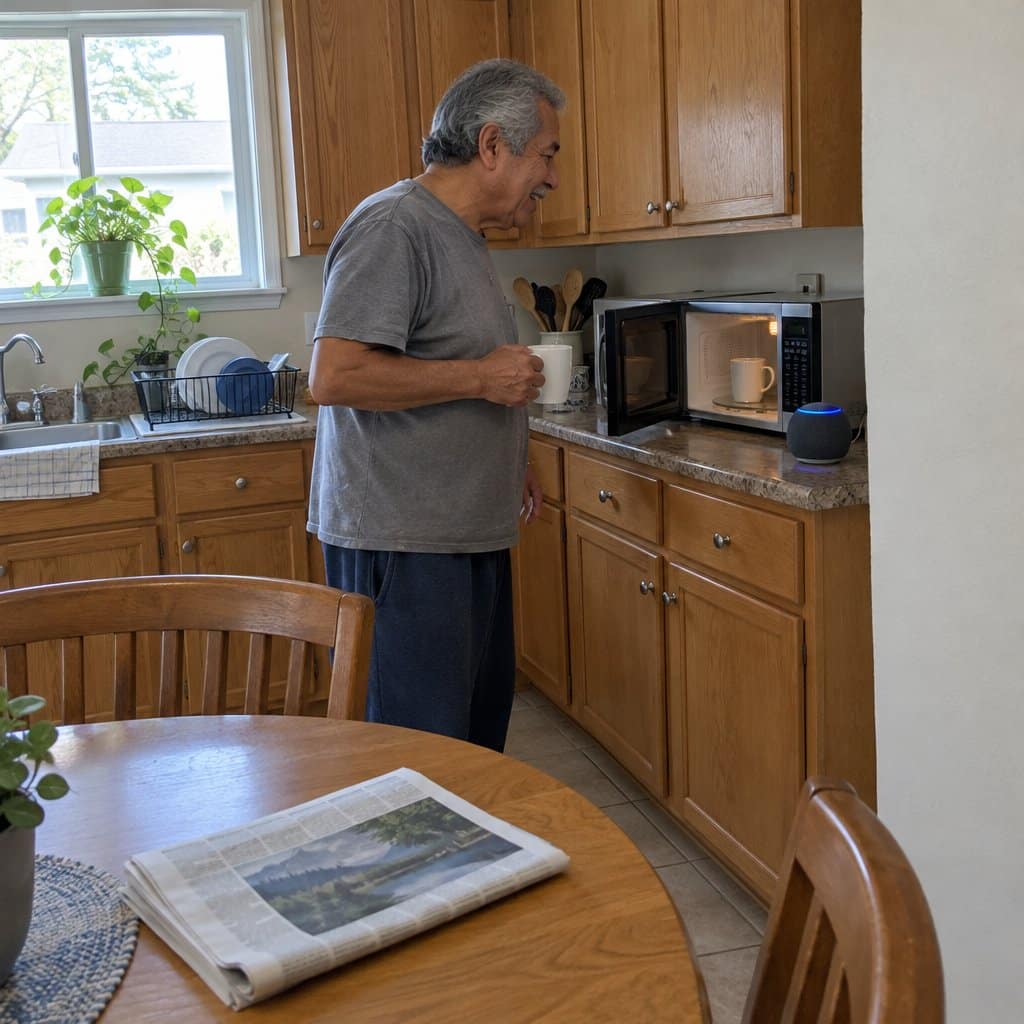
Microwave Features That Help Arthritic Hands
If twisting a door handle makes you wince, or your fingers ache after punching in cooking times, the problem may be the microwave and not your hands. Many older microwaves were designed before anyone gave much thought to stiff joints. Newer ones have changed a good deal.
Sensor cooking is one of the best. The microwave detects steam and moisture and works out the time itself. Instead of pressing 3-0-0-START to reheat soup, you press “Beverage” or “Reheat” once.
That also helps on days when you can’t remember whether you started it. One press, and it’s running.
Flat touch panels respond to a light tap. You aren’t forcing sore fingers down on stiff buttons.
Push-to-open doors may do the most for arthritis. A push with your palm or even your elbow releases the door, with no gripping or twisting. Think how often you open that door in a day, and the strain of a tight pull handle adds up.
Voice control is available on many newer models that connect to Alexa or Google Assistant. You say “heat my coffee for one minute” and it happens, which is welcome on mornings when your hands are very stiff. If you’ve been unsure about voice assistant technology, a voice-enabled microwave is a gentle way to try it.
Memory buttons let you program your usual settings once, like morning oatmeal or afternoon tea. After that, one touch does the job instead of re-entering times every day.
If you can only pick one upgrade, the source of the most relief is the push-to-open door. Sensor cooking is next for everyday ease. Voice control is worth it if your hands are very stiff. Match the features to what you actually do. If you mostly reheat coffee and leftovers, you don’t need every extra.
Sensor cooking also takes away the worry of guessing the right time. That matters when you’re dealing with daily arthritis pain that affects multiple aspects of life, because trimming even small frustrations helps.
The trade-off is that no single microwave has everything. Some models with easy buttons still have a regular door handle, and some with voice control are fairly basic otherwise. Decide which feature would help your hands most before you shop.
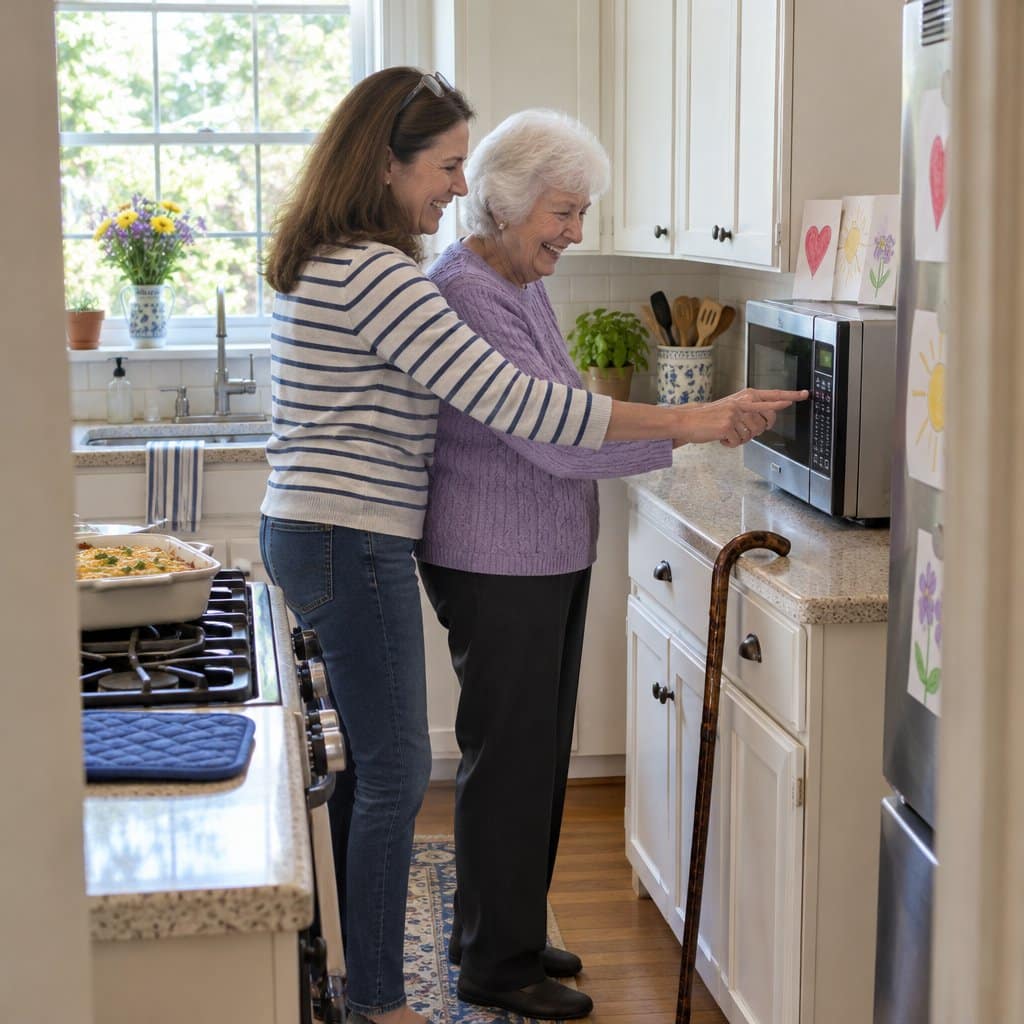
Making the Transition Successfully Without Drama
Here’s where most caregivers get stuck: how do you actually introduce this change without it feeling like you’re taking something away?
The approach matters as much as the product.
Frame It as a Gift, Not a Restriction
Timing strategies that work:
- Holiday or birthday gifts (“I saw this and thought of you”)
- After a minor incident, but not as punishment
- During a kitchen upgrade or remodel
- When they mention cooking frustrations
Language scripts to use:
✅ “I saw this and thought it would make life easier for you”
✅ “This has some features I thought you’d love”
✅ “I got one for my house and loved it so much, I wanted you to have one too”
What to avoid:
❌ “You can’t use the stove anymore—it’s not safe”
❌ “You’re going to hurt yourself”
❌ “I’m worried about you burning the house down”
Setup Tips That Build Confidence
For programmable models: Set up their most common tasks before introducing it. Let them see immediate success.
Create visual guides: Laminated instruction cards with step-by-step pictures. Simple drawings work better than photos. Large print. One task per card.
The electrical tape hack: Cover unused buttons with matching electrical tape. For someone with dementia, this can cut down on confusion, since they only see the buttons that matter. Leave the Stop or Cancel button and the door release uncovered. Learn more dementia communication strategies that reduce anxiety and confusion.
Trial run together: The first few uses should be with you present. Make it a cooking session, not a lesson. Success builds confidence. If you live far away, coordinating with other family members can help cover those first few uses.
⚠️ Warning Signs It’s Time to Make the Switch
You’re not overreacting if you’re seeing:
- Frequent burned meals or forgotten food
- Stove burners left on for extended periods
- Confusion about operating existing appliances
- Near-miss incidents (singed items, smoke alarms)
- You’re losing sleep over worry
Trust your instincts. If you’re seeing these signs, it’s time to act. Mention any new confusion or forgetfulness to your parent’s doctor too.
Working With Resistant Parents
Acknowledge the emotion first: “I know this might feel like I’m taking something away, and I understand why that’s upsetting.”
Emphasize the positive: “This means you can still make your own meals safely, which is what we both want.”
Offer compromise: “Let’s try this for a month. The stove stays—we’re just adding an option.”
Include them in the choice: “Which color would you prefer? This one has knobs, this one has buttons—which feels more comfortable?”
? Pro Tip: Sometimes resistance isn’t about the microwave—it’s about loss of independence. Address the real concern directly. If you need more guidance on having difficult safety conversations with aging parents, that approach can help you find language that works.
Beyond the Microwave: Complete Kitchen Safety
A senior-friendly microwave is one piece of a larger kitchen safety picture.
Other adaptive tools that work together:
- Jar openers for arthritis and weak grip
- Automatic shut-off kettles that prevent dry boiling
- Non-slip mats for secure food prep
- Induction burners as a safer cooking alternative when a microwave isn’t enough
- Adaptive utensils with ergonomic grips
Consider a professional assessment: Occupational therapists specialize in home safety evaluations. They can identify risks you might miss and recommend specific modifications.
The goal isn’t to childproof the kitchen. It’s to create an environment where your parent can continue cooking safely and independently for as long as possible.
You Can Do This—And It Will Help
Choosing the right microwave for your parent isn’t just about safety features and price points. It’s about preserving dignity while protecting the person you love.
Start with one simple step: Measure your parent’s counter space. Consider which type of control would work best for their cognitive and physical abilities. Read reviews from other caregivers.
You’re not taking away their independence—you’re helping them maintain it safely. That’s not control. That’s love.
The microwave that lets your mother heat her own soup can help her stay in her home longer. The device that gives your father independence in the kitchen helps protect his dignity.
Your next steps are clear:
- Assess your parent’s specific needs and abilities
- Choose the microwave that matches their situation
- Introduce it thoughtfully and positively
- Set them up for success with simple instructions
Have you made a similar kitchen safety change for your parent? What worked well? What surprised you? Share your experience in the comments below—your insight might help another caregiver facing the same decision.
Remember: you’re doing a good thing here. Even if it’s hard, even if they resist initially, you’re helping them stay independent longer. That matters. And while you’re taking care of them, don’t forget to take care of yourself as a caregiver too.