You want a game to play on your phone, but the screen is hard to see and most apps were not built with that in mind.
This guide covers game apps for the visually impaired that are fun and easy to use. You will also find helpful apps for reading, identifying objects, and braille.
I also explain why many game apps are hard to use with a disability, and I point out games that work for dexterity and learning challenges. Where an app has a downside, I tell you.
The Best Apps For Visually Impaired Seniors
1. Voice Brief
The primary purpose of the Voice Brief app (available on the Apple App Store) is to be a voice assistant. It helps visually impaired seniors know the content on their phones without looking.
It enables you to read emails, weather forecasts, social media posts, and stock processes. You need to select what you need the app to read and how you would like to have it read.
Features:
- The only languages it supports are American and British English
- It has an announcer and a reporter
Pros:
- It allows you to adjust the speed of the voice
- You have the liberty to choose between American English and British English
- It reads content with a lot of smoothness
- This app supports multitasking
- It sounds like a personalized radio station
Cons:
- It could cause you minor irritations by going against your will
- It has difficulty going through pictures with captions
2. Visual Brailler
The American Printing House created Visual Brailler for the blind. Seniors who are visually impaired will love its refreshable braille display input and output.
Features:
- It has 6-dot braille on-screen keyboard
- It allows the cut, copy, and paste features
- The app has an indefinite number of 40-cell braille lines.
Pros:
- Gives instructions according to the individual’s pace
- It can be used by sighted people too
- It offers the easiest way to learn braille
- The app helps detect spelling inconsistencies
RELATED: 10 Fun Game Apps For Disabled Adults
3. TapTapSee
TapTapSee comes as assistive technology. It is a mobile camera application powered by CloudSight Image Recognition API. It also makes use of voice-over functions.
Features:
- It is designed to take pictures or videos for the identification of items
Pros:
- It can analyze two- and three-dimensional objects
- It works within seconds
- It always speaks the identification aloud
4. Smart Braille
Smart Braille helps visually impaired seniors read content by having them move their fingertips from left to right on their mobile screen. It is available on Android. Unfortunately, it cannot be available without a computer or smartphone.
Features:
- It has USB options for saving work
- It also has a display screen
Pros:
- It allows reading on the phone
- Provides seniors who are visually blind with fast communication
- It allows writing on the phone
5. Learning Ally’s Audiobook App
Learning Ally Audiobooks will go a long way for visually impaired seniors who can learn through listening. It covers up for their reading deficit. You can choose to use it to learn or just read through books.
Features:
- It offers you confidential logins
- It has learning sessions for every level
Pros:
- It gives you access to a large library of audiobooks
- It offers a 24/7 access
6. Facing Emotions
The Facing Emotions app (available on the Google Play Store) is used to help visually impaired seniors understand emotions. It interprets seven main emotions. These emotions get translated into seven unique sounds.
Features:
- After processing an emotion, a sound is made on the phone
- It uses the back cameras
- It works by scanning the face of the person a visually impaired senior is talking to
- It uses a powerful processor and Artificial Intelligence
Pros:
- It helps you have a more in-depth conversation with others
- It enriches the understanding of a visually impaired on what is being communicated
- This application can be used offline
Cons:
- It is prone to misinterpreting emotions in some instances
7. Color ID
The Color ID app (available on the Apple App Store) names the colors of items for visually impaired seniors. It is a great way to learn colors if you have never had the chance to. It is fun to hear the colors of objects. You will enjoy the level of specificity it uses.
Features:
- Used on iPhones or iPads
- It has a color square with simple and exotic colors
Pros:
- It can technically name all primary colors
- It is easy to use since all you need to do is tap the left corner for differentiation between exotic and simple colors
- It uses specific color names such as “Moon Mist” and “Paris Daisy”
While the list given is not exhaustive, it highlights the best and most important apps.
Every visually impaired senior’s greatest need is an app that helps them identify what they cannot see. If you have trouble using one app, consider trying an alternative.

Best Game Apps For The Visually Impaired
Do not assume that visually impaired seniors do not want to play games and have as much fun as everyone else. Game apps can be a nice way to pass the time, especially when you are alone.
Here is a list of game apps for visually impaired seniors that you can choose from.
1. Waveband
Waveband is a suitable app for visually impaired seniors who want to play musical instruments. It would be best to position the devices you are using to play sideways, up, down, or twist. Visually impaired seniors will love the chance it offers them to dance.
Features:
- It is available on Apple devices
- It has multiple instruments, including the guitar, piano, and drums
Pros:
- It gives seniors great fun
- It is an excellent way to exercise
- The app is available for free
2. Audio Game Hub
Audio Game Hub helps visually impaired seniors access up to 10 games. Some of them include archery, memory skills, and casino. If you cannot find your favorite game on the app, keep looking out. Additional games are added now and then.
Features:
- It comes with a voice over
- It also has an inverted color feature
- It has a 3D audio
Pros:
- Different games have different sounds to avoid confusion
- Specific sounds are also available for numbers, colors, animals, and obstacles
- You have the liberty to choose a white background, black background, or blind mode
- It does not use robotic-sounding tones
3. Mazes: Switch Accessible
Mazes: Switch Accessible is available to visually impaired seniors who have access to a switch controller. It can be accessed through step scanning. You will love its easy-to-use V-shaped mouse.
Features:
- A complete set goes for $15.99
- It has multiple mazes
Pros:
- It offers you three free mazes for practice
- The game on this app can also be played on a touchscreen
4. Color Therapy
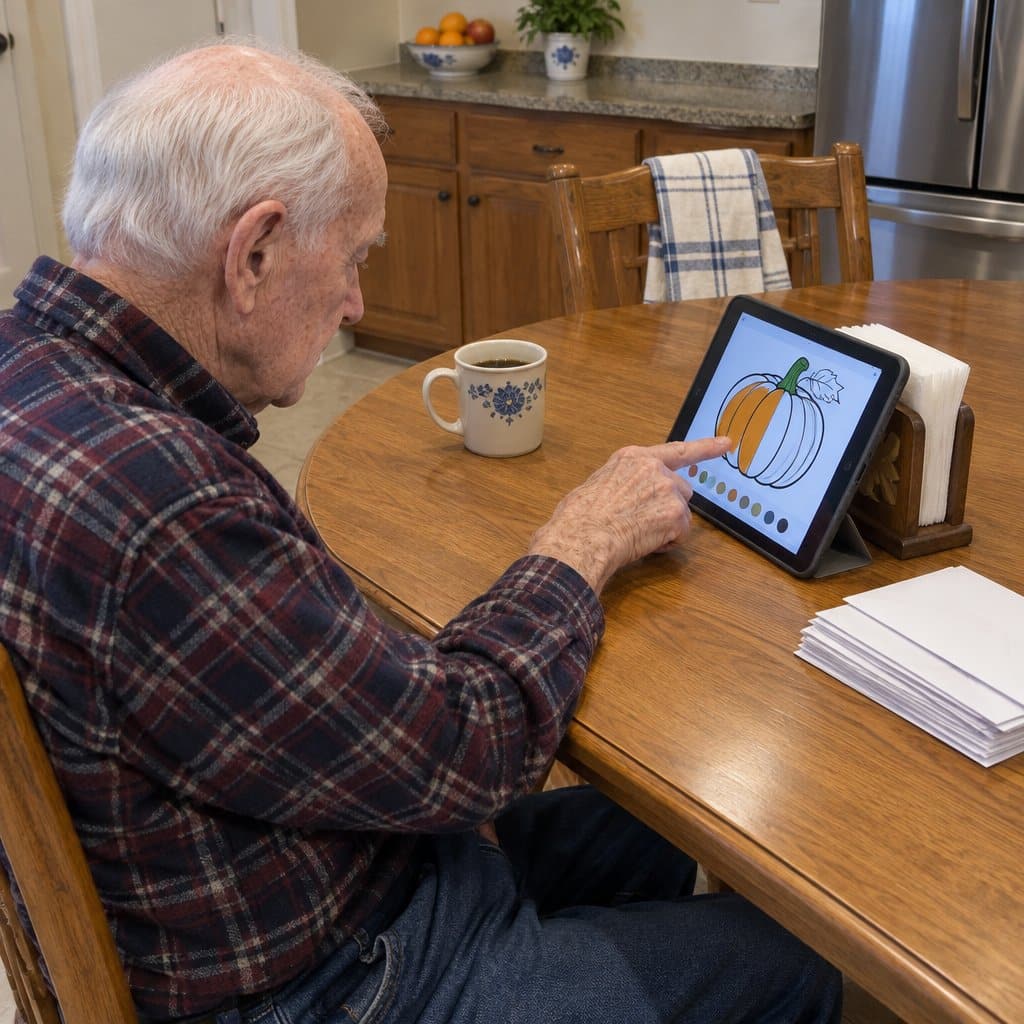
Color Therapy is a coloring app with a wide variety of pictures. It includes both seasonal and non-seasonal images. Seniors who struggle using a book and pen to color will have fun using this app.
Features:
- Pictures on this app are mainly American themed
- It has both solid and granite colors
- The app is free on the Apple App Store
Pros:
- It has thousands of colors to choose from
- It allows visually impaired seniors to create pictures and share them on social media
- It is best for seniors with dexterity issues
- Some people find coloring relaxing. If low mood or anxiety is a concern, check with their doctor.
Cons:
- To access all services, you have to pay for the VIP All Access Service
5. Pet Rescue Saga
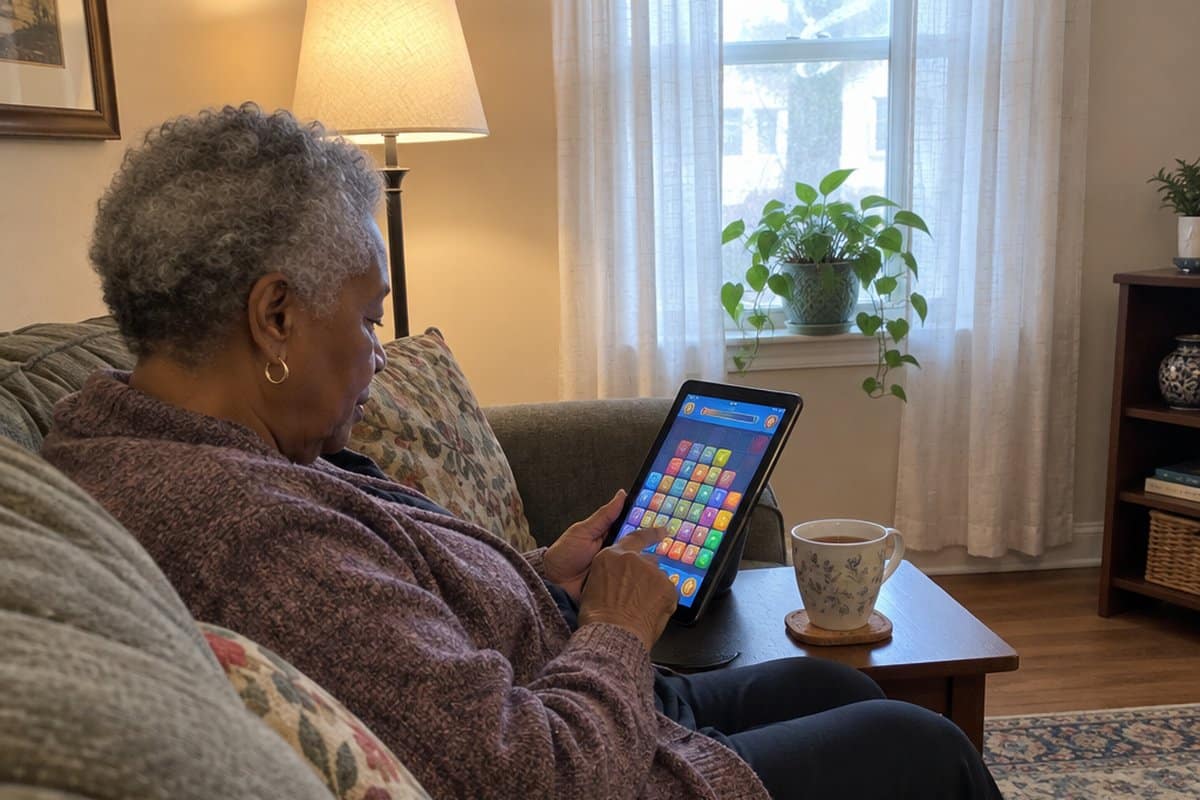
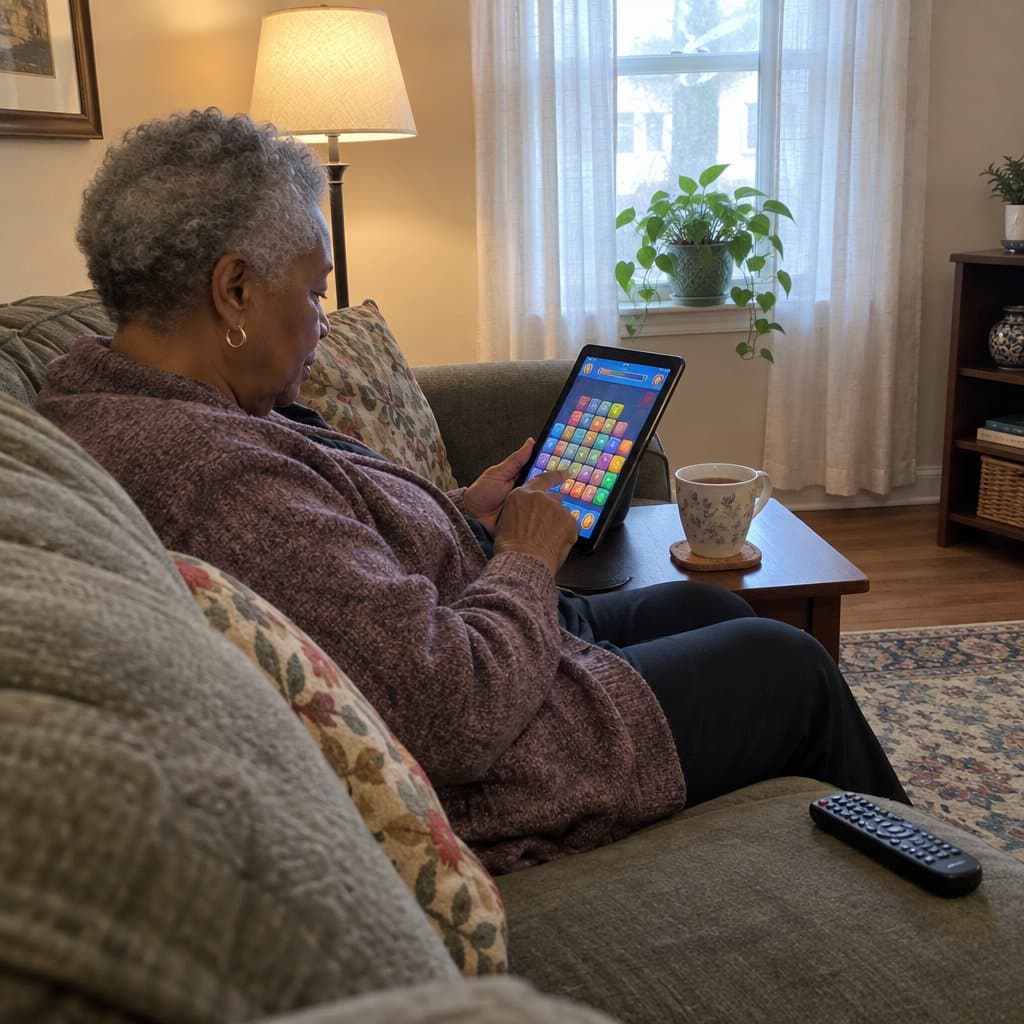
As the name of the app suggests, the game in this app is all about rescuing pets. You do so by clearing obstacles until the pets get to the ground safely. Pet Rescue Saga is one of the best ways to help visually impaired seniors retain their critical thinking skills.
Features:
- It contains endless blocks
- It has obstacles such as cages and frozen blocks
- It has bonus tools such as hammers, rockets, and balloons
Pros:
- It has easy to use graphics
- It offers seniors a zoom function
- It is free on Google Play and iTunes
- This app offers visually impaired seniors a very large number of levels to play
6. Sims FreePlay
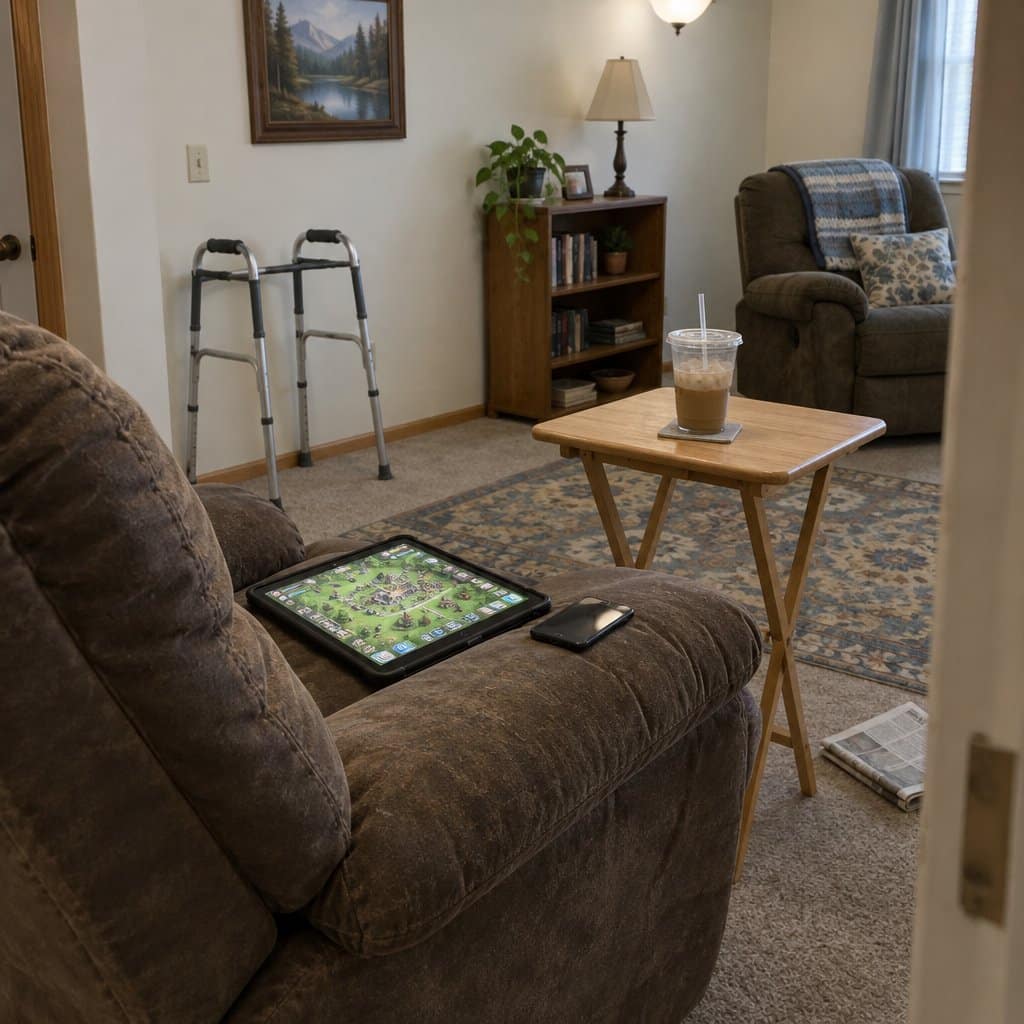
The Sims FreePlay app is an advanced version of a game previously known as The Sim. It requires you to create and maintain a virtual town. You also need to create people called Sim and dictate their lives. It requires you to imitate an ideal life by building relationships and families.
Features:
- This app has a zoom function
- Completed tasks allow you to earn virtual money prizes
Pros:
- It is ideal for dexterity issues
- You control it using a single finger tap
- The app is available for free
- Some people find it a relaxing way to pass the time
- It has easier access than computer games
RELATED: Best Game Apps For Seniors With Dementia (Memory, Matching, and More)
Game Apps For Dexterity And Learning Challenges
Some of the best picks for physical and cognitive disabilities are the ones that ask very little of your hands. If you want more ideas beyond these, my list of the best tablet games for seniors covers iPad, Kindle, and Android.
A block-clearing puzzle game about rescuing pets is a good fit for people who can only use one arm. You match two or more blocks of the same color and they vanish. Bonus tools like rockets, balloons, and hammers help clear blocks faster.
The graphics are bright, clear, and bold, and there is zoom support if you are visually impaired. There are a great many levels. You get a limited number of moves on each level, and a failed level costs you a life.
A virtual town game, where you create people called Sims and build their lives, suits dexterity issues because you control everything with one hand. The phone version also lets you magnify the screen. Completing tasks earns prizes and virtual money, and it can be a pleasant escape.
A coloring app is a good choice if a paper coloring book and pencils are hard to manage. It has a huge collection of pictures, from people and animals to patterns and places.
There are seasonal pictures for holidays like Halloween, Easter, and Christmas. There are also American-themed ones for Independence Day and Thanksgiving.
You can zoom in to magnify the images. You can share finished pictures on social media, save them to your phone, or publish them in the app.
If you play with a switch controller, there is a maze game made for you. A switch controller is a specially designed mouse with a four-way scrolling dish and a V-shaped base. The app works with one switch using auto scan, or two switches using step-scanning.
You move a car or an arrow through each maze. It can also be played on a touchscreen.
The trade-off with the coloring app is that it is free to download, but you pay a small “All Access” fee to unlock all the colors and pictures.
Word, Puzzle, And Drawing Apps For Different Abilities
Not every game has to involve music or blocks. Here are a few more game apps for older adults that suit different abilities.
Larry King’s Word Search is on the Apple App Store and Google Play Store. It suits anyone who likes grammar and vocabulary games.
You hunt for words in categories such as science, geography, music, and entertainment. The challenges run from easy to difficult.
The app works with the zoom and voice commands already on your device, so it is usable by people who are blind or visually impaired.
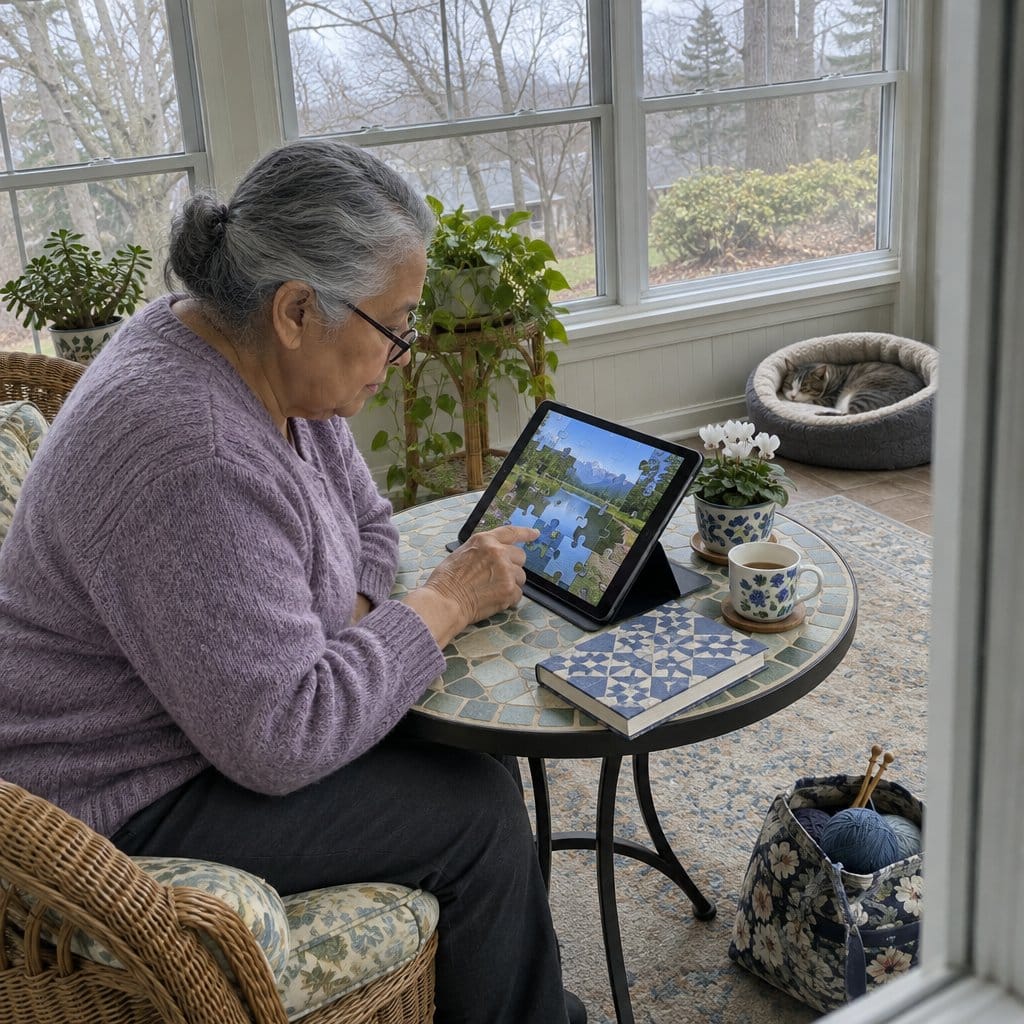
The Jigsaws app has nature and animal puzzles. You choose the difficulty, from 4 large pieces up to 84 tiny ones.
If you have a visual impairment, larger pieces are the better choice. Matching pieces also snap together when they line up, which helps if your motor skills are limited.
See Me Draw is a dot-to-dot game on the Apple App Store, and it suits people with learning disabilities. You touch a red dot to start the drawing.
A green dot then appears between two red dots, and you join them. Once every dot is connected, the picture is revealed, with cheerful tunes and sounds along the way.
Moodfit is a different kind of app. It helps people dealing with anxiety, depression, and stress through exercises you can do on your phone.
You can track your mood and set daily goals. It has voice-over and zoom, so it is easy to use whatever your disability.
Moodfit is more of an emotional support tool than a game, and you have to create an account before you can use it. If you want pure play, the other three are the better fit.
Why Many Game Apps Are Hard To Use With a Disability
Most game apps for older adults are built for someone with two good hands and clear sight. That leaves a lot of people out.
Many games ask you to use two hands and press several buttons at the same time. That can be hard if you have dexterity issues or a disability that affects one hand or arm.
Some apps have no audio and no way to magnify the screen. Without those, a game can be tricky for someone who is visually impaired.
Other apps are simply too complicated, especially if you have learning challenges.
The good news is that game makers have come to understand that people with physical and cognitive disabilities want to play too. There are plenty of fun, accessible game apps for both Android and Apple devices.
So if one game frustrates you or someone you love, the game is likely the problem. Look for one with zoom, voice-over, or one-handed play, depending on what you need. The trade-off is that you may have to try a few before one fits.
Games Are For Everybody!
The World Health Organization has information on visual impairment worldwide. Visual impairments, however, should never act as limiting factors for seniors. That is where assistive apps for seniors can help.
Visually impaired seniors have different preferences. Do not try to force them to use an app that they do not like. The idea here is to keep them entertained, not to keep them playing games.
Endeavor to settle for the app that is their favorite. You can have several game apps to prevent boredom.
Sources: