If you want the short list, these are the smartphones I picked for seniors, and you’ll find the details on each one further down.


You pick up a new phone, and the screen is nothing but tiny icons and menus you never asked for. If you want the easiest smartphones for the elderly, or you are shopping for someone you love, you are in the right place.
Below are seven phones, what each does well, and where each falls short. After that come the features worth looking for, a few buying tips, and what to know about cell phone plans.
7 Easiest Smartphones For Elderly Americans
Without further ado, here are the best smartphones that make life easier for seniors:
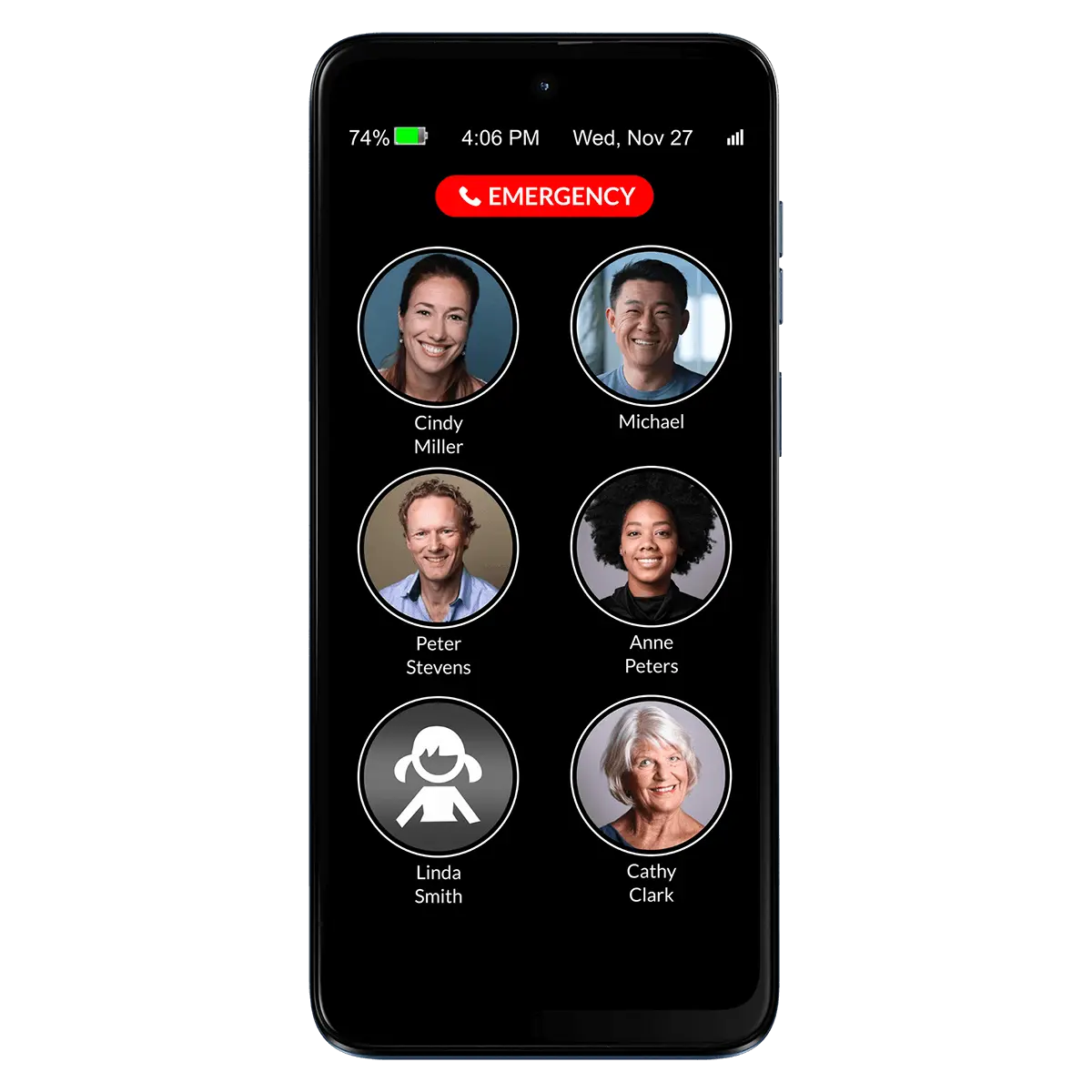
RAZ Mobility is a service provider that offers assistive technologies to individuals with a variety of disabilities. These picture phones are simple to use for anyone with intellectual impairments, Alzheimer’s, dementia, and memory loss.
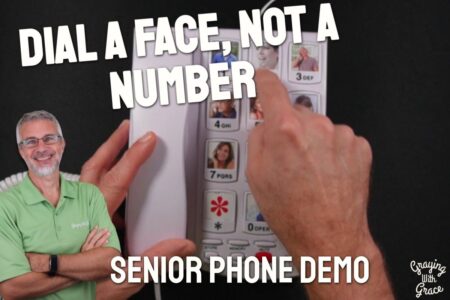
This picture phone has a one-touch dial to emphasize simplicity, because there’s only one primary screen. That’s it. That screen has a 911 button, names and pictures of six possible contacts, and indicators for the battery power and current time.
The feature worth knowing about is the new Caregiver Portal, because you can help the senior manage the phone whether you are in the same house or across the country. The portal allows you to create and edit contacts, track the location of the phone, and even make sure they are keeping it charged. You can also block incoming “robocalls” to protect your loved one.
Customized programs and options across the RAZ Mobility platform can help out individuals with disabilities as varied as vision, speech, mobility, hearing, and intellectual.
Jitterbug Smart4 Phone
This brand has long been popular for senior phones and smartphones. Its Smart2 model has been called the simplest of all smartphones.
This one was designed for people who want a simple phone. The buttons are big and easy to read. There are also icons listing crucial functions without getting weighed down in bells and whistles.
The screen is 5.5 inches across, and all text and icons are default set to big sizes.
Typing on tiny buttons is frustrating for a lot of people, so the voice typing option for text messages, social media content, and emails is a nice touch.
Another option is the 5Star Urgent Response feature. Press it in an emergency to be connected with professionals who can get you the support you need. Other health and safety features include brain games, daily health tips, and check-in calls.
Ulefone Armor X13 Rugged Phone

If you need an easy to use smartphone that can also take a beating, take a look at the Ulefone Armor X13.
It is a rugged phone, built to the IP68/IP69K and MIL-STD-810H standards. That means it is made to handle water up to 1.5 meters deep for 30 minutes, and drops from 1.5 meters.
The screen is 6.52 inches (HD+), which gives you a big display for reading texts, looking at photos, and reading what is on a web page.
It runs on Android 16 and has NFC and fingerprint ID, so you can unlock it with a touch instead of typing a code. The camera is 50MP plus 24MP, with a night mode meant for shooting in low light.
The trade-off is that rugged phones are built for toughness first. If you are not hard on your phone, you may not need that protection. Android also has more menus and settings than a basic phone, so someone who wants the simplest possible setup may prefer a phone made just for that.
Moto E Smartphone
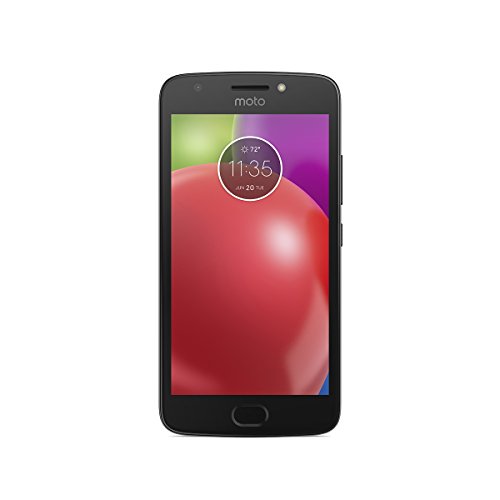
This phone balances simplicity with power for seniors that want to keep it easy but still send text messages, use the Internet, and take photos.
The battery can last users for as long as two days with rapid charging in between, and the big display makes viewing images and text simple.
An advanted camera takes great pictures automatically in low light for simple use, and the forward-facing camera is useful in video-chatting. A fingerprint sensor means seniors don’t have to remember their passcode.
Samsung Galaxy S10e Phone
This is a renewed Samsung Galaxy S10e in Prism Black. It is unlocked for all carriers, so you can pair it with the phone company you already use instead of being tied to one.
“Renewed” means it is a previously owned phone that has been refurbished for resale. That can be a sensible way to get a well-known phone, but condition and battery life can vary from one unit to the next.
It is a full smartphone with a lot of features. That is the trade-off. If you only want to make calls and send the occasional text, a phone with fewer menus and settings will be simpler to learn.
It suits someone who wants a regular smartphone, perhaps to use with a family member’s photos and video calls, and who doesn’t mind a bit of setup. Having a relative help with the first day or two makes a big difference.
Samsung Galaxy A16 Phone

The Samsung Galaxy A16 is a plain Android phone with a 6.7″ screen. That is a big display, which gives you room for larger text and buttons.
It has a 5000 mAh battery, which is a big one. The camera setup is 50 MP, with a second 50 MP wide lens and a 2 MP macro lens for close-ups. It takes two SIM cards, and the battery is built in, so you can’t swap it out yourself.
Now the part that matters most: this is an international, factory unlocked model, and in the US it only works on T-Mobile and its resellers Metro and Standup. It will not work on Verizon, AT&T, or on Visible, Xfinity Mobile, US Mobile, or Cricket. It also does not support E-SIM.
If your carrier is one of those, this is not the phone for you. Check with your carrier before you buy.
A power adapter is not included, so you will need one that you already own. If you wear hearing aids, how well they pair with the phone can vary, so look at Samsung’s support pages for hearing aid compatibility first.
Smartphone Features To Look For With Seniors
Phones have changed a lot since the rotary dial, and a good one should still feel simple to use. Smartphone use is almost a requirement in modern society, so a phone that is simple enough for anyone to use matters.
Fortunately, there are specific features that can prove useful:
1. Phone and Screen Size
Larger phones aren’t just easier to hold in your hands, but they also have larger screens. That means icons and text can be larger and easier to read.
Fortunately, not only are there plenty of sizes of screen available, but also different font and image sizes available within customizable screens.
2. Medication Reminders
These reminders can be programmed into the calendar of a phone. They make it much easier to track when to take which medication, and they can also be useful to caregivers.
Doctors, pharmacists, and nurses are also likely to love knowing just how well someone is keeping up with their prescriptions.
3. Prompt Access To Medical Professionals
Many phones can be programmed to summon medical response professionals with the touch of a button. It doesn’t always have to be an ambulance either, as some individuals might be more in need of specialized help based on their particular conditions or ailment.
4. Preprogrammed Buttons
911 buttons aren’t the only ones that can be programmed. Many smartphones for the elderly can be programmed in ways such that a person’s phone number button might be an image of their smiling face, making it much easier to know who you’re calling.
5. Enhanced Volume
As much as big screens help with reading, there should also be technology to help with hearing. Some phones even have HAC technology and features for hearing aid compatibility.
6. Low-Battery Alerts For Caregivers
Some people forget to charge their phones often enough. If a caregiver relies on a relative having a working smartphone with them, they can get warnings about low battery levels even when the phone owner forgets.
7. GPS Tracking
Whether a senior presses a help button or not, being able to immediately pinpoint the geographic location of a phone in an instant gives plenty of people peace of mind.
8. Cameras
Photography has tremendous benefits for retirees. They might want to take photos when they travel or just show off their grandkids to their generational friends.
9. Social Media
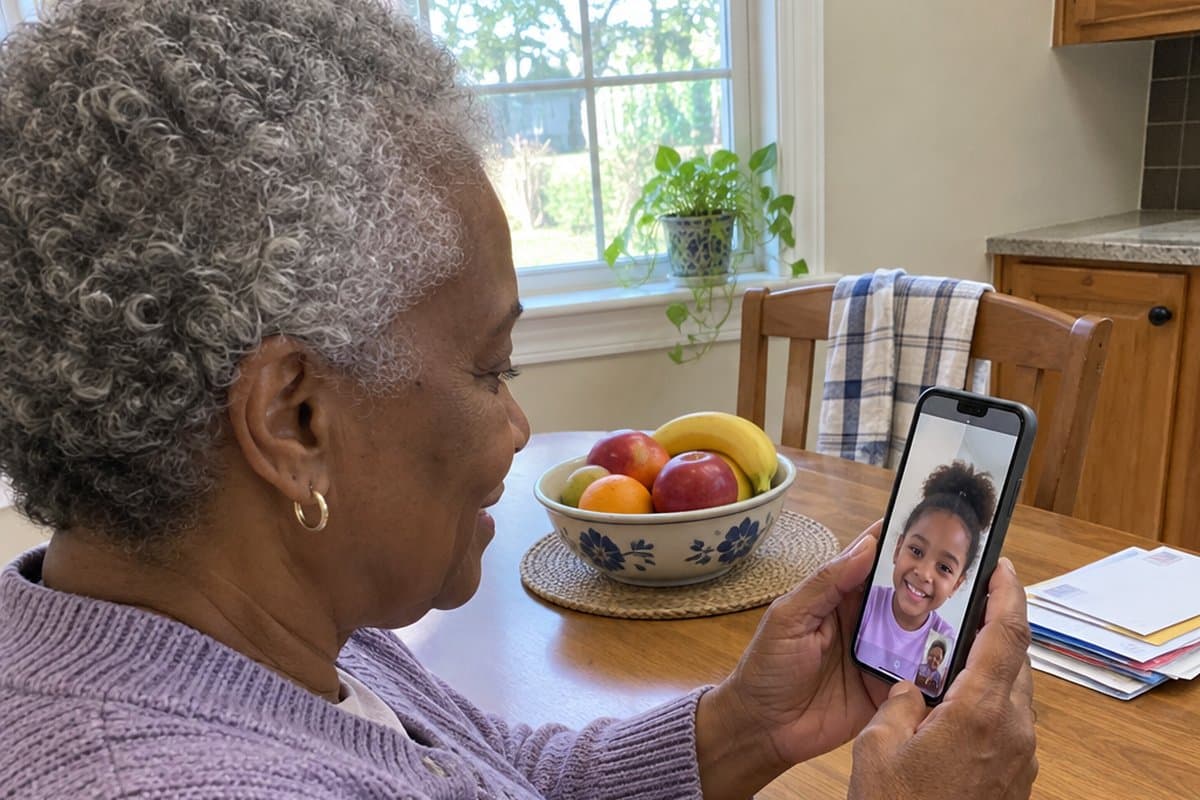
For keeping in touch with relatives in other cities, states, and time zones, nothing beats social media. A good smartphone should make this a breeze, even for people who aren’t keen on computer time.
Words To The Wise
In terms of shopping for smartphones, be it for yourself or for someone you care about, there are five things you want to watch out for:
1. Unlocked Phones
This doesn’t mean the hard case of the phone is actually unlocked and something that you can open. What it does mean is that the phone can be used on any service plan or carrier. Most of the phones on this list are like that, but not all of them.
2. Extended Warranty
Many of us have learned over the years that extended warranties on electronics are typically a waste of money. The odds of needing one are so low that it’s usually worth the risk of just replacing the item.
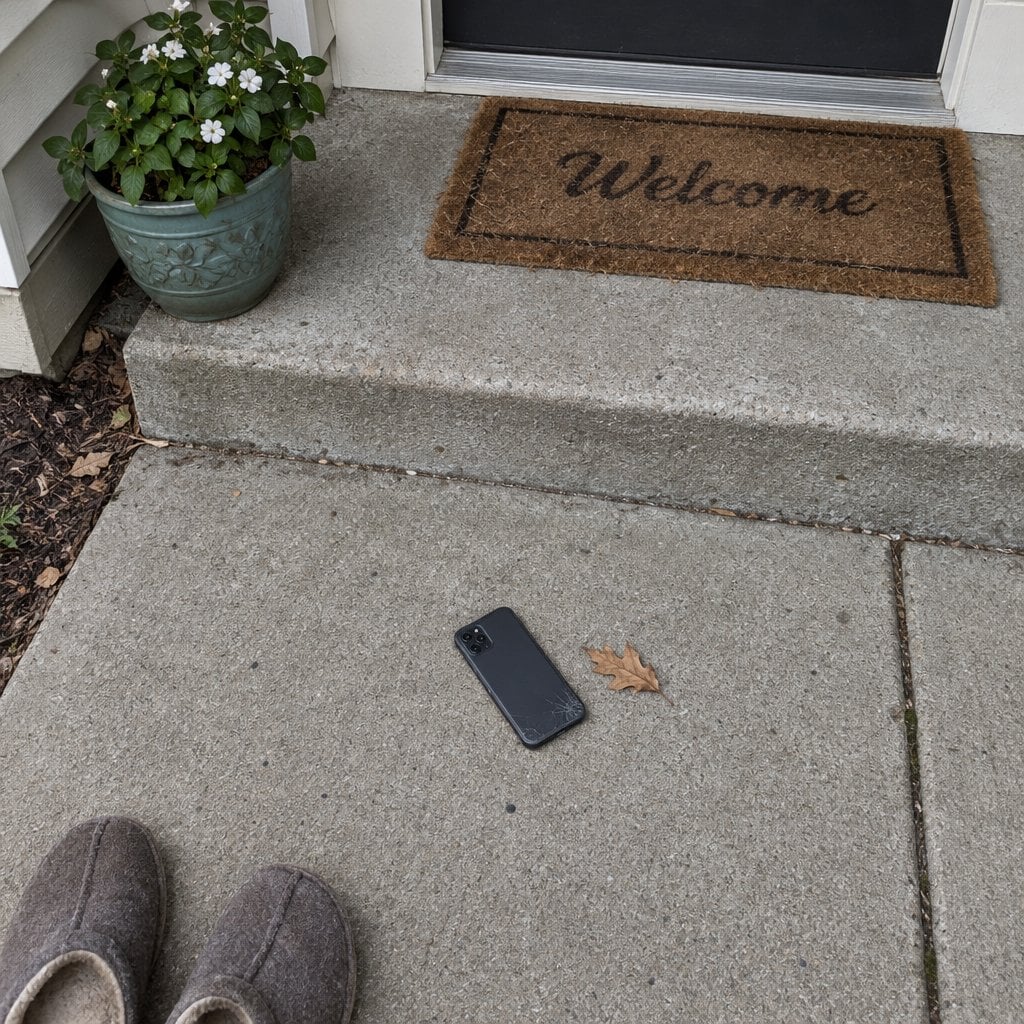
Smartphones are a glaring exception to this life wisdom. Just one skip of the fingers over hard concrete can send hundreds of dollars down the drain. This is one technology asset worth splurging on extra coverage for.
3. A Sturdy Case
A good case keeps the phone clean and free of scratches. They won’t make it bounce off the sidewalk, but they can make phone falls far less scary.
4. Water-Resistance
Many phones are water-resistant but not necessarily waterproof. Know the difference so you can know how close you can get the phone to the ocean or pool and get pictures of the grandkids splashing.
5. Fingerprint Access
Fingerprint unlock is convenient, and you don’t have to remember and keep typing a passcode. If someone could use the phone without your say so, though, a passcode may be the safer choice. Scammers target people of all ages.
Finding Good Cell Phone Plans For Older Americans
Not all phones can be used with every carrier, although most of them can. Choosing a cell phone plan isn’t as big a decision as choosing the actual phone, considering they’re usually easier and cheaper to replace.
Still, there are several factors to take into consideration:
Network Coverage
If you or the senior you care for sticks to a relatively confined area or community, then a local network might make sense over paying for a national network. Then again, anyone traveling a lot might want to know they get a strong signal everywhere.
Text/Calls/Data
Some people still do most of their talking on a landline, so a cell plan can be pretty minimal to fit a fixed retirement income. On the other hand, if you talk or stream a lot, hitting data caps early each month could get very frustrating.
Benefits To Keep In Mind
There are many benefits to having a smartphone. They include health and wellness benefits and being able to build or keep up social connections from anywhere. Privacy and security are fair things to worry about, so ask a family member or the store to help you check the settings.
Final Thoughts
Smartphones are part of everyday life. The phones covered here should help make daily life easier and safer for the person using one.
They can also make it easier for caregivers to stay in touch with a loved one. Use these features and suggestions to find the right phone for yourself or for someone you care for.