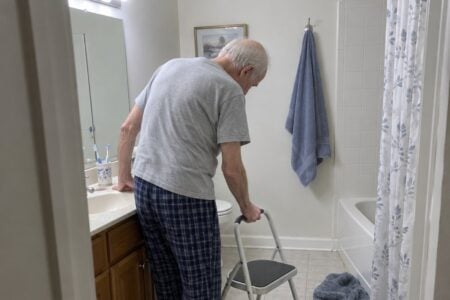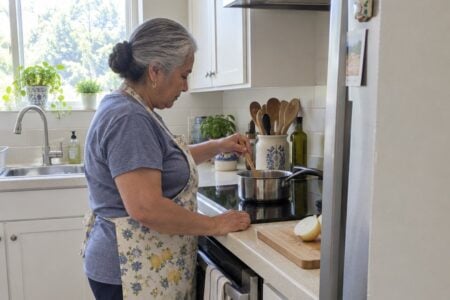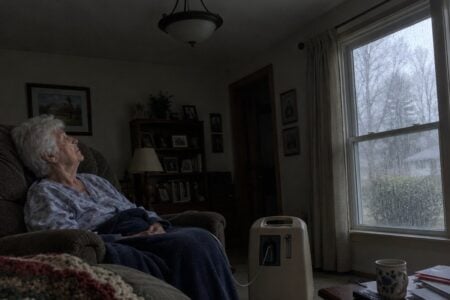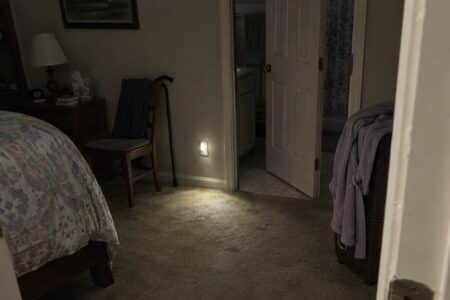
Starting the process of choosing the right monitoring camera for elderly loved ones presents multiple challenges. Considering their safety, medication schedules, daily activities, emergency alerts, and privacy are the top things to think about.
Finding the perfect balance between monitoring and respecting an individual’s autonomy is essential for their well-being and peace of mind.
To help you navigate this challenge and make an informed decision, we’ve reviewed and ranked the top monitoring cameras, tailored specifically for older adults, seniors, and the elderly.
As we delve deeper into these products and other options, we will discuss their essential features, benefits, and how they can address specific pain points and obstacles that seniors and their caregivers often face.
From high-resolution video quality and night vision to two-way audio communication and seamless smart home integration, we’ll guide you through each camera’s unique offerings.
Stay with us to explore the top-rated products further, and by the end, you’ll be equipped with the knowledge to select the ideal monitoring camera that caters to the unique needs of your elderly loved ones, ultimately providing them with the safety and independence they deserve.
The cameras I’d point you to first are right here, and further down I go through each one, including what I don’t like about it.




Comparison Table: Top Monitoring Cameras for Seniors
| Camera | Video Quality | Two-Way Audio | Night Vision | Motion Detection | Smart Home Integration | Power Source | Subscription Needed | |
|---|---|---|---|---|---|---|---|---|
| Ring Indoor Camera See Review | 1080p HD | Yes | Yes | Yes | Alexa | Plug-in | Yes | |
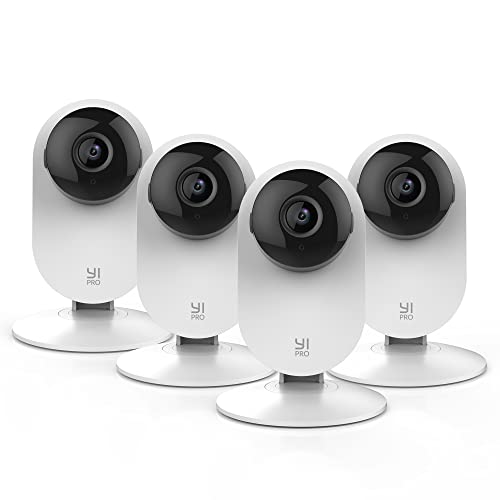
| YI 4pc Security Home Camera See Review | 1080p HD | Yes | Yes | AI Detection | Alexa and Google | Plug-in | Yes | |
| Wyze Cam Pan v2 See Review | 1080p HD | Yes | Color | Yes | Alexa and Google | Plug-in | Yes | |
| Blink Indoor (3rd Gen) See Review | 1080p HD | Yes | Infrared | Yes | Alexa | Battery (2 AA) | Yes | |
| FUVISION Hidden Camera Detector See Review | 1080p HD | No | Yes | Yes | None | 6000mAh Battery | No | |
| REOLINK Home Security System See Review | 3MP HD | Yes | Yes | Yes | Alexa and Google | Plug-in | No | |
| LaView Security Cameras See Review | 1080p HD | Yes | Yes | Yes | Alexa and Google | Plug-in | Yes | |
| Please note that the subscriptions typically cover advanced features, such as recording and reviewing videos, cloud storage, and advanced AI detections. The need for a subscription may vary depending on your individual needs and preferences. | ||||||||
Best Monitoring Cameras for the Elderly
As a Certified Senior Advisor (CSA)® and Senior Home Safety Specialist (SHSS®) with over two decades of experience making lives easier for seniors and the elderly, I am a reliable source for recommending monitoring cameras for the elderly.
Having reviewed and recommended tech products for seniors for over 10 years, I understand the importance of finding the right monitoring camera for each individual’s needs.
I can help you choose the best camera for your loved one’s safety, comfort, and peace of mind. From the ease of use to features like night vision and motion detection, I can guide you through the purchasing process to ensure you make the right choice.
Blink Mini 2K+ Security Camera
The Blink Mini 2K+ is a plug-in camera that lets you look in on a parent or loved one from your phone, and talk to them while you’re at it.
It’s a compact camera that plugs into an outlet, so there’s no wiring job. You can set it on a shelf or mount it indoors, and installation takes just minutes.
The picture is 2K video with up to 4x zoom, which means you can see more detail, even in challenging light. It also has night vision and motion detection, so it’s useful for keeping an eye on a hallway or living room after dark.
The two-way talk is the feature most families care about. You can speak to your parent and hear them answer, and the noise cancellation is meant to keep the conversation clearer. It helps for a quick “good morning” or for checking in when you’re worried.
If your parent’s home has no WiFi, the Zaguoroo system is a no-WiFi elderly monitor with two-way talk with an SOS call button and medication reminders.
Now the downsides. Smart alerts, like person and vehicle detection, need a Blink Subscription Plan, which is sold separately.
The camera is made for indoor use. To take it outside, you would need the Weather Resistant Power Adapter, also sold separately.
It also has to stay plugged in, so it only watches where there’s an outlet. And a camera can’t call for help on its own, so if your parent needs an emergency button, this isn’t the right tool by itself.
One more thing: talk with your parent before you put a camera in their home. They’ll accept it much more easily if they helped pick the spot.
YI Pro 2K Security Camera
The YI Pro 2K 4PC Home Security Camera is a set of cameras you can place around a home to keep an eye on someone you look after. It connects over 2.4GHz Wi-Fi, so you can check in from your phone.
The picture is 2K resolution (2304 x 1296). In plain terms, that means a sharper image than standard high definition, which helps when you want to see whether a person is up and moving or whether something on the floor is in the way.
For dim rooms, it uses 940-nm infrared lights, a high-sensitivity image sensor and an F1.4 large aperture lens. That is meant to give you a usable picture at night, such as a hallway on the way to the bathroom.
The AI motion detection can tell a person from a vehicle or an animal. That cuts down on alerts caused by the cat walking by, so your phone buzzes less for nothing. This feature needs a subscription.
Footage can be saved to YI Cloud, which records in a loop with no storage limit. If a camera is stolen or damaged, the recordings are still saved. The cameras also work with Alexa and Google Assistant.
Now the downsides. The AI detection and cloud storage both depend on that subscription, so factor it in before you buy. The cameras connect over 2.4GHz Wi-Fi, so the home needs a signal that reaches each room where you place one.
A camera also only watches. It can’t tell you someone is unwell unless you are looking at the right moment or an alert gets your attention. And it is a good idea to tell the person you are watching over that the cameras are there and where they are. Most people accept them far better when they were asked first.
This set suits families who want several rooms covered with a clear picture and night viewing. If you only need to check on one room, a single camera may be all you need.
Blink Mini Pan-Tilt Camera
The Blink Mini Pan-Tilt Camera is a plug-in indoor camera that lets you look in on a parent or grandparent from your phone. It turns left and right and tilts up and down from the Blink app, so one camera can cover a room from corner to corner.
That matters in a living room or bedroom. A camera that stays fixed on one spot misses the chair by the window or the hallway door. With this one, you move the view yourself instead of guessing where Mom might be.
It gives you HD video by day and infrared night view, so you can check in after dark. You also get motion alerts on your phone, and two-way audio. You can hear and speak to your loved one through the Blink app, which beats a phone call when the phone is across the room.
Setup is meant to be done by yourself in a few minutes. You plug it in, connect it to wifi, and follow the steps in the app. It also works with Alexa, so you can stream video to an Echo Show if you have one.
What to watch out for: it needs a power outlet, so it stays put in one room. It also needs wifi. Saving clips takes either a Blink Subscription Plan, which comes with a free 30-day trial, or the Sync Module 2 and a USB drive, both sold separately. Continuous live streaming for up to 90 minutes also needs a subscription plan.
If you want a camera that just sits there recording with no extras, or you want to place it anywhere without an outlet, this isn’t the one. If you want a camera you can steer from your phone, it’s worth a look.
Blink Outdoor Wireless Security Camera

If you want a simple way to keep an eye on a loved one, the Blink Outdoor 4 is a wireless camera that comes as a 2 camera system with a Sync Module Core included. The Sync Module Core is the small piece that connects the cameras to your home internet.
It runs on batteries, so there are no cords to string through the house. The package includes AA Energizer lithium batteries, and Blink says they can last up to two years. That means less climbing on chairs to change batteries.
You get 1080p HD live view during the day and infrared night vision after dark. You also get two-way audio, so you can see, hear and speak to your loved one from the Blink app.
Motion detection uses dual zones, and it sends an alert to your phone when something moves. Person detection, which tells you when it is a person and not just a shadow or a pet, is part of an optional Blink Subscription Plan sold separately.
Now the downsides. The Sync Module Core does not offer local storage, so saving and sharing clips means using the cloud. Blink gives you a free 30-day trial of a subscription plan, and after that you would need to subscribe to keep that going.
Everything also runs through the Blink app on a smartphone, so this is not a good fit if nobody in the family has a compatible phone. The name is a clue as well: this camera is called the Outdoor 4. It will work indoors, but it makes the most sense if you also want to watch a porch, a driveway or a back door.
Reolink Home Security Camera System
We recommend the REOLINK Home Security Camera System for those looking to monitor their elderly loved ones for safety and security.
Pros:
- Super HD videos with night vision
- Easy pan and tilt control
- Two-way audio and Alexa/Google Assistant compatibility
Cons:
- Works only with 2.4 GHz WiFi
- SD card setup not well documented
- Night vision quality might not be optimal
The REOLINK Home Security Camera System provides clear, detailed video in 3-megapixel resolution. Eight infrared LEDs ensure visibility up to 40 feet in the dark, making it suitable for monitoring your elderly family members round the clock.
One of the standout features of this monitoring camera is the easy pan and tilt control. It allows for a 355° horizontal rotation and a 50° vertical tilt, giving you comprehensive home coverage.
This accessibility is especially helpful when you want to check on your loved ones from any angle. The built-in mic and speaker enable you to communicate with them through the camera.
Although the camera is easy to set up, some customers have reported that the SD card installation and formatting can be challenging. However, once connected, its compatibility with Alexa and Google Assistant adds to its overall ease of use.
The only caveat is that it requires a 2.4 GHz WiFi connection, which may not suit all households. Consider these considerations when deciding if the REOLINK Home Security Camera System fits your needs.
LaView Indoor Security Cameras

If you’re seeking an affordable yet efficient indoor monitoring system for the elderly, the LaView Security Cameras should be a top consideration.
Pros:
- Accessible live streaming via phone and PC
- High-quality 1080P resolution and night vision
- Motion detection and two-way audio
Cons:
- Not compatible with 5GHz Wi-Fi networks
- Requires separate purchase for multiple rooms
- Relies on cloud storage or micro-SD (max 128GB) for recording
We appreciate the LaView Security Cameras’ easy remote access, which allows caregivers and loved ones to monitor elderly individuals even when they’re away from home.
Simply download the LaView app on your mobile phone or access live feeds through a web browser, ensuring peace of mind at all times.
The cameras deliver impressive 1080P resolution and IR night vision up to 33 ft, thus providing clear video surveillance even in low-light situations.
Its compatibility with 2.4GHz Wi-Fi networks makes it suitable for most homes; however, those who rely on 5GHz networks might encounter limitations.
Another notable feature is the device’s motion detection and two-way audio capabilities. With programmable motion alerts, users can receive notifications when any unusual activity is detected on their phones.
The built-in noise-cancellation microphone and speaker allow communication between caregivers and the elderly, further increasing the system’s usefulness in ensuring their safety and well-being.
Best No-WiFi Monitors for the Elderly
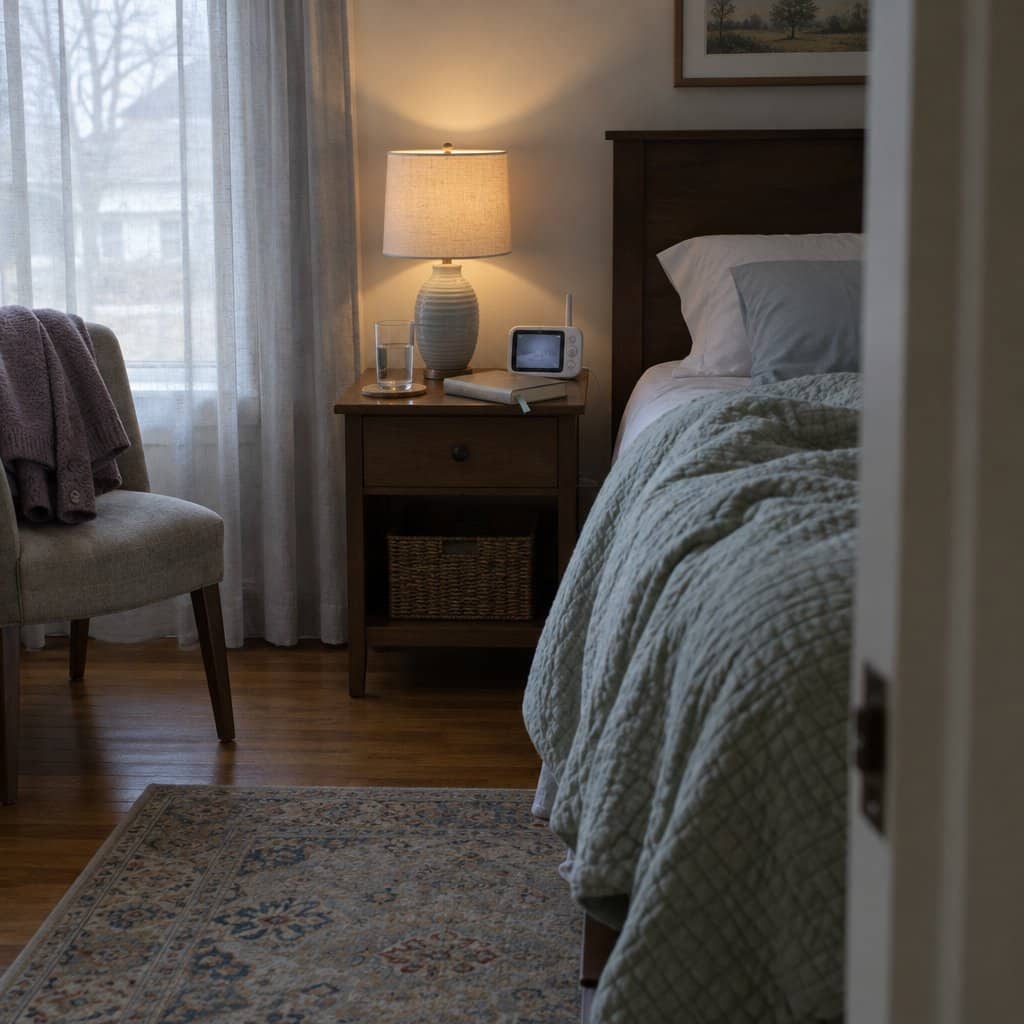
Most cameras need WiFi and a smartphone app. That’s fine if your mom or dad has both and you’re the one doing the setup. It’s a problem if they don’t have internet, if the internet goes out now and then, or if the whole idea of an app makes them want to unplug everything. A no-WiFi monitor works more like a baby monitor. There’s a camera in one room and a screen in another, and the two talk to each other directly. It’s also handy for someone who lives with the person and just wants to keep an eye on them from the next room.
If you go this route, here’s what to look for. First, a call button that’s big and easy to press, so help is one push away, even with stiff fingers. Second, two-way talk, so you can answer and ask “Are you okay?” instead of just watching. Third, night vision, since a lot of falls happen after dark. Extras like medication reminders and a room temperature alert can be useful too. Check whether there are monthly fees. Many of these don’t have any. Know the downside before you buy: these monitors only reach so far, so they work for keeping an eye on someone in the same house. They won’t show you a parent who lives across town.
Elderly Monitoring Camera System

If the person you’re looking after doesn’t have WiFi, or you’d rather not set any up, the Elderly Monitor with Camera and Audio is worth a look. It works on its own, with no WiFi, no subscription fees and no smartphone. It also keeps working when the internet goes out.
It has night vision, two-way talk, medication reminders and a temperature sensor. It also has a one-touch SOS button, and there are five one-touch alert types in all. Pressing a button is easier than working a phone, which helps if fingers are stiff or technology isn’t their thing.
The night vision and temperature alerts suit an older adult who lives alone and is on their own overnight.
The catch is range. Through walls, expect somewhere between 50 and 150 feet, not the open-air number. Try it in the actual rooms while you can still return it. The portable screen also needs charging every day unless you leave it plugged in, so it’s best on a nightstand near an outlet.
Best Camera-Free Fall Detection Systems for the Elderly
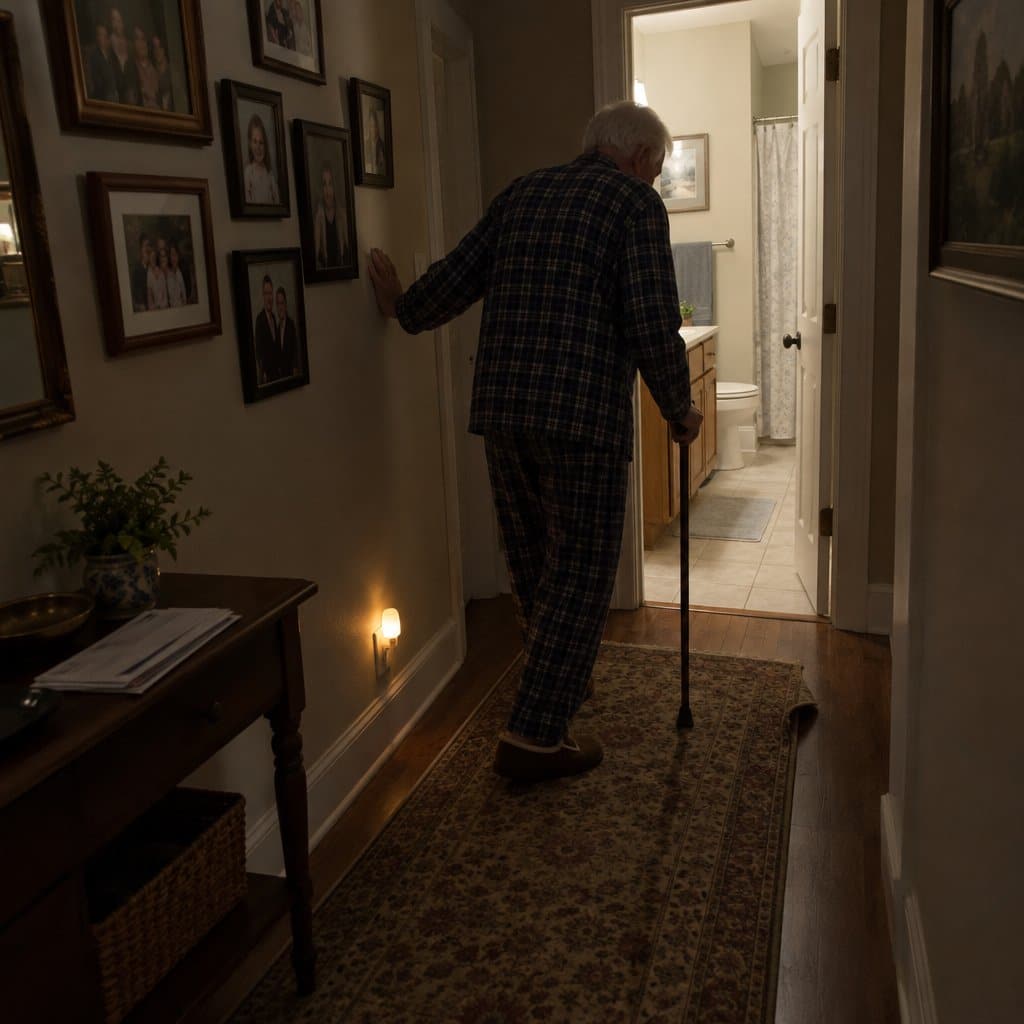
A camera isn’t for everyone. Plenty of people don’t want a lens watching them in their own living room, and I understand that. A camera can also show you someone on the floor only if you happen to be looking. If your worry is a fall, a fall detection system that doesn’t use cameras may suit you better. It senses the fall and sends a message to the family, and nobody has to be watched all day.
Here’s what to look for. First, it should spot a fall by itself, in case the person can’t reach a button. Second, the alert should go to several family members or friends, not just one person who might have their phone on silent. Third, setup should be simple, with no installer and no wiring. Two things to ask about before you buy: what happens if the home internet goes down, since many of these systems stop working without it, and whether there’s a monthly fee, since most that include a call center do. Neither is a dealbreaker, but you should know about both going in.
NOMO Fall Detection Medical Alert System
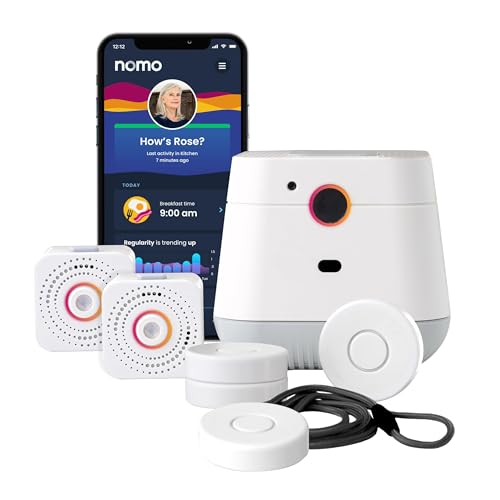

The NOMO Smart Care Medical Alert System is for families who want to know if Mom or Dad has fallen, but don’t want a camera in the house. It uses the home’s WiFi to detect falls instead, so there is no lens watching anyone in the bedroom or bathroom.
The user wears a Tag that detects falls and sends a real-time alert to what NOMO calls a Care Circle, which is the family members you choose to be notified. The Hub also has two-way voice, so you can speak to your parent directly without waiting for them to find the phone. Setup is plug-and-play, with no technician and no wiring.
Two things to know first. It depends entirely on WiFi, so if the home internet goes down, the alerts stop. And after the 60-day trial, 24/7 professional emergency response requires a monthly subscription.
If the internet at your parent’s house is spotty, or a monthly fee is a dealbreaker, this is probably not the one for you.
Example Scenario: Using Monitoring Cameras to Improve John’s Safety
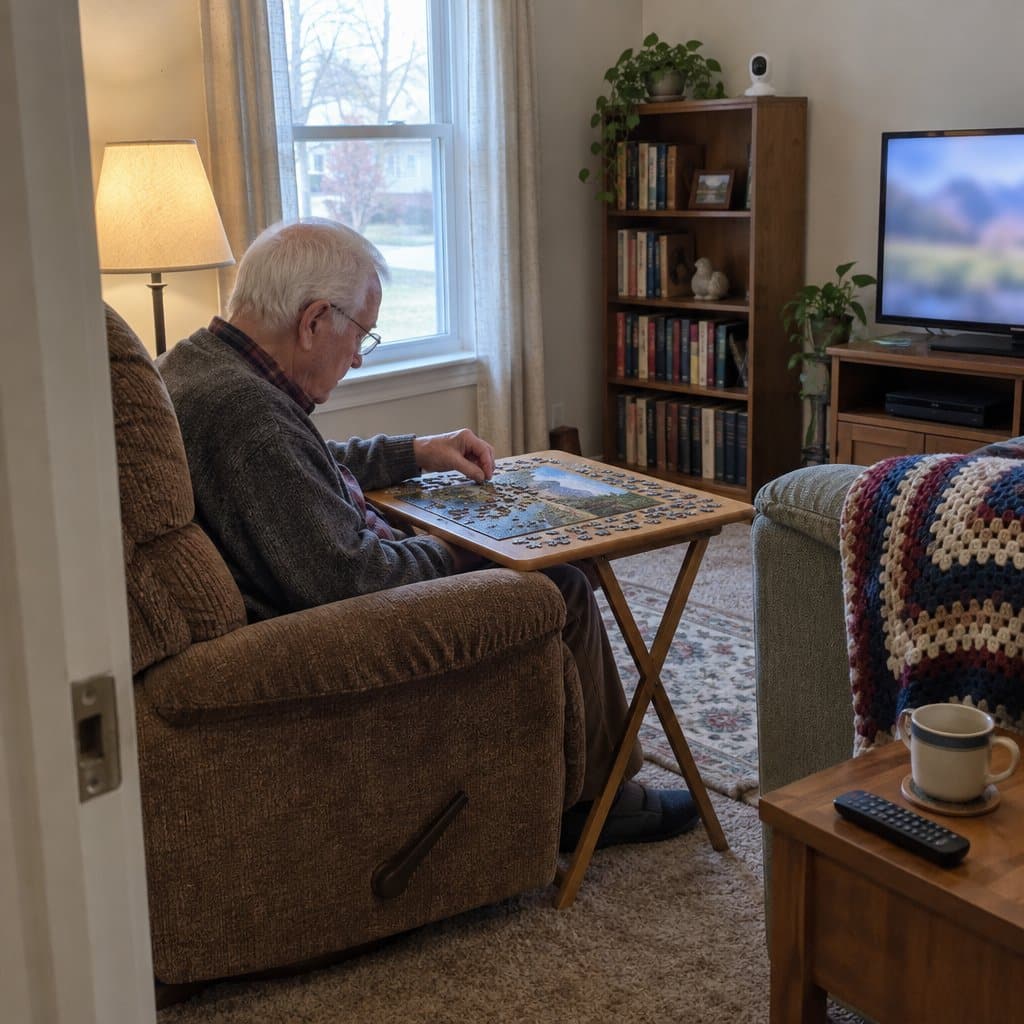
John is an elderly man who lives alone in a small house in a quiet neighborhood. He loves spending time alone and has a few hobbies to keep himself occupied. However, due to his age, he is at an increased risk for falls and other accidents.
John’s family has been increasingly worried about his safety and well-being. They are concerned that he could suffer an injury with no one around to help him. They have discussed installing a monitoring camera to check on him and make sure he is safe.
John is initially hesitant when his family suggests a monitoring camera, as he is uncomfortable with the idea of being watched. However, after his family explains the safety benefits of the device, he agrees to the installation.
The monitoring camera is installed in the living room of John’s home, where he typically spends most of his time.
It is connected to an app on his family members’ phones, giving them real-time access to his home. They can now check in on him and ensure he is safe from any accidents or falls.
The camera also provides peace of mind for John’s family. Knowing that they can check in on him anytime gives them more confidence that he is safe and looked after.
They can now respond quickly in the event of any emergency, ensuring that John gets the help he needs right away.
The installation of the monitoring camera has been a great success. John is now safe and secure in his home, and his family can rest easy knowing that he is being looked after.
Infographic: Monitoring Cameras for the Elderly

Share on Your Site With This Code:
<a href="https://grayingwithgrace.com/monitoring-cameras-seniors-elderly/"><img style="width:100%;" src="https://grayingwithgrace.com/wp-content/uploads/2023/04/Monitoring-Cameras-for-Elderly-infographic-scaled.jpeg"></a><br>Design by: <a href="https://grayingwithgrace.com">Graying With Grace</a>
Buying Guide
We understand that choosing the best monitoring camera for elderly loved ones can be a daunting task. This buying guide will help you decide which camera best suits your needs and preferences.
Key Features to Consider
When selecting a monitoring camera for the elderly, there are certain features you should prioritize, such as:
- Resolution – With a high-resolution camera feed, you can easily spot any potential threats or dangers that may arise. This ensures your elderly loved one is safe and secure, as the feed will provide a clear view of their surroundings.
- Field of View – A wide field of view allows the camera to cover larger areas, so you can better understand the environment your elderly loved one is in.
- Two-way Audio – This feature allows the elderly to communicate with their caregivers, ensuring they can get needed help.
- Night Vision – Night vision capabilities allow for round-the-clock surveillance, so you can watch your elderly loved one at any time of the day or night.
- Motion Detection – Motion detection features alert caregivers when movement is detected, so you can ensure your elderly relative is safe and secure.
- Sound Detection – With sound detection, the camera can pick up on any sounds made by the elderly and alert you if something is amiss.
- Remote Access – Remote access from your device allows you to monitor your elderly relative from anywhere, giving you peace of mind that they are safe.
Finding the Right Fit
It’s important to find a camera that is both discreet and effective. Consider where it will be placed and what design best suits the space.
Plenty of choices exist, from small and hidden cameras to larger, more visible ones. Make sure the camera you choose is both low-profile and reliable.
Not only should the camera be discreet, but it should also provide the functionality and features you need. Consider your personal needs, such as audio, night vision, or real-time monitoring.
Adding all of this up ensures you get the best camera for your needs.
Budget
While there are expensive monitoring cameras available, it is possible to find high-quality cameras at more affordable prices.
Determine your budget and prioritize the most important features. Keep in mind that a higher price does not always guarantee better performance.
Subscription Requirements
Some cameras may require a subscription for cloud storage or additional features, and it’s important to research any subscription-based services associated with the camera and their associated costs.
Here are three tips to help you make the best decision:
- Check for any additional costs associated with the camera.
- Research the quality and reliability of the cloud storage service.
- Confirm that the subscription requirements and cancellation terms are clear and understandable.
Integrating with Other Devices
Many monitoring cameras integrate with other devices in the home.
For example, they can easily sync up with smart speakers such as Alexa and Google Home, home security systems, and even wearable devices so that you can keep an eye on your loved one from near and far.
Plus, it’s worth researching how they interact with smartphones and tablets.
The best monitoring cameras are viewable remotely on smartphones and can send alerts and text messages to a caregiver’s smartphone, the same way many safety apps for seniors do.
Privacy
Privacy should be a major consideration when buying a monitoring camera for the elderly. Ensure that the chosen camera has strong data security measures such as secure login, encrypted video footage, and a reliable authentication system.
Dealing with Privacy Concerns
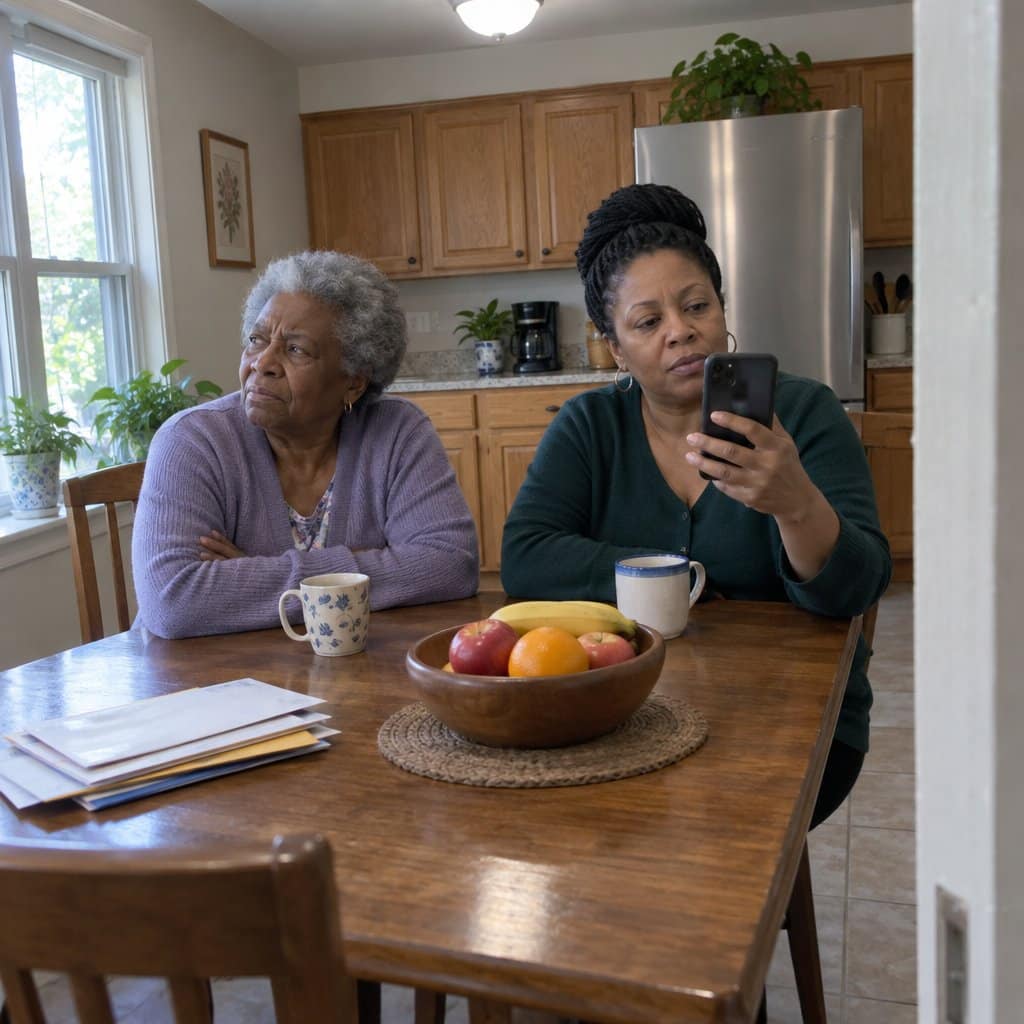
Privacy is a paramount concern when it comes to using monitoring cameras with the elderly.
It can be a blessing and a curse; while it offers a sense of security to the elderly person and their family, it can also be a huge invasion of privacy.
It’s important to weigh the pros and cons of using monitoring cameras with the elderly carefully and ensure that the elderly person is always informed and has given their consent.
Here are a few points to consider:
- The elderly person’s right to privacy vs. the safety and security of being monitored.
- Whether the elderly person is comfortable with being monitored or not.
- The potential legal implications of using monitoring cameras with the elderly, especially in regard to local laws.
At the end of the day, it’s up to the elderly person and their family to decide if monitoring cameras are the right solution for them. If you’re considering using monitoring cameras with the elderly, be sure to consult a local attorney to learn about the laws in your area.
With the right precautions, monitoring cameras can be an incredibly valuable tool for keeping the elderly safe and secure!
Types of Monitoring Cameras
Monitoring cameras can incredibly benefit elderly people and their caregivers, giving them an extra layer of security and peace of mind. But with so many types of cameras on the market, it can take time to determine which one is right for you and your loved one.
Let’s look at some of the different types of monitoring cameras, their pros and cons, and how they can help caregivers remotely monitor elderly individuals.
Video Surveillance Camera
One popular type of camera is the video surveillance camera. These cameras are typically used in residential or commercial settings but can also be used to monitor elderly people. These cameras provide a high-quality image and can be accessed remotely from virtually any device.
The downside of these cameras is that they aren’t always the most discreet, and some people may be concerned about the privacy implications.
Nanny Cams
Another option is the nanny cam, which is a popular choice for elderly individuals who require extra assistance. These cameras are usually hidden within the home and can monitor any movement or activities.
They’re also typically much smaller than video surveillance cameras and can be set up in discreet locations. However, these cameras don’t always provide the same level of detail as video surveillance cameras and may not be suitable for all situations.
Wearable Cameras
Finally, there are wearable cameras, which are becoming increasingly popular among the elderly. These cameras are typically worn around the neck and provide a direct view of the wearer’s surroundings.
They can be used to monitor activities in the home or to identify any potential hazards that might be present. They’re also incredibly discreet, making them a great option for those concerned about privacy.
The downside of these cameras is that they can be expensive and may require professional installation.
Each monitoring camera type can benefit both elderly individuals and their caregivers.
However, it’s important to consider each type of camera’s privacy implications and ensure that the elderly person is comfortable with the device.
Can a Monitoring Camera Improve an Elder’s Quality of Life?
Absolutely! Though some may see them as a nuisance or a violation of privacy, cameras can actually work to improve the safety and lifestyle of elderly folks.
There are several ways that these devices can be utilized to give seniors a more satisfying daily life.
- Provide peace of mind: Installing a monitoring camera can give the elderly loved one’s family and caregivers peace of mind that the elderly loved one is safe and secure.
- Monitor medications: Setting up a monitoring camera can help caregivers monitor medication schedules and ensure the elderly loved one takes their medications on time.
- Record daily activities: A monitoring camera can record the elderly loved one’s day-to-day activities, allowing family and caregivers to monitor the elderly better loved one’s health and well-being.
- Receive alerts: Setting up motion detection and sound detection on the monitoring camera can help caregivers receive alerts in the event of an emergency, such as a fall or other injury.
- Facilitate communication: A monitoring camera can be used to facilitate communication between family members and caregivers. This can help ensure everyone is updated on the elderly loved one’s health and well-being.
- Monitor visitors: Monitoring cameras can be used to help monitor visitors to the elderly loved one’s home. This can help to ensure that the elderly loved one is not taken advantage of by unscrupulous individuals.
How Cameras Can Be Used to Keep the Elderly Safe
- Live Streaming: Live streaming can be used to allow caregivers to monitor elderly people remotely in real-time. This can be especially useful for senior citizens who are living alone and need extra monitoring.
- Motion-Activated Cameras: Motion-activated cameras can be placed around the home of an elderly person to detect any unexpected activity or movement. This can be used to alert caregivers when something out of the ordinary is happening.
- Video Footage for Future Reference: Cameras can also be used to capture video footage which can be stored for future reference. This can be useful for caregivers to review the footage to make sure the elderly person is safe and in good health.
- Remote Video Calls: Elderly people can also use video calls to stay connected with their caregivers and family members. This allows for real-time monitoring of the elderly person’s well-being without needing a physical presence.
- Wearable Cameras: Wearable cameras can be used by elderly people to monitor their own health and safety. This can be especially useful for elderly people living independently and needing to be extra cautious.
Tips to Minimize Tampering with the Monitoring Camera
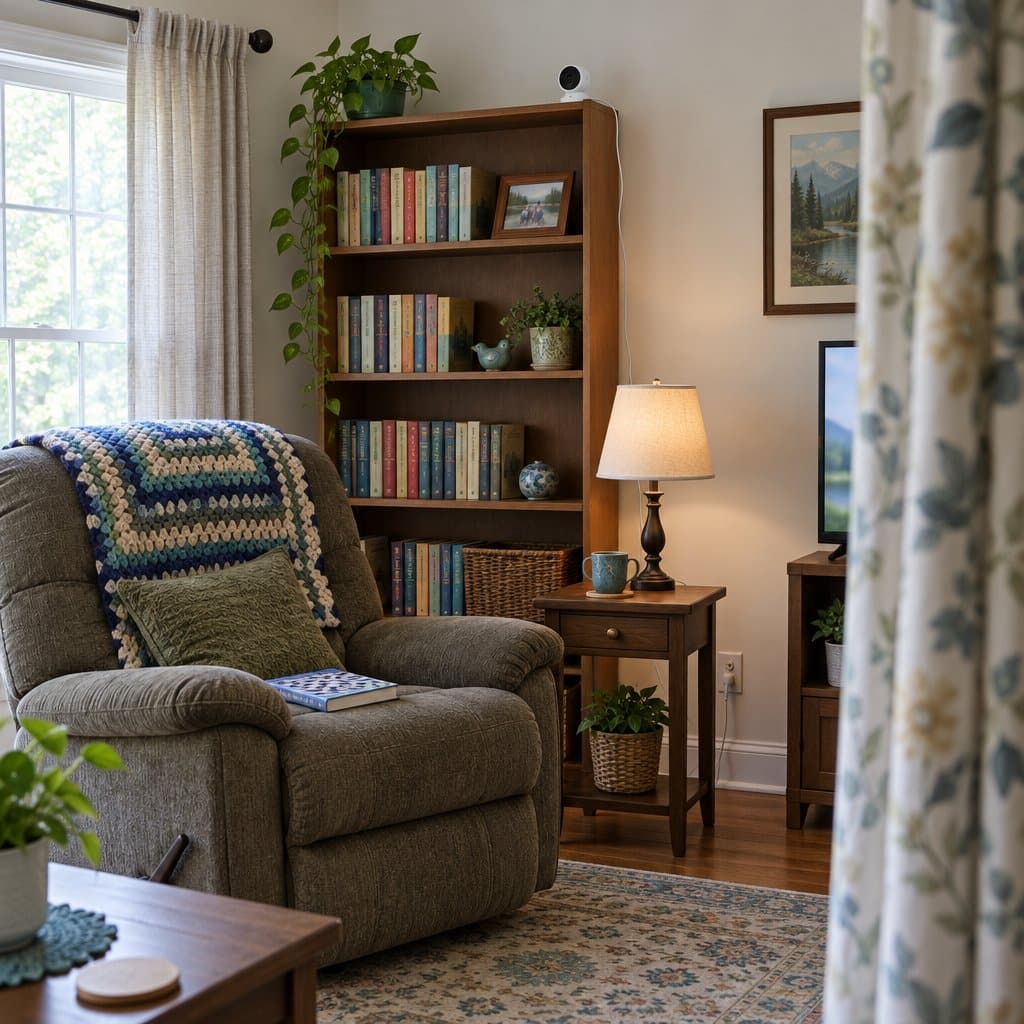
- Place the camera in an area that is out of reach of the elderly person, such as high up on a wall or shelf.
- Use a tamper-proof camera with tamper-proof screws to prevent the elderly person from removing the camera.
- Cover the power light with a dark and removable material such as electrical tape to make it difficult for the elderly person to know if the camera is actively monitoring.
- Use a motion detector that can be programmed to send an alert if the camera is tampered with.
- Use a secure wireless connection to ensure the camera is not accessible to anyone other than yourself.
- Install a security system to detect and alert if the camera is tampered with.
- Educate the elderly person on the importance of the camera and why it’s there.
How to Explain the Need for Monitoring to an Elderly Loved One
- Start by emphasizing the importance of safety and security. Explain that a monitoring camera would help keep people and property safe.
- Emphasize that a monitoring camera is a preventative measure, not a punitive one.
- Explain that the camera will be used to monitor and record activities and help identify potential threats.
- Suggest that remote monitoring is a tool to allow elderly people to age in place at home in familiar surroundings.
- Show that the monitoring camera is an effective and cost-efficient way to protect people and property.
- Demonstrate how the camera can be used to help identify and apprehend criminals.
- Reassure everyone that the camera will be used responsibly and in accordance with existing laws and regulations.
- Make sure everyone understands that the monitoring camera will not be used to violate anyone’s privacy or personal rights.
- Address any privacy concerns by explaining that the camera will only monitor public areas, not private ones.
- Explain that the camera will be monitored by reliable and trustworthy loved ones.
Final Recommendations
Monitoring cameras for the elderly are an important tool for providing security and peace of mind. They can help seniors feel safe and connected while providing family members with a way to keep an eye on their loved ones.
With the right features, these cameras can be a great way to keep seniors safe and secure.
To find the best monitoring camera for your elderly loved one, be sure to consider the following:
- Look for a camera with a wide field of view.
- Choose one that has a long battery life so you don’t have to worry about recharging it.
- Select a camera with clear audio and video for easy viewing and communication.
Ultimately, monitoring cameras for the elderly are a great way to keep both seniors and their families safe and connected. By taking the time to find the right one, you can provide your elderly loved one with the security and peace of mind they need.