
![Man on video call laptop living room[1]](https://www.grayingwithgrace.com/wp-content/uploads/2026/10/man_on_video_call_laptop_living_room1-e1791545844617.jpg)
Caring for aging parents often becomes one more job for people who are already raising kids and working full-time.
Your parents probably want to stay in their own home as long as possible, but they might still need some oversight. Fortunately, modern technology makes monitoring elderly parents remotely a possibility, and it is far less conspicuous than the old medical alert commercials you might remember.
It can still feel intrusive to a senior who would rather not give up one iota of the independence they’ve enjoyed for so long.
I’ve put my top picks right here so you don’t have to go hunting, and the details on each one, including the downsides, are further down the page.



Options For Monitoring Elderly Parents Remotely
Many working adults might immediately think of baby monitors and video cameras for keeping tabs on their elders. In certain cases of dementia, this might actually be appropriate. However, it’s a tremendous invasion of privacy and possibly even illegal for anyone who still has their mental faculties together. Still, starting your eventual ‘conversation’ is a great option.
Fortunately, you can pitch many other options to your parents or older loved ones that might suit them just fine, especially if they don’t even know such things exist yet.
You can also consider Housing Association Software used by many nursing homes to manage multiple things and build a community of friends for your elderly parents. They’ll have access to food, healthcare services, transportation options, and social engagements with other seniors – all from the comfort of your computer!
Keep reading to learn about using monitoring video cameras with elderly loved ones, wearable body tech, and many other potential options for remotely monitoring your elderly parents remotely using modern technology and possibilities:
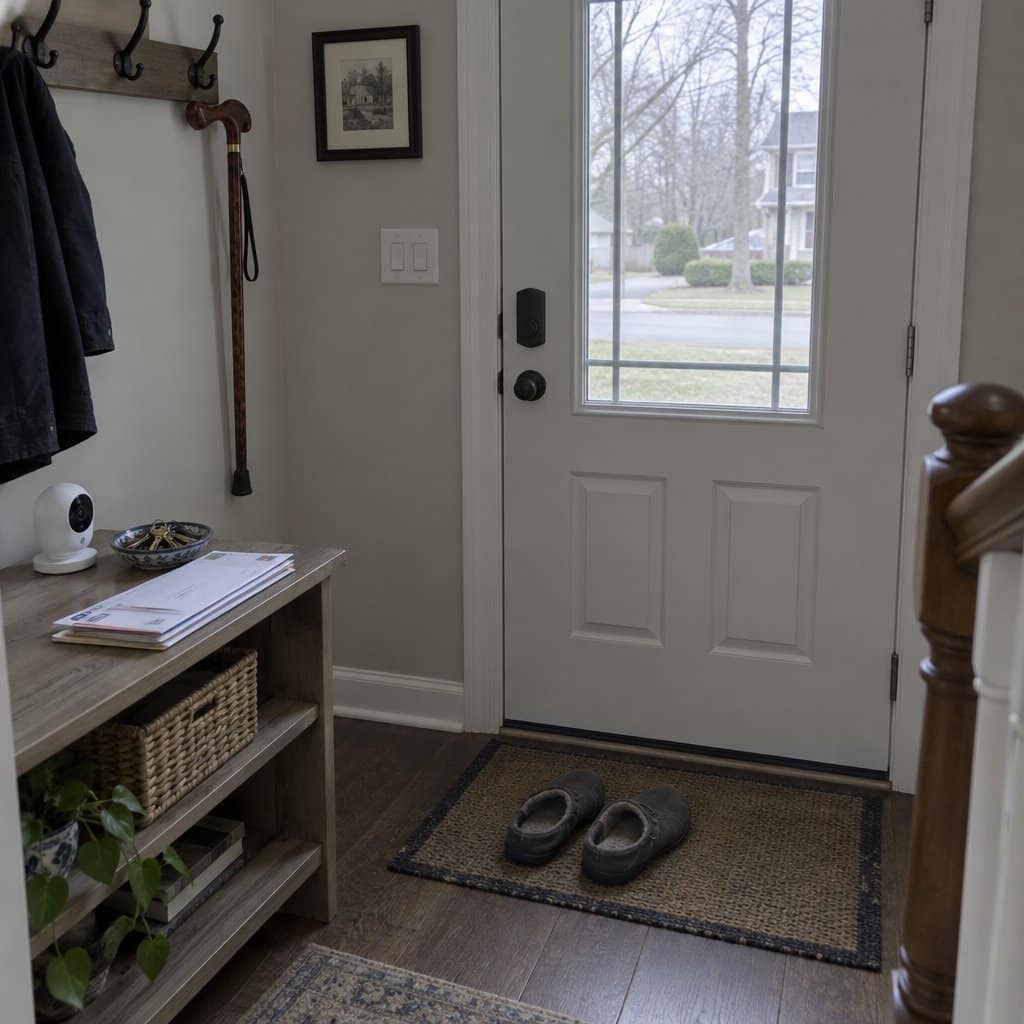
Wyze Cam v3 Security Camera
- Live-time Wi-Fi feed lets caregivers check-in online and view what’s happening anytime.
- Privacy concerns, especially in bathrooms and bedrooms, where accidents might happen and not get noticed.
Businesses have been using these for decades, and many assisted living facilities, and nursing homes use them to monitor traffic in public spaces. However, where to install one in a private home is a complex decision. A front entry might be normally acceptable, but what about a kitchen or living room?
No-WiFi Elderly Monitor with Camera

This is a self-contained monitor with a camera, a screen, and a call button. It does not use WiFi, needs no smartphone, and has no monthly fees. That means no app to set up, and it keeps working when the internet goes down.
For an older adult living alone, the useful part is how little they have to do. There are five different one-touch alerts, plus two-way talk, so she can call for help or just say hello without handling a phone. It also has infrared night vision, medication reminders, and temperature alerts, which cover a cold house or a missed pill. If the temperature of the house is the main worry, a thermostat you can check from your own phone may do that one job better.
The trade-off is range. Through walls, expect somewhere between 50 and 150 feet, so a big house or a far-off bedroom may be a stretch. Try it in the actual rooms as soon as it arrives, while you can still return it.
The screen is portable and needs charging every day unless you leave it plugged in. If you won’t remember to charge it, keep it plugged in. This is also not for you if you want to check in from across town, since it works by being in range, not over the internet.
Instant Delivery Services
- Voice recognition means visual and manual dexterity aren’t issues preventing shopping for necessary items.
- This does mean strangers coming to the door.
Between your job, kids, life (if you have one), and caring for older family members, you just don’t have many hours left in the day, if that.
Now, it’s possible to schedule deliveries of things ranging from medications to groceries in under an hour.
Amazon has paved the way with urban centers that do same-day delivery, but Google Home and Alexa can also help seniors.
Nutrition Tracking
- Make sure they have fresh fruit and vegetables on hand.
- If the food volume isn’t dropping much when the grandkids are over, there’s probably a lot of freshly baked cookies getting munched on you’re not supposed to know about.
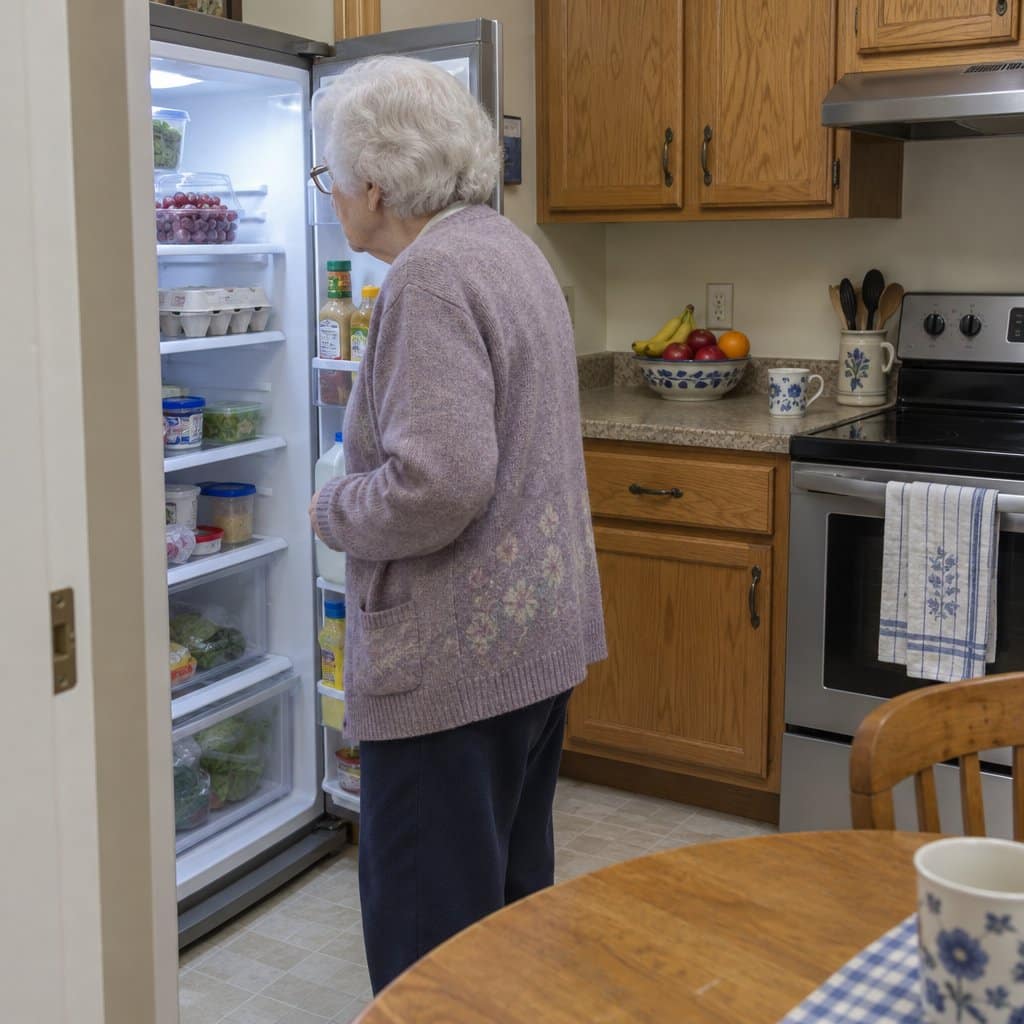
Smart refrigerators sometimes come with Wi-Fi-connected cameras. Options include the Samsung Family Hub or the LG InstaView ThinQ.
You can use these to look into your elder’s fridge and see what they do and don’t have on hand regarding food. If cooking itself has gotten harder, an electric cooker made for seniors can make a hot meal simpler and safer.
Ride-Sharing/Booking Apps
- An effective way to get around without access to mass transit or having friends available for rides.
- Seniors can be susceptible to scamming by unscrupulous strangers.
Uber and Lyft spread like wildfire among the younger generations initially, but older generations find them useful for getting around. Many older adults start losing their capacity to drive or just don’t want to hassle with it anymore. Getting driven around by others is a lifesaver for appointments, errands, and social activities. If an app is outside the comfort zone of your loved ones, consider a concierge service, such as GoGoGrandparent, which sets up rides through a toll-free number.
Videoconferencing/Telemedicine
- No trips to the doctor’s office, no waiting rooms, no getting sick from being around ailing patients.
- Some caregivers might start overly relying on this instead of in-person interaction, which can be detrimental to the social needs of an older loved one.
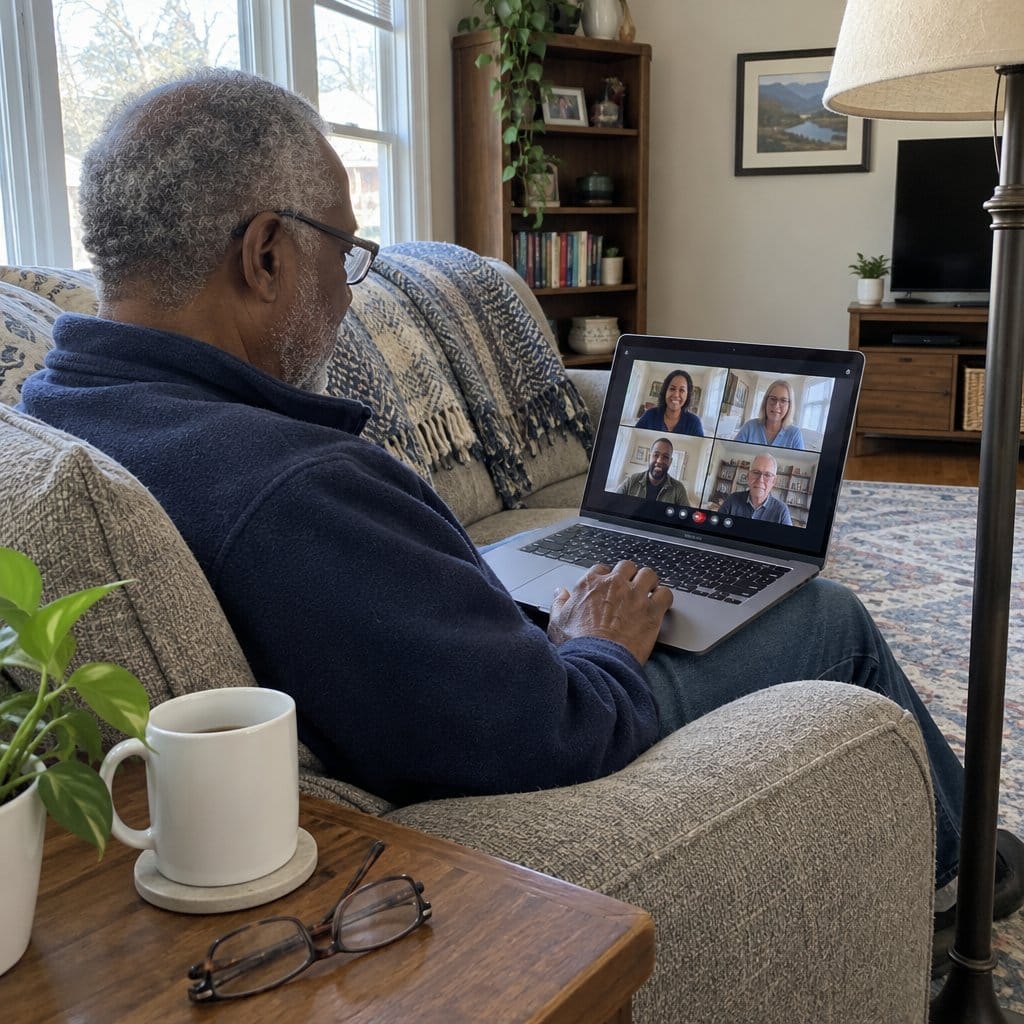
If your elder has the right devices at home to track their overall health and specifics like glucose levels and vital signs, then many doctors and nurses can do this via telemedicine. For that matter, a daily video conference lets you chat with your elders in live time and see with your own eyes how they are doing. This lets you read their body language and learn things other technology just can’t tell you. This option is pretty simple to set up with a laptop computer, a senior-friendly tablet, or smartphone through apps like Skype, Zoom, and many others
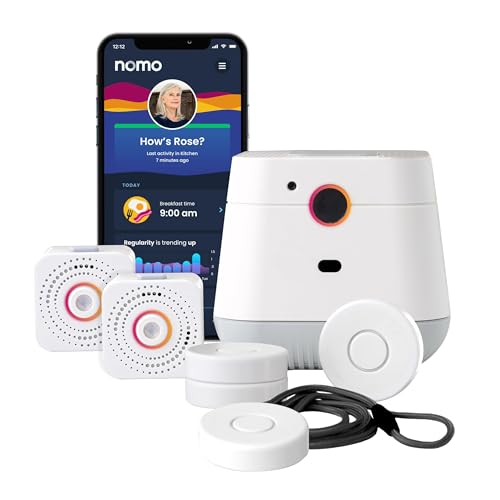
NOMO Fall Detection Medical Alert System

The NOMO Smart Care Medical Alert System is for the parent who says “I don’t want a camera in my house,” and means it.
It uses WiFi to detect falls instead of a lens, so nobody is being watched. When a fall happens, the wearable tag sends a real-time alert to what NOMO calls a Care Circle, which is the family members you choose.
The hub also has two-way voice. You can speak to your parent directly through it without needing them to pick up a phone, which helps if they can’t get to one.
Setup is plug-and-play. No technician, no wiring.
The catch is the WiFi. If the home internet goes down, the alerts stop, so this suits a home with a steady connection and a family that will notice when it drops.
Alerts to family are one thing. If you want trained responders on the line around the clock, that takes the monthly subscription after the 60-day trial. It’s a fair thing to try first, but plan for it.
Abode Wireless Smart Security System
- Extremely handy in the event of an emergency; fast response times are possible.
- Installation can be complex and expensive if the various devices in the home aren’t already compatible with tech.
There are other manufacturers alongside Adobe, and they all do install alarms to motion, windows, and doors. Caregivers and authorities can be notified when there are issues. This includes flood sensors, smoke alarms, and thermostat controls.
GoveeLife Smart Motion Sensor

This is a motion sensor that switches on other GoveeLife devices in the same space when it notices someone moving. It’s meant for places like bedrooms, hallways, and bathrooms, where it helps to have your hands free.
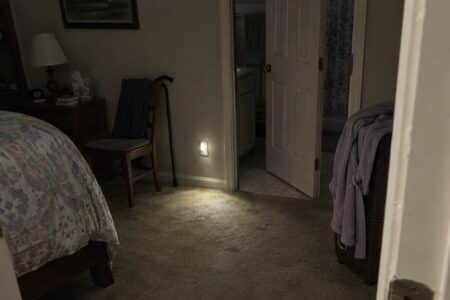
For an older adult, the point is simple. A light that comes on by itself means no fumbling for a switch in the dark, which is when a lot of trips and falls happen.
That helps during the day too. The small trips around the house, to the kitchen for coffee or out to water the plants, add up to a lot of an older adult's daily movement, and a lit path makes it easier to keep making them.
It senses motion at about 16 to 19 feet, across an angle of 60 degrees to either side. It only works inside that range, so where you place it matters.
You can also set how long it waits between triggers, anywhere from 60 to 180 seconds. That keeps it from reacting to every little false trigger.
Who it’s not for: It works with devices in the Govee Home app, and you need to own at least one Govee Home WiFi product to set it up. If you don’t have any Govee lights or plugs yet, you’ll need to buy those too. It also won’t tell you when Mom is up at night. It turns things on and off, and that’s all.
Having ‘The Conversation’
None of these options, no matter how well-intended, are even possible without having ‘the conversation’ with your parents. Installing technology into their homes without consent lands between rude and downright illegal.
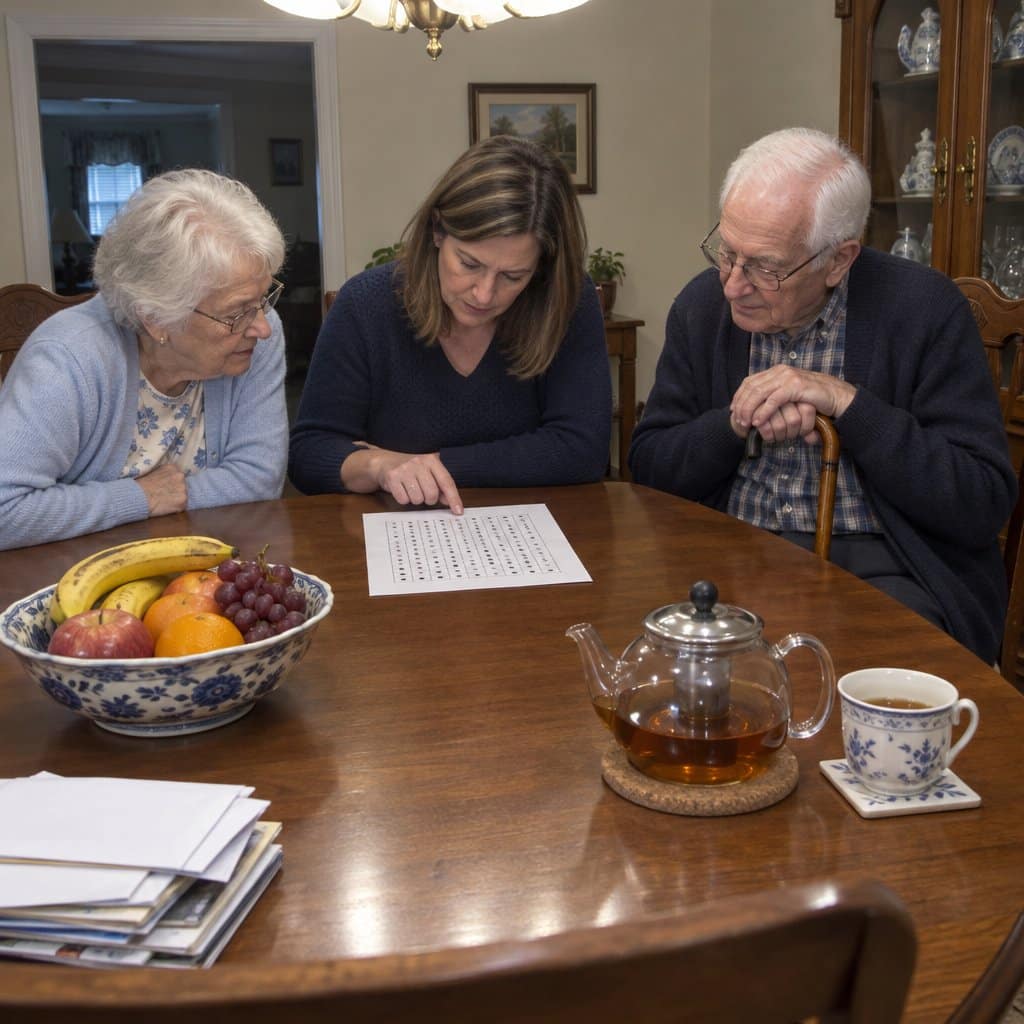
Set a Planned Time for the Talk
You have to talk to them. It’s best to have this conversation in advance instead of during an emergency. In a crisis, major life decisions might fall to just one or two people, but doing things ahead of time, intentionally, can bring everyone on board.
Sadly, no one wants to do this. Working adults might not feel like they have the time, actual grandparents and seniors don’t want to give up any independence or burden to their kids, and younger generations just might not understand what aging and end-of-life are all about.
Still, if you want to be ready for your parents’ future needs, you need to get everyone involved on the same page. A planned meeting is best, given how easy it is to kick this can down the road. Don’t bring this topic up casually at a birthday party or holiday dinner. If you can’t get everyone together at one time physically, then you need to make arrangements for a Skype call or something similar.
Set Attainable Goals for the Discussion
The goal of your family conversation is to have everyone talk about the wishes and needs of your parents or other elders and seniors as they age. Where would they want to be if they can’t live on their own any longer? How will options be paid for? What are they willing to do to adapt to their current residential circumstances? Can your family do anything to help them now? Just a little bit of positive and productive conversation can go a long way.
Be ready to pitch some of the ideas and options this article presents. They might not even know they exist, and anything that can help them stay in their current home safely might delight them.
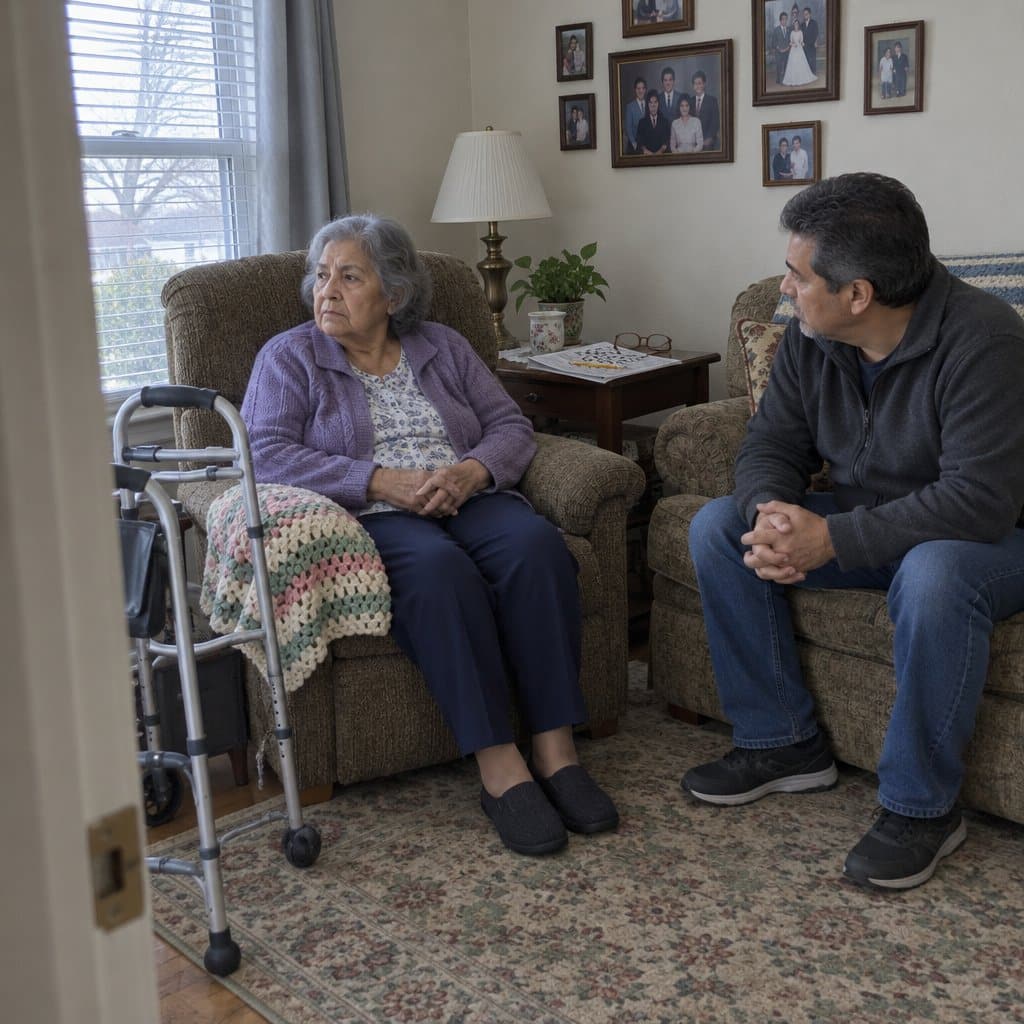
Be Respectful and Address Their Concerns
During this meeting, you might need also to address current concerns as much as you cover what could happen in the future. Ask if they have fallen lately, whether or not they’re losing weight, if their vision is failing, and how current they are on bills. The most difficult thing to ask them about might be whether or not they should even still be driving.
Honor their wishes as much as you can, and always be respectful. Luckily, they’ve already got plans in place of their own, and you can support and improve them with what you know from this content and other sources.
Offering choices and the right technologies to prevent falls is a great way to keep the conversation going without them getting too defensive. Remember, ‘the conversation’ might be ongoing over many individual compromises and discussions.
In Conclusion
Your parents cared for and cared for you in your younger, formative years. It only makes sense that you would want to try and return the favor when they need you. Having said that, giving up their independence or admitting they need help is probably something they don’t want to hear, much less even talk about.
Many elders also don’t want to be any kind of burden on their kids or grandkids, preferring to let them live their own lives. Still, modern technology and options let parents stay in their residences for many years in ways that weren’t possible even a decade ago.




I truly appreciate this straightforward article! My mother turns 81 soon, Dad’s in late 70’s. I live less than an hour away, but of course I can’t be there all the time. Dad’s very frail and sickly, yet he still drives himself to dialysis and doctor appointments. Mom has cataracts and arthritis in her hands, is otherwise in good health. My siblings live in 3 different states. So, I will plan to have “the conversation” virtually ASAP. Thanks again!!!