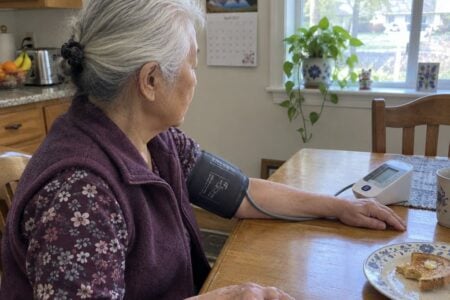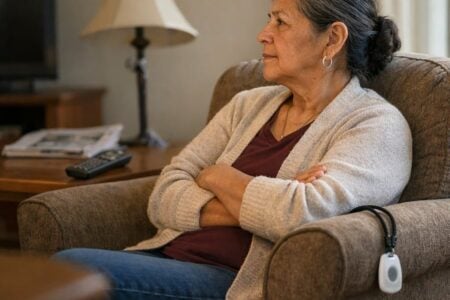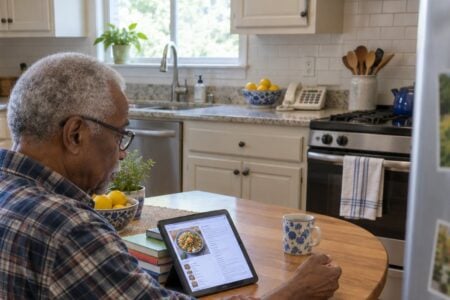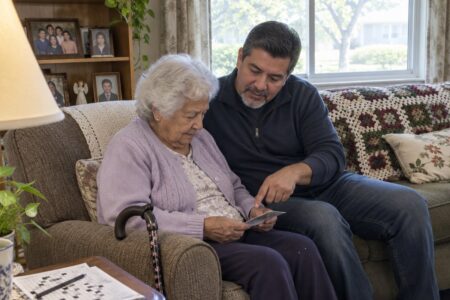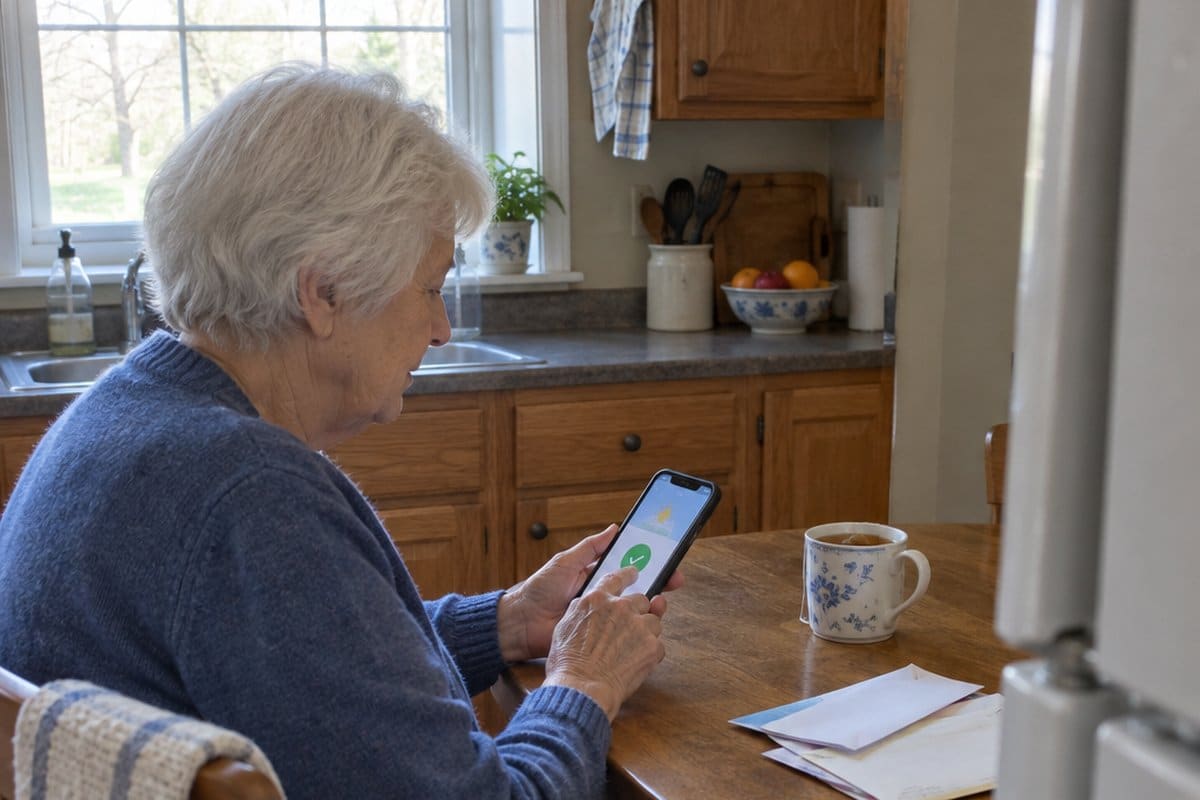
Picture getting a call and wondering if Mom made it home okay. That worry is why many families look for the top-rated safety apps for seniors.
The right app can send help, share a location, or let family know you are fine.
This article covers personal safety apps, medical alert apps, fall detection, GPS tracker apps, and everyday apps for seniors living alone, from pills and speech to phone settings and sleep. I also cover apps that give you someone to talk to.
How Apps Make Seniors Safer:
Get emergency help at the push of a button with a personal safety app like Snug Safety. It is a daily check-in app. If you miss a check-in, it alerts your emergency contacts. It does not detect falls.
A medication reminder app like Medisafe can alert you when it is time to take your pills.
Enable fall detection on your smartphone to automatically alert your chosen contacts if you take a bad spill. Apps like FallSafety can do this for free.
Know your loved one’s whereabouts by using a GPS tracking app. Senior Safety App locates your mom or dad on a map 24/7.
Monitor chronic conditions by logging symptoms in an app like Wave Health. Share reports easily with your doctor.
Get rides and deliveries scheduled through transportation apps like GoGoGrandparent. They can help if getting around is hard.
With the right app providing security tailored for seniors, you can focus on healthy, happy, and independent living. Keep reading to find the perfect solution for your needs.
Personal Safety Apps For Seniors
Snug Safety
Snug Safety is a free and friendly daily check-in app dedicated to people that live on their own. The app is very easy to use, regardless of how uncomfortable or comfortable the person may be with the latest technology.
How Does Snug Safety Work
Snug Safety is a very simple app that checks on your loved one every day.
When the person responds, the app shares a motivational quote, but when they don’t respond, the app sends a message to the emergency contacts to alert them that the person may need help.
It Is Fairly Simple
- The first step involves setting up the account. This will involve putting in the person’s email address and name. From here, the emergency contacts need to be chosen and the deadline for the daily check-in.
- The app will send a reminder before the chosen time each day, requesting the person to go onto the app to “check-in.” All that is needed from there is to push on the large green button!
- After the check-in, the 24-hour clock will be reset.
If the person does not check-in within the required time limit, the app initiates an alert to check if the person is ok.
When using the Free Plan, the app sends the emergency contacts a message (text) that will say that the person has missed their check-in.
When using the Paid Plan, a Snug dispatcher will make a call to the cell phone to check if the person is ok. If they fail to answer the call, the dispatcher will leave a message (voicemail) with the callback number.
From here, they will make a call to each of the emergency contacts.
If the person still hasn’t checked in, or the dispatcher has not received confirmation that an emergency contact will check on the person, the dispatcher will request what is known as a Wellness Check to the last-known location of the cell phone.
Learn more about the Snug Safety app here.
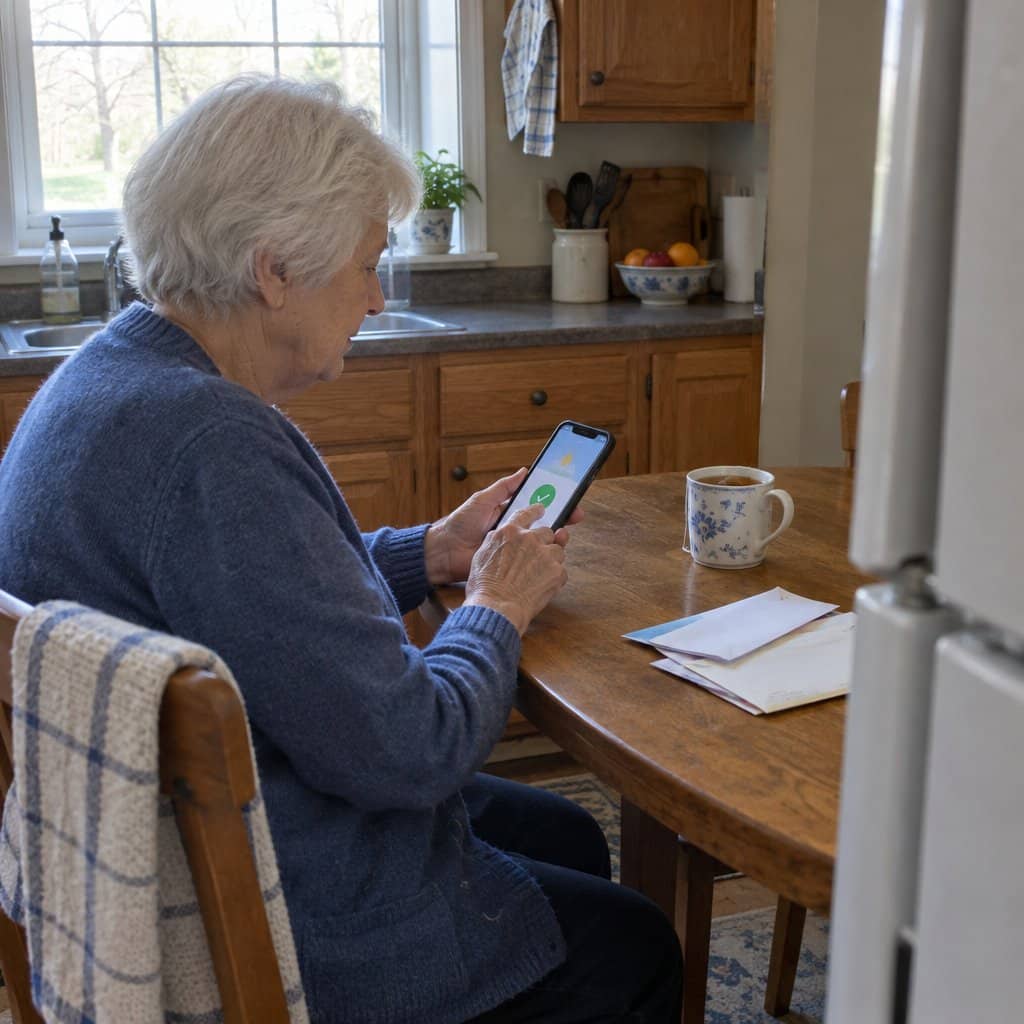
Best Medical Alert Apps For Seniors
Red Panic Button
The Red Panic Button app is one of the best emergency apps for seniors and is very similar to the medical alert necklaces.
But rather than having to wear either a bracelet or trinket to remain safe, the user just needs to keep their phone nearby.
If anything happens that is medically related or emergency-related, the user just needs to push the Red Panic button in the app, and it will instantly send a message to the contact list that was chosen when setting up the app.
The app will also broadcast the location of the person that the user pre-selected to receive for emergencies.
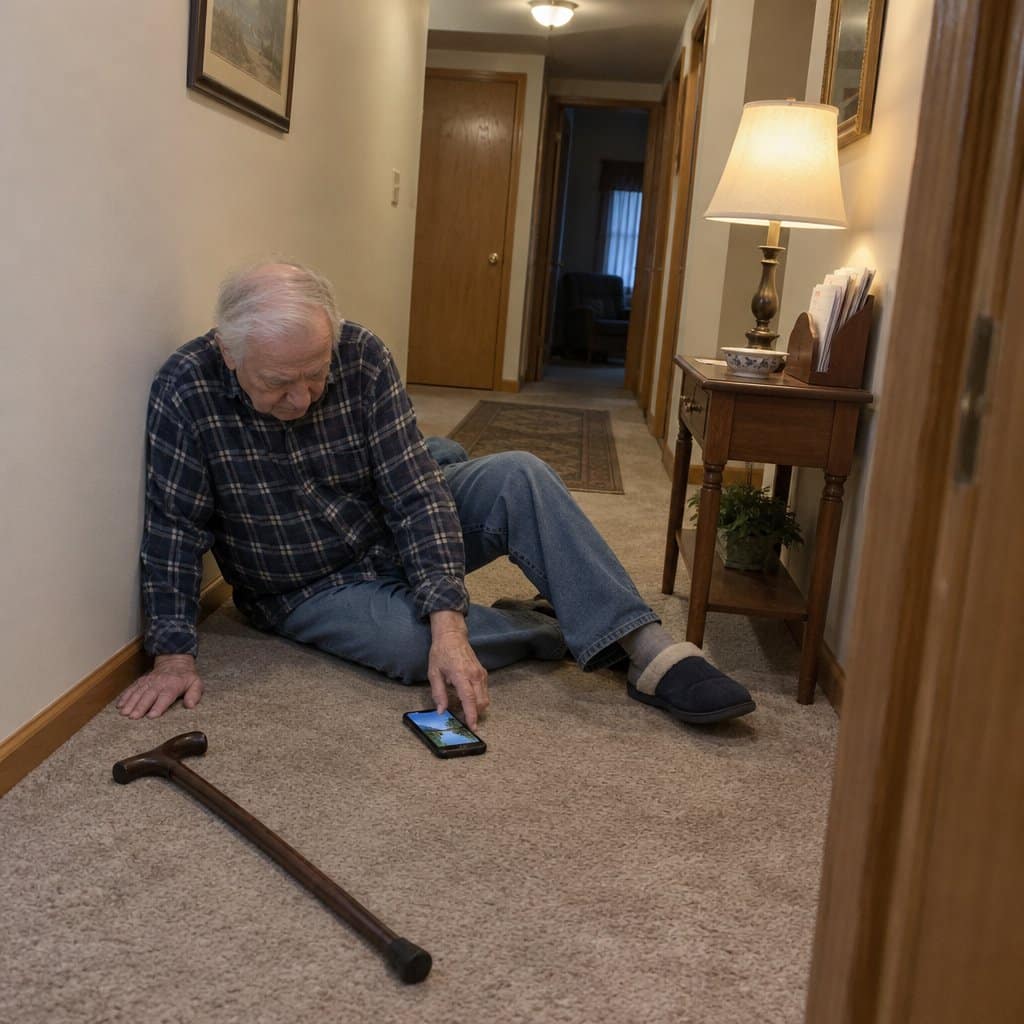
Fall Protection And Notification Apps
FallSafety Home
The FallSafety Home app is ideal for seniors that may feel worried or anxious about falling while they are home alone.
Rated as one of the best senior safety apps for iPhone, FallSafety Home provides automatic alerts when emergency assistance is required and intelligent and innovative fall detection.
The account setup and the installation process are very easy and allow the user to choose emergency contacts of their choosing that will be notified when a fall is detected.
The app is free when only using one emergency contact and is available for iOS and Apple Watch.
Emergency Apps For The Elderly
The Senior Safety App is one of many emergency apps dedicated to the elderly, and it is good for Android users looking for effective apps with several emergency features.
This is an app that provides a quick and easy way to ask for help when faced with an emergency. And it is able to detect sudden jerks while driving or for tracking inactivity or a fall.
If any of these situations arise, the app will alert all the pre-set emergency contacts. This free app is only available for Android devices.
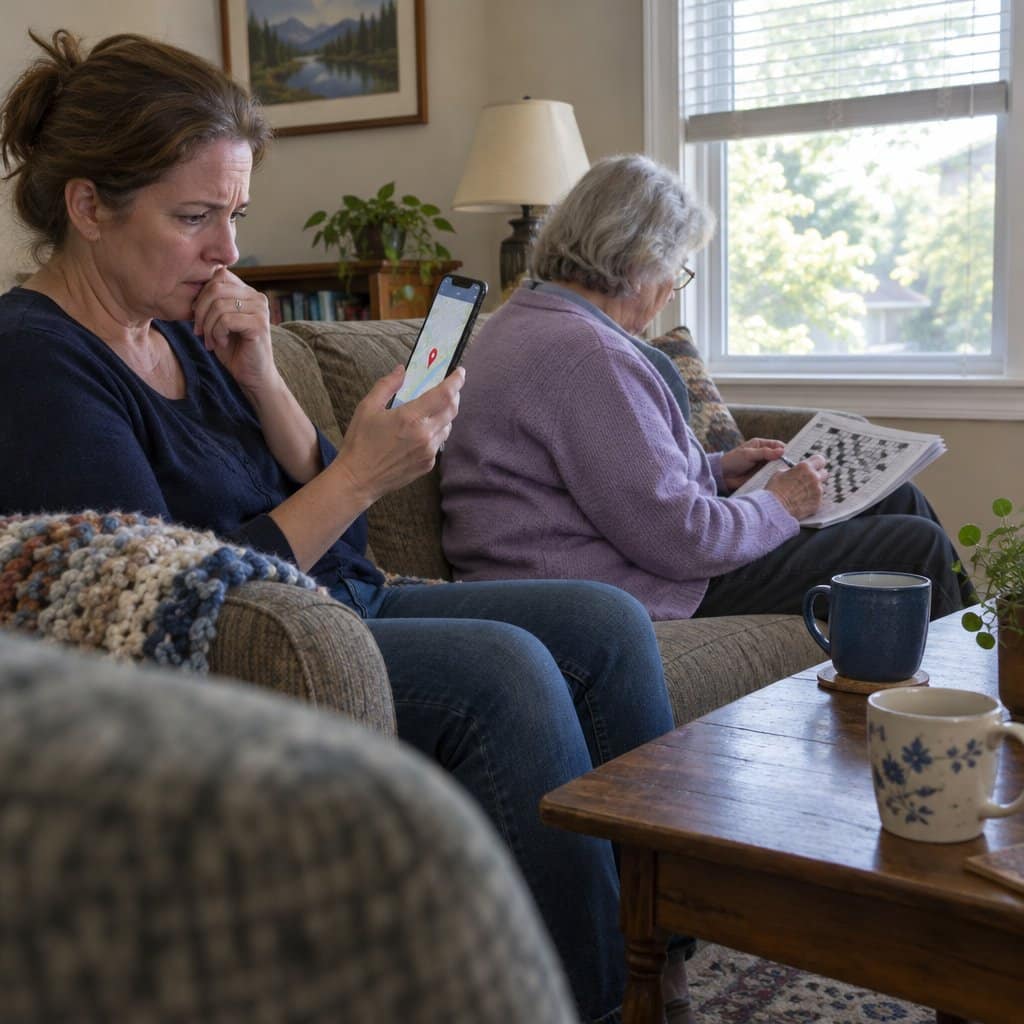
GPS Tracker Apps For The Elderly
Keeping watch over a senior family member is not always that easy, but with the latest available technology, many tasks have become much easier for everyone.
Today, there are many safety applications such as Senior GPS Tracker or GPS Tracker For Seniors that use a GPS signal to accurately pinpoint on the Smartphone Map the exact location of your family member or elderly parent.
Below are some of the features that can be found in a personal GPS tracker app:
It Helps You To Keep Track Of An Elderly Family Member
Senior GPS tracker will help you to keep track of a senior member, which will also help them to live an independent and more comfortable life while giving you peace of mind or reassurance when it comes to their safety.
With this GPS tracker installed on the phone, you can get their exact location in real-time, which can help you to find them quickly when they get lost.
These apps also include a range of other useful features, including Geofence alerts, Location monitoring, Inactivity Tracker, Fall Alert, Low Battery Alert, Location Logs, and more.
The security of an aging parent is very important to many people, and any extra measure that can be taken to guarantee their safety is usually well worth it.
See my favorite GPS tracking apps for seniors and the elderly here.
Best Apps For Seniors Living Alone
Seniors that live alone often greatly enjoy the independence and personal freedom that comes with living on their own. However, these are perks that are not without a few risks.
When there is no one close by to respond or help, even minor falls can turn into life-threatening events when an older person is not able to let someone know that they need help.
At the same time, when a person doesn’t have someone around to provide companionship, isolation or loneliness can also impact their mental and emotional health.
And with hearing, vision, and mobility changes, day-to-day tasks can become more challenging.
But with the assistance of technology, seniors and the elderly who live alone can use apps to improve some of the ways they do things while at the same time providing protection and more privacy.
FallSafety
Research has suggested that falls are a bigger risk when a person lives on their own. The FallSafety app allows users to turn their smartphones or a smartwatch into a fall-detection device.
It is very easy to install, and the user can either add 1 emergency contact if they want to use the app for free or up to 5 contacts if they decide to subscribe.
Once the account is set up, the app will run continuously regardless of whether the person is using their smartphone or not.
If your loved one or you falls, this app automatically detects the fall thanks to the built-in accelerometer. From here, a Panic Button appears on the phone’s screen.
When the user presses the button, it will notify the emergency contact(s), providing the user with that lifeline when needed.
RELATED: Best Pill Reminder Apps for Seniors
Rescu
When a person falls or sustains a bodily injury, it is not always possible or easy to call 911. In some cases, the pain caused by the injury can make it hard to speak, or maybe a landline cannot be reached.
In an emergency such as this, seniors that are living alone may benefit from using the Rescu app, which will automatically dispatch a first responder to the location of the user with two simple taps on their phone.
This app includes state-of-the-art GPS technology, yet it is still very simple to use even when it comes to non-tech-savvy users.
Rescu can send help without a phone call, which may be useful if speaking is hard. If you can, calling 911 is still the most direct way to get help.
When setting up an account, the Rescu app will ask for all the relevant medical and personal information and emergency contacts.
When an alert is sent, the app will immediately send all this information to an emergency responder, which can help them when it comes to how to care for the patient.
It will also send text messages to each emergency contact, which will also let them know that the person is faced with an emergency.
Rescu can be a lifeline for elderly people living on their own or for caregivers that need to know their loved one is safe.
Check out these apps for seniors who walk alone to improve their safety while they get their daily exercise.
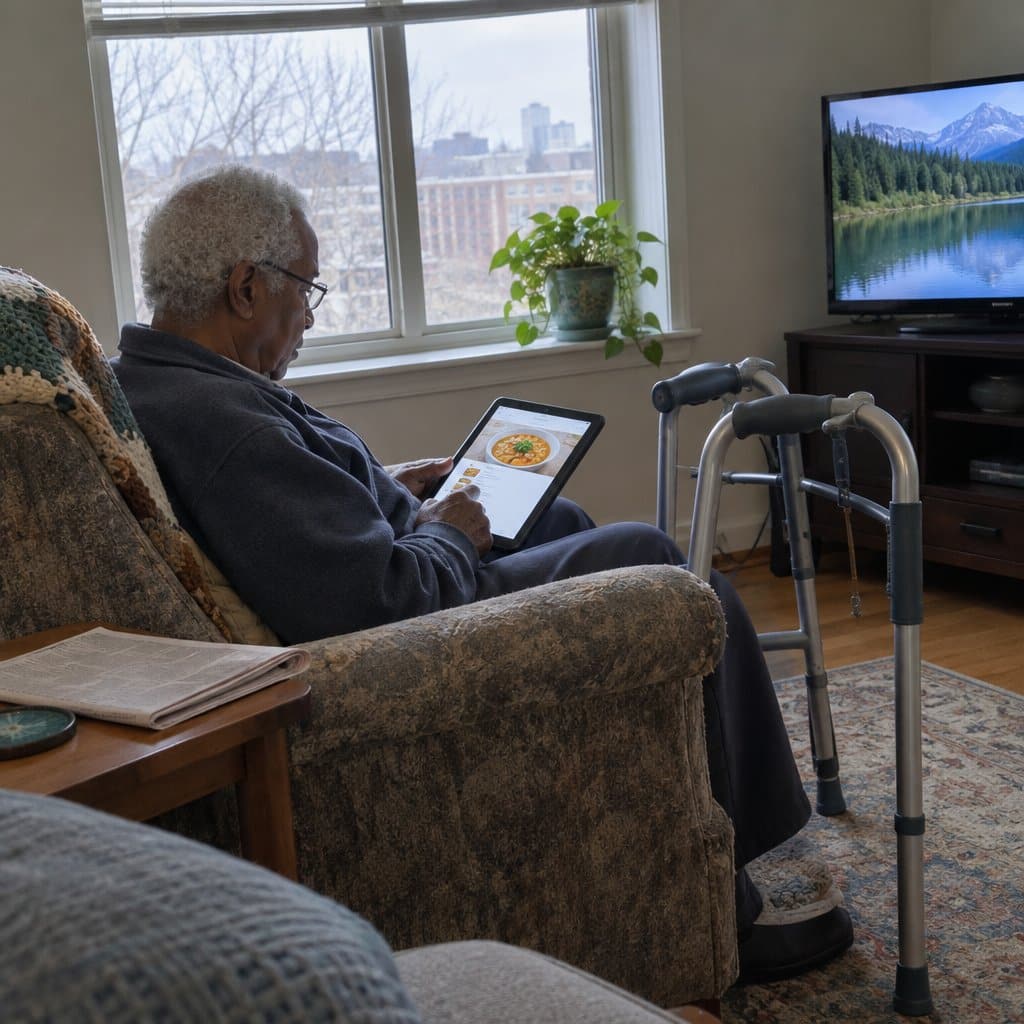
Apps That Give You Someone To Talk To
Living alone can get quiet. Spending long stretches without much conversation can leave a person feeling lonely and cut off.
Two apps are built for those moments. Both are simple to use.
Happy connects you with a “Support Giver,” a listener who is understanding and available around the clock. You can use it for a friendly talk, to vent, or when the day’s demands feel like too much. It is confidential and easy to use.
HearMe lets you text chat with a qualified volunteer. It suits people who want to talk through something serious, such as the death of a loved one or a big change in life. It also suits anyone who just misses human company.
One trade-off: these are listening services, not emergency help. They will not alert anyone if something goes wrong, so they work best next to a check-in or fall detection app.
Everyday Apps For Seniors Living Alone: Pills, Speech, Phone Settings And Sleep
Living alone suits a lot of people just fine. Still, a few daily things get harder when no one is around to help, and a handful of apps and phone settings can cover them.
Start with medication. When you live alone, a missed pill is easy to overlook. A pill reminder app lets you schedule reminders by day, date and time. Some also let you send your doctor a list of what you have been taking. Pill Monitor is free on iPhone, and Medisafe is a good Android option. See my guide to pill reminder apps for more choices.
Next is Live Transcribe, a speech-to-text app for Android. It listens as you talk and turns your words into sentences on the screen, in many languages. It can also hide foul language if you like. The catch is that it needs an internet connection to work.
iPhone users do not get Live Transcribe. The Voice feature on the iPhone does real-time speech-to-text, which helps when typing a message is a struggle.
The iPhone also has accessibility features built in. They are not an app, but they are worth knowing about. Go to Settings, then General, then Accessibility. There you will find zoom, which makes text and icons larger, and VoiceOver, which speaks each action out loud. You can also use the camera as a magnifier for reading.
For sleep, Relax Melodies is a free app on both iPhone and Android. It has a library of soothing sounds you can mix, such as a running river with a bonfire and a rainstorm. A custom timer keeps it from draining your battery overnight.
You may also want security cameras, smart locks and motion sensor lighting, and it helps to stay close to your neighbors. Apps work best alongside those habits.
One trade-off: none of these apps will call for help on their own. For that, you will want one of the check-in or fall detection apps covered above.
Staying Safe with Senior Apps
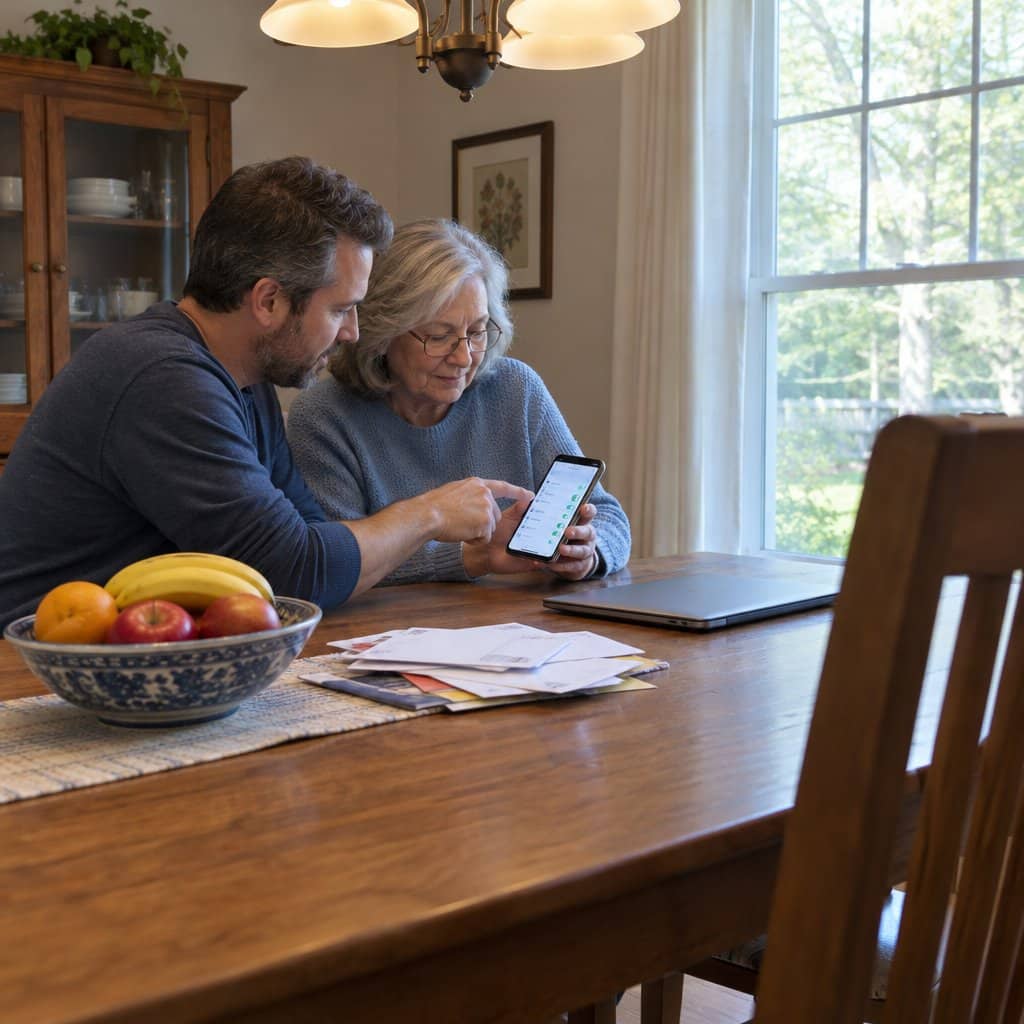
When choosing a safety app for an older adult, be sure to:
- Read privacy policies carefully, and avoid apps that can share data without consent.
- See if the app has third-party security and privacy certifications.
- Check if it allows user control over what data is collected and shared.
- Disable location tracking when not needed to limit data access.
- See if personal data is encrypted for storage and transmission.
- Beware of apps requesting access beyond what’s needed for services.
- Make sure emergency contacts are correct before enabling alerts.
- Set up multifactor authentication if available to prevent unauthorized access.
- Make sure the senior understands how their data will be used.
- Periodically review security settings and update contact info as needed.
Choosing trusted apps and being cautious with data will help seniors access helpful services while maintaining safety and peace of mind.
Conclusion
With such a wide range of useful apps dedicated to seniors, it may seem a bit overwhelming to begin with.
When you start your research, ask a loved one, family member, or friend for help, especially when you are not sure how the downloading process works or how to set one up on your phone.