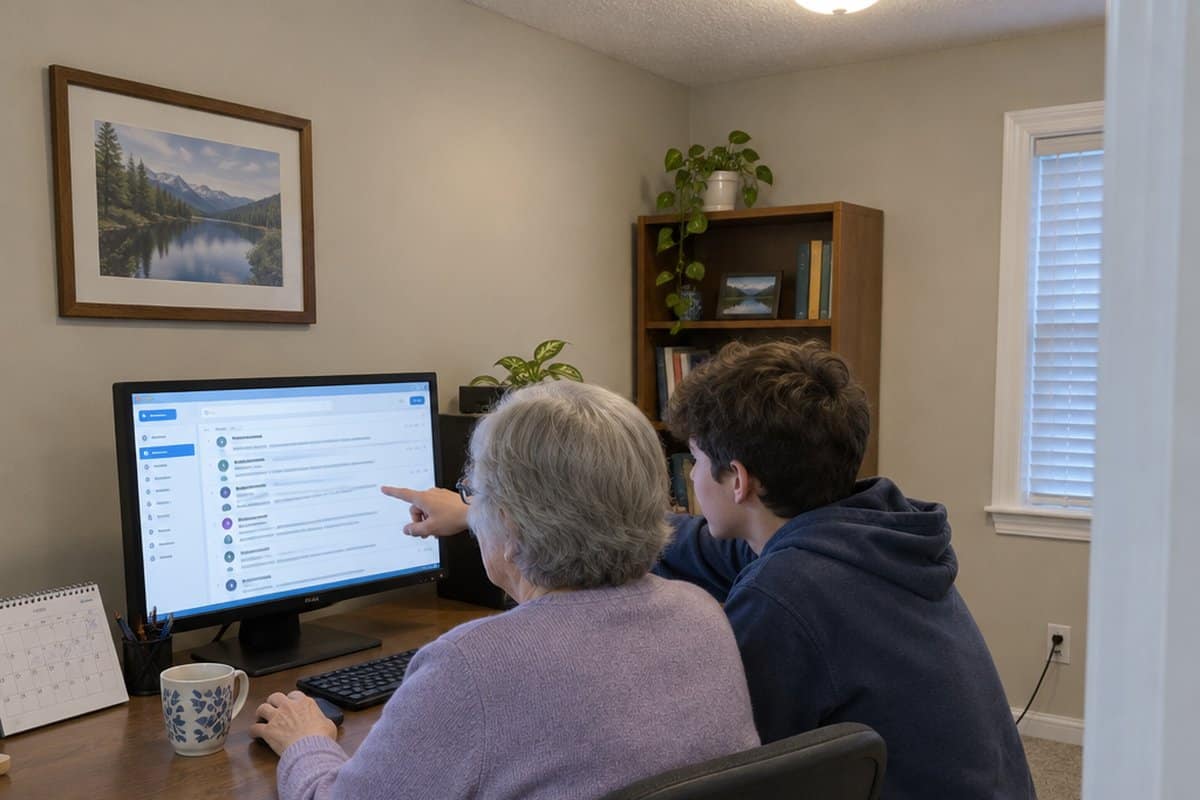
You get a new phone or a letter that says “go online,” and suddenly you feel stuck. That is normal, and it is not your fault. This guide covers easy ways seniors can improve their digital literacy, which simply means knowing how to use computers, phones, and the internet. We start with what makes it hard, then what digital skills do for your daily life, from paying bills to video calls and spotting scams. Then come nine simple steps.
What Difficulties Do Seniors Face When Trying to Achieve Digital Literacy?
First, what holds seniors and the elderly back from becoming digitally literate?

Lack of Internet Connectivity
While internet connectivity sounds like a basic need for every home, some seniors do not have access to the internet. This makes it hard to learn how the online world operates.
The Notion that the Internet is For the Youth
Unfortunately, some seniors still believe that the internet and social media platforms are for young people. While you may have lived for many years without using the internet, the world we live in today is different. As such, it helps to first change your perspective and understand the importance of having digital skills.
Lack of Digital Devices
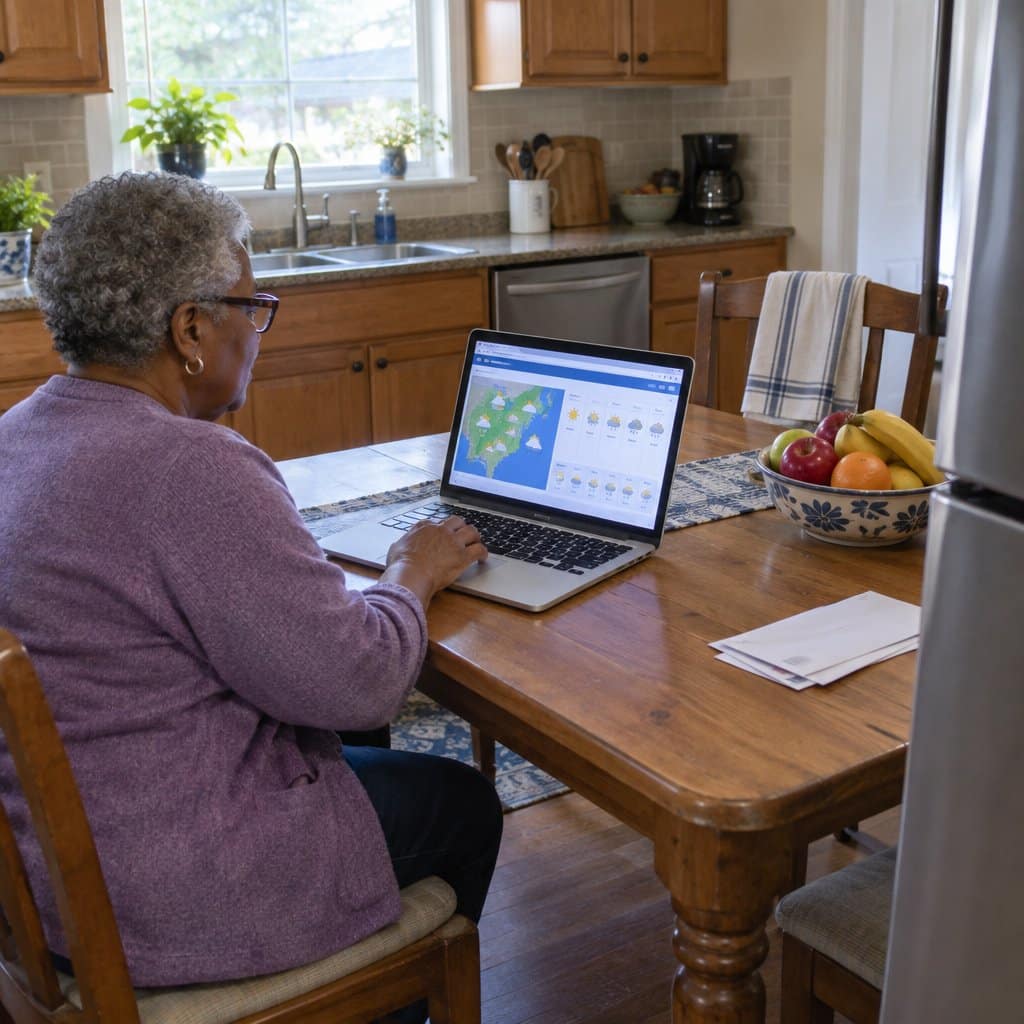
To acquire digital literacy, seniors will need devices such as basic laptop computers and easy to use smartphones. Unfortunately, many seniors still cannot afford such devices. However, this does not mean that you should give up. Simply look for affordable or refurbished brands and you are good to go.
What Digital Skills Do for Your Daily Life
If you are wondering whether the effort is worth it, here is what digital skills get you in practice.
Information. You can check the weather forecast and decide what to wear, or read the news and alerts when it suits you. Look for reputable sources, because not everything online is accurate.
Family close by. When relatives live far away, apps like Skype, WhatsApp and Messenger let you keep in touch almost daily. Video calls also became a safe way to stay connected during the pandemic. A call is not the same as a visit, so in-person time still matters.
Time saved. Once you are empowered to use digital platforms, you can pay utility bills, book hotels, schedule medical appointments and handle financial transactions online. That means less time standing in line, which helps a lot if a health condition makes standing for long hard.
Safer personal information. Doing these tasks online only helps if the sites and networks you use are safe and secure. A privacy breach is the risk to watch for.
Earning a living and sharing skills. Plenty of older adults now share talk shows, knitting and other hobbies on YouTube, TikTok and Facebook. Some earn money doing what they enjoy. If you have a talent you have spent years on, the internet gives you somewhere to show it.
Managing your health. You can look up foods that support immunity, or foods that fit your health conditions. Some people join an online gym and follow light workout videos at home, on their own schedule.
Some people need a little convincing before they take this on, and that is fair. Seeing how much smoother daily life gets can be what changes their mind.
The trade-off is that the same internet also draws people who want to take advantage of others. Learn the skills, and keep your guard up while you use them.
9 Ways Seniors Can Improve Their Digital Literacy
Here are some quick ways that older adults can become more tech savvy:
1. Be Intentional and Create Time to Learn
Older adults must intentionally create time to learn about computers and other digital devices to achieve digital literacy. Remember, you must stay consistent to see significant results from your efforts. For example, allocate a specific time of day, say from 10 am to noon, for digital lessons.
After allocating learning time, set goals and objectives. The goal for Monday can be to learn how to send and open emails. That way, you will learn something new every day. Caregivers who want to assist their elderly loved ones in achieving digital literacy should ensure they stay on the set schedule.
2. Use Every Resource You Can Find
Acquiring digital literacy is difficult, especially for elderly citizens who have spent their entire lives without using the internet. For that reason, numerous companies offer digital literacy resources for seniors. Choose the resources that are suitable to you and learn as much as you can.
If you are a caregiver, help the senior find perfect resources in your area. Most of these resources can be searched online. What’s more, there are plenty of free resources online that your elderly loved one can take advantage of.
3. Start by Learning about the Benefits of Digital Literacy
If you are not fully convinced about the importance of the elderly being digitally literate, all your learning efforts might be futile. This is because you will not have the motivation to keep learning when you do not have an interest. That said, always start your journey by understanding why it is important to acquire digital literacy.
Even as caregivers introduce smart gadgets to the elders in their life, it may be beneficial to emphasize the difference that they will make. This encourages them, and as long as they can maintain this attitude, they will find it easier to embrace and grasp the new technology.
In addition, you can demonstrate how using technology can make the senior’s life easy. For example, show them how much easier it is to pay their bills through internet banking services. Go ahead and compare the online and offline payment processes to show seniors why they need digital skills.
4. Create a Good Learning Environment
The setting and environment in which senior citizens study are crucial to their success. This means that the more at ease they are, the more knowledge they will be able to retain. Maintain a fun, welcoming, and relaxing atmosphere while attempting to teach the elderly.
You must not make them feel any pressure because this can irritate and discourage them. This is because the last thing a senior wants is to feel compelled to attend some form of school. Instead, allow them to use their smartphones to play engaging games. Such techniques give the impression that the item is generally enjoyable to use and that they will soon fall in love with it.
5. Remember, Practice Makes Perfect
Forgetting things can make learning difficult. However, with enough practice and consistency, seniors can retain all the information obtained during a learning session. That said, always practice what you learn.
For example, if you learn how to write and send emails, try to communicate with your loved ones via email. That way, the knowledge you acquire will be permanently ingrained in your mind. Alternatively, if you learn how to pay bills online, practice it by paying all your bills online instead of writing a check.

6. Stay Patient
One of the reasons why most seniors have not yet acquired digital literacy is because they gave up as soon as they started. You must understand that even Rome was not built in a day. Therefore, you must be patient and give yourself time to learn at your own pace.
Just because youngsters understand digital devices, apps, and platforms in minutes, it doesn’t mean that your learning rate should be equally fast. Remember that, unlike you, most youngsters have grown up with these digital gadgets. Be patient with yourself and celebrate yourself even for the smallest achievements.
7. Ask For Help
Most seniors find it hard to learn anything about the internet because they want to do it alone. Be gracious with yourself and understand that everyone needs help at one time or another. After all, no one knows you need help if you do not ask for it.
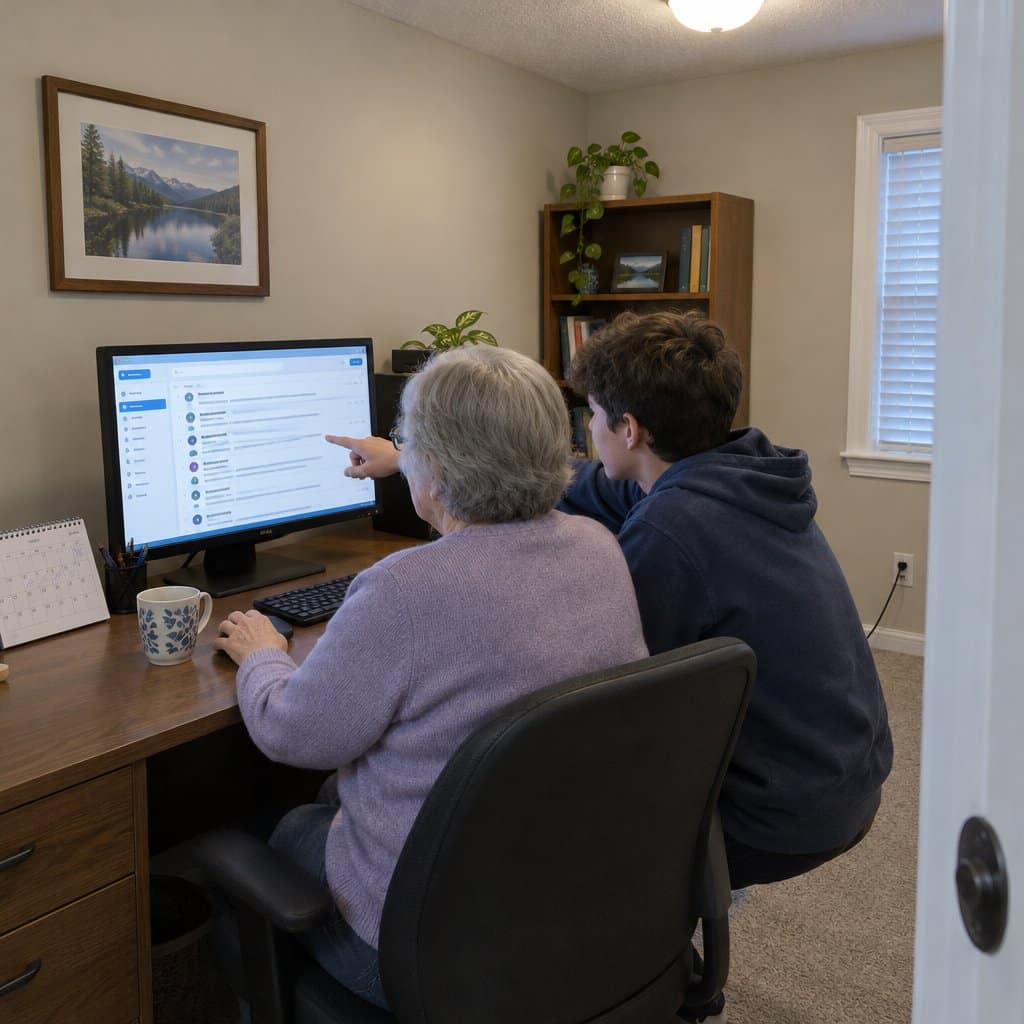
When you don’t understand something, feel free to ask your caregiver, or better yet, your grandkids, for guidance. Alternatively, young people like teenage grandkids can be very helpful. Not only will they enjoy teaching you, but they will also be glad you asked them for help.
You might just learn a few new ways to use technology to make your life a little easier.
8. Get a Good Internet Connection
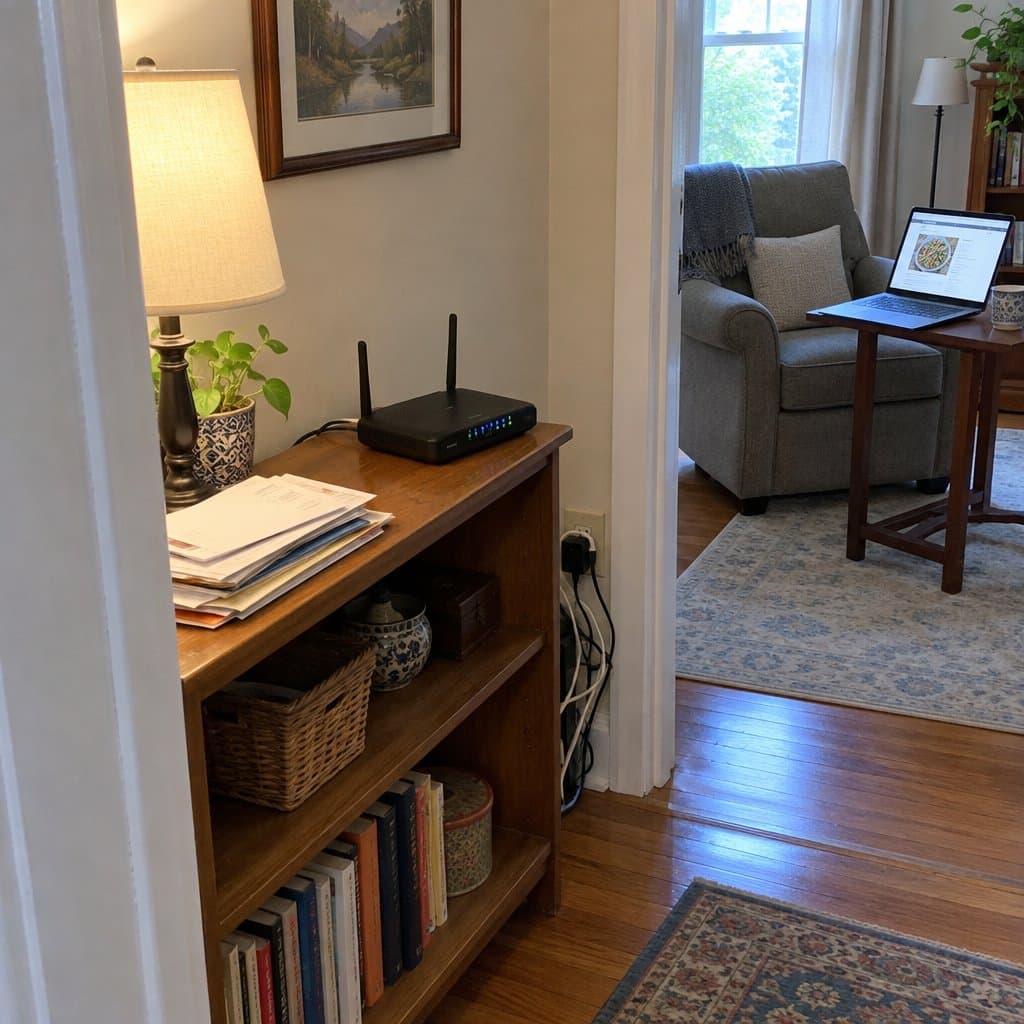
Since practicing is key when it comes to acquiring digital literacy, you will need an environment with strong internet access. That way, you can put your knowledge into practice without any hindrances. While internet connectivity may look like an added expense, numerous internet connections are affordable.
Furthermore, you will save many other costs by doing tasks online. For example, online shopping will save you fuel costs. Secondly, paying bills online may be cheaper than going to the bank to make the payment. All these savings you make will help to cancel out the added internet expense.
9. Learn About Cyber Security
Even as seniors learn how to use the internet to simplify their daily tasks, they must be aware of internet scammers and fraudsters. Scammers often go after people who are new to the internet. This adds to the list of reasons why every elderly citizen should have digital skills.
Cyber security knowledge protects you from falling into the trap of scammers. Fortunately, cyber security is not a hard topic to understand, and you may find it easier than you expect.
Wrapping Up
Seniors are the backbone of our society and we must do everything we can to make them feel like they belong. By helping them acquire digital literacy, they can interact with everyone and have a strong sense of belonging. The internet also offers plenty to enjoy, from music and videos to games and hobby groups.
What’s more, they can avoid scams and fraudsters, as well as increase their self-confidence. As the cherry on top of the cake, they also become more relatable to their children, grandkids and great-grandchildren!