![Woman reaching for ringing landline phone[1]](https://www.grayingwithgrace.com/wp-content/uploads/2026/10/woman_reaching_for_ringing_landline_phone1-e1791204688643.jpg)
Who knew answering machines were still “a thing,” right? But, these helpful devices have many uses for seniors and the elderly.
Seniors who don’t carry cell phones are the only way to leave a message if they aren’t home. Also, sometimes, seniors are a little slower getting to the phone. With an answering machine, the caller can leave a message and the senior can call them back.
Finally, they offer a great way for seniors to screen calls which can help protect elderly people from scams as well.
Top 3 Answering Machine Recommendations for Older Adults
Quality Stand Alone
Questionable
Built In Cordless Phone

Recommended Answering Machines for Seniors
Ok, I struggled with this one a little. There aren’t many options out there to even consider – really, I only found two, and one has “non-so-great” ratings.
So, to give you some choice, I am also going to include phone systems that have built-in answering machines that are easy to use too.
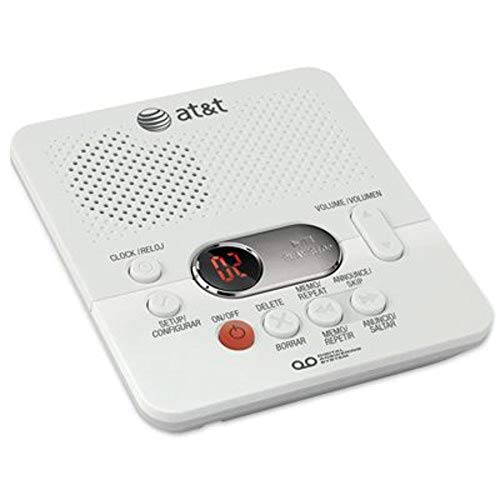
If you are looking for a stand-alone answering machine for a senior, this may be the only option.
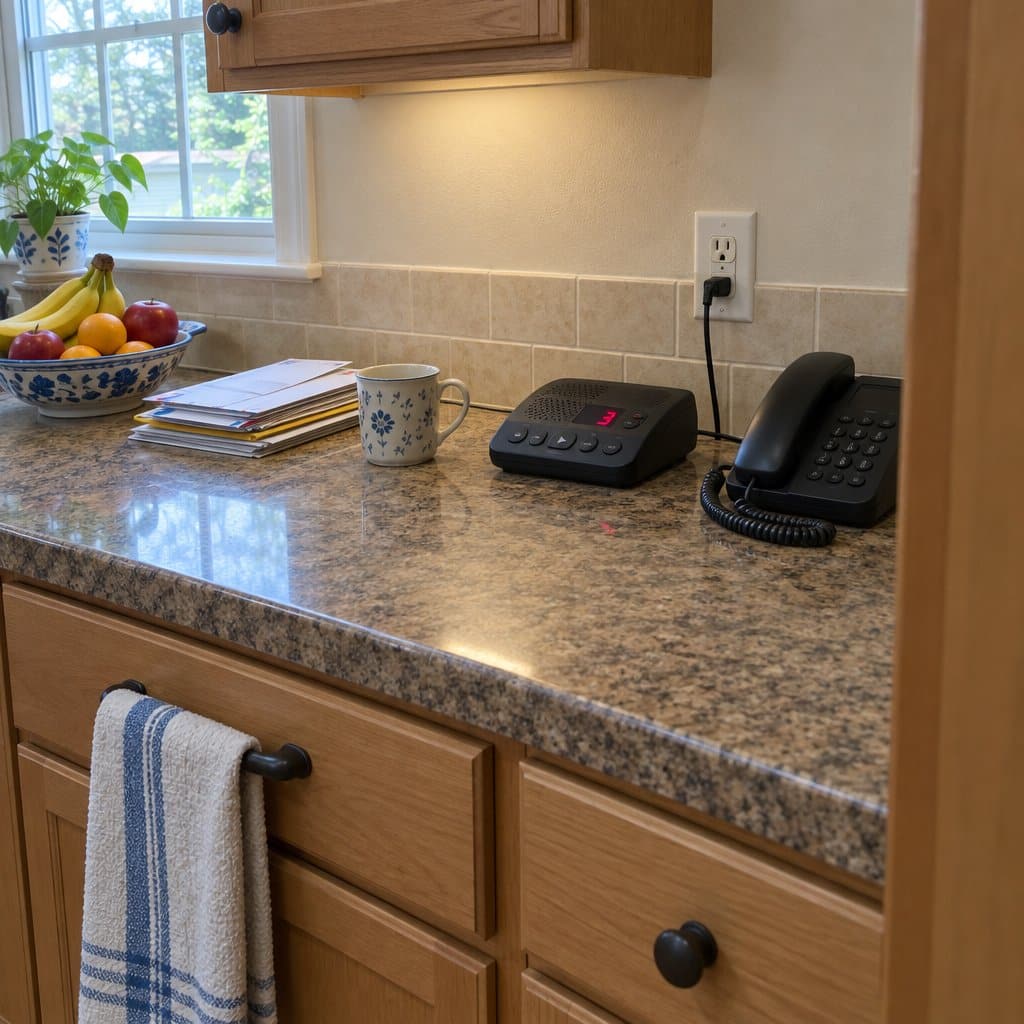
It does have some good things going for it. First, the buttons are pretty large and have easy-to-read print that is bold and black on a white background.
The big red numbers on the screen are easy to see, too, and let the senior know they have a message. To play the message, they just press the large silver number next to the display.
The volume toggle button is easy to see and use also. Plus, the power button is red, cluing them into what exactly it is for.
But, there are a few things that may not work for tech-adverse seniors or those with dementia. First, the setup button is right on the main console and could cause setup errors.
I also think the multiple languages on the buttons might cause some confusion, although this is a nice touch for Spanish-speaking homes.
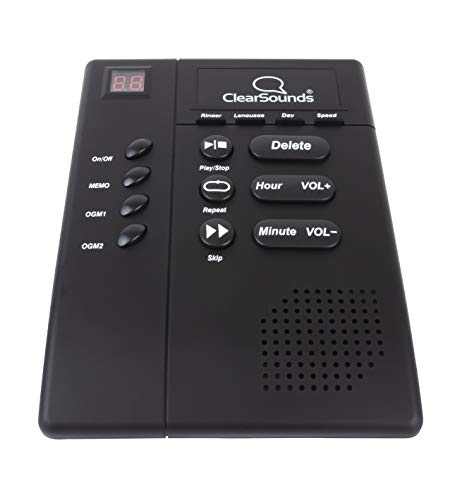
This is the only other stand-alone option I could consider for the elderly. But its reviews are.. not great!
First, the good. It has big buttons with big, bold, easy-to-read print. The play, stop, repeat, and skip buttons are intuitive and will be easy for most seniors to understand. Finally, the volume is amplified for people with difficult hearing.
So, now to the negative. Many of the reviews mention the machine failing after a few months of use and poor audio quality. Many said the speaker was hard to hear from.
So, this one is mixed. Some people love it, and many who didn’t! Just know you might take a chance if you decide to buy it.

This Panasonic is a cordless landline phone with a built-in answering machine, and it comes with two handsets. You can keep one in the kitchen and one in the bedroom, so you are never far from a phone.
The part I like most is the protection against unwanted calls. It automatically blocks robocalls before they get to you. You can also block callers who announce themselves, like telemarketers, and a one-touch Call Block button on the handset lets you add up to 1,000 more numbers.
It also has a one-ring scam alert. Some scammers ring once and hang up, hoping you will call back. If you try, this phone shows a confirmation screen first, which gives you a moment to think.
The phone can record your conversations so you can replay them later. It announces “Start Recording” when it begins, and that alone can discourage a suspicious caller. Recording laws vary by state, so it’s worth a quick check before you use it.
This one suits older adults who want a reliable landline with real scam protection, and who don’t mind a few extra buttons. If you want the simplest phone possible, the many features may feel like more than you need. Cordless handsets also have to be set back on the base to charge, which is easy to forget.
The AT&T BL108 is a cordless phone with an answering machine built into it. That means one device does both jobs, and there is no separate box to plug in and keep track of.
It suits someone who needs a new home phone anyway and would rather have fewer things on the counter. Fewer cords and fewer gadgets also means fewer things to get confused about.
The trade-off is the cordless handset. It can get set down in another room and forgotten, and it has to be put back on its base to charge. If the person you are shopping for tends to lose things, or has memory trouble, a phone that stays put may serve them better.

This one is a different kind of choice. It is a cordless phone with an answering machine built in, so you get the phone and the messages in one package.
It is made for older adults who have trouble hearing. It’s an amplified phone, which means it makes the caller’s voice louder. It also has a 90dB ringer, an Audio Assist feature, and big buttons that are easier to see and press.
It also has call blocking. That helps if your parent gets a lot of unwanted calls, and it may cut down on the ones that try to trick people.
The trade-off is that it’s a whole phone system, not a simple stand-alone machine. If your parent already has a phone they like, this means learning a new one. A cordless handset can also get set down somewhere and forgotten, and it needs to sit on its base to charge. For someone with memory loss, that can turn into a daily hunt for the phone.

This one is a cordless phone set with two handsets, not a stand-alone answering machine. It suits someone who wants a phone that is easier to see and use, and who may not need a separate machine at all.
The display is a large 2.1 inch screen, and the buttons are big. There is also a Favorites Key that flashes when a call comes in or is missed. You can register up to 3 contacts on it, so calling a loved one takes one press.
Two features stand out for older adults. Call Block pre-blocks robocalls, and you can block up to 1,000 numbers with a one-touch button. There is also a built-in flashlight, handy for a trip to the bathroom at night or if help is needed. Volume Boost and Talking Caller ID are included too, which helps with hearing the caller and knowing who it is.
The trade-off is that it has more features than a basic phone. Someone who is tech-averse or living with dementia may find the extra keys confusing. If you only want one big button to play messages, a simpler machine may fit better.
Features to Look for
1. Big Buttons
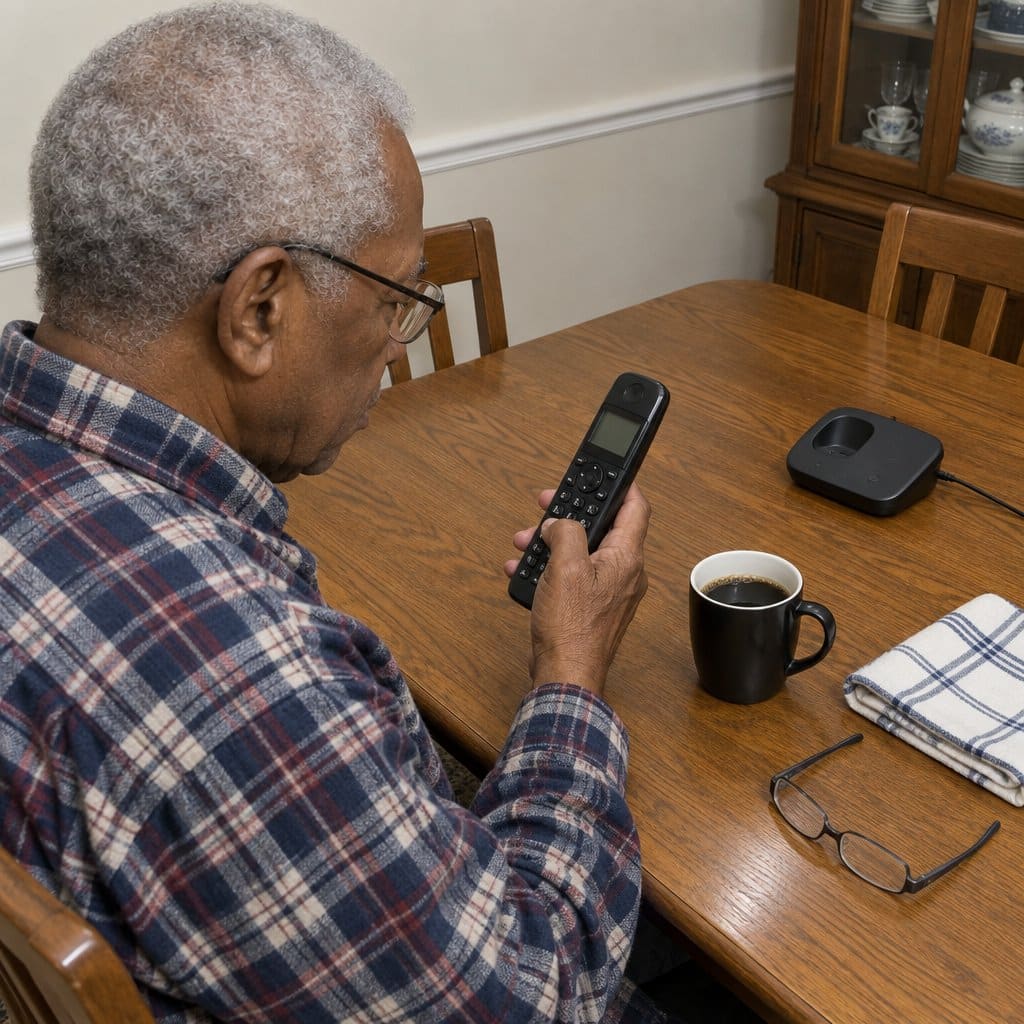
You’re going to want to make sure you get an answering machine that is easy to use, and nothing is easier to use than a machine with large buttons on it.
If your eyesight isn’t so good any longer then you can have a hard time dialing the phone and using the buttons on something like an answering machine.
With larger buttons, it’s a lot easier to work with the machine you buy and it will be less frustrating to use because buttons won’t get pressed that you didn’t mean to press.
2. Simple Setup
Nobody wants to use an answering machine with a big instruction manual and lots to set up. If there are a ton of instructions, then an elderly person may just ask a family member or friend to set it up for them.
Check the description of each of the answering machines you’ll learn more about below to get an idea of what the setup process is like so you can go with what you’re comfortable with.
3. Battery Backup
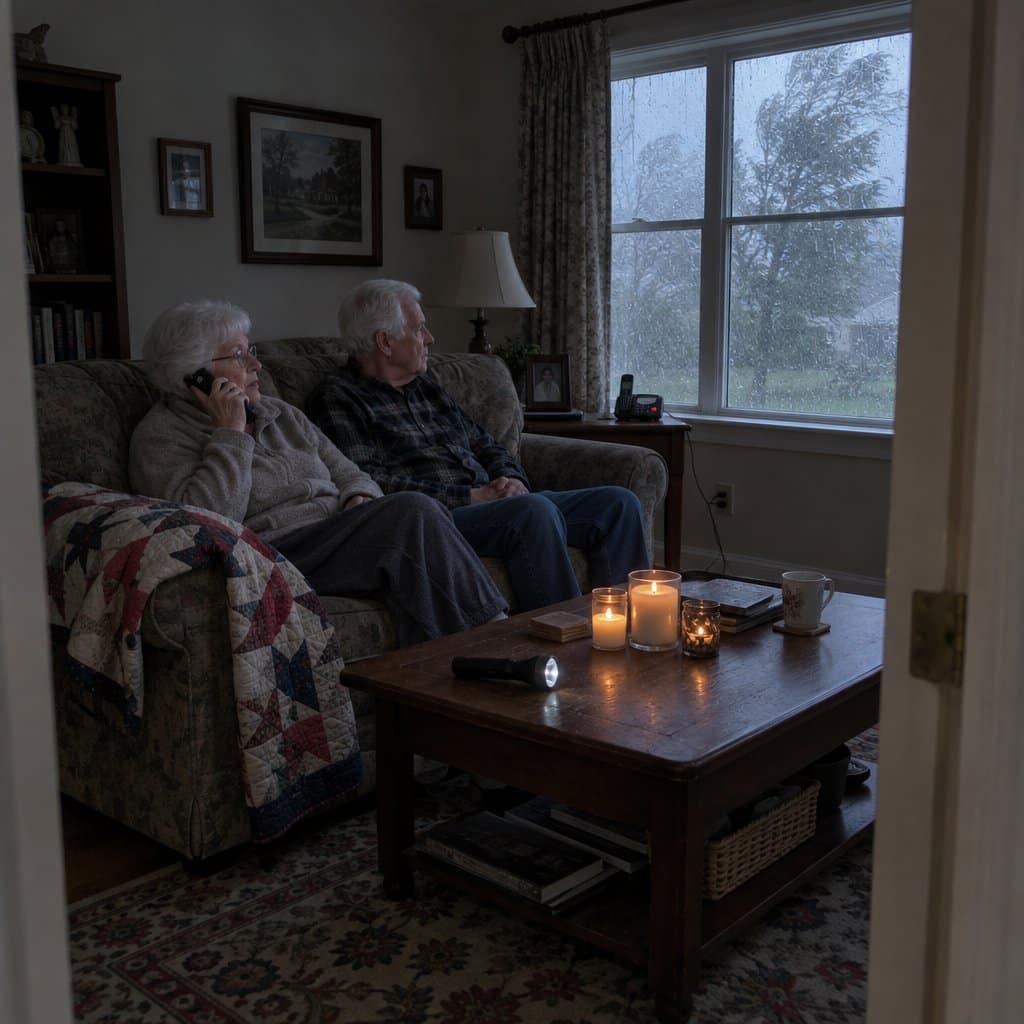
In the event of an emergency situation, you need to be able to call emergency services if something goes wrong. Luckily, there are phones with built-in answering machines that allow for you to use batteries as a backup in case the power goes out.
That way, you have a phone that works when you need it the most, and the answering machine will still be able to work so you can get messages from others while you’re waiting for your power to come back on during a time when a storm or other issue is causing the outage.
A Couple of Tips on Answering Machines in General
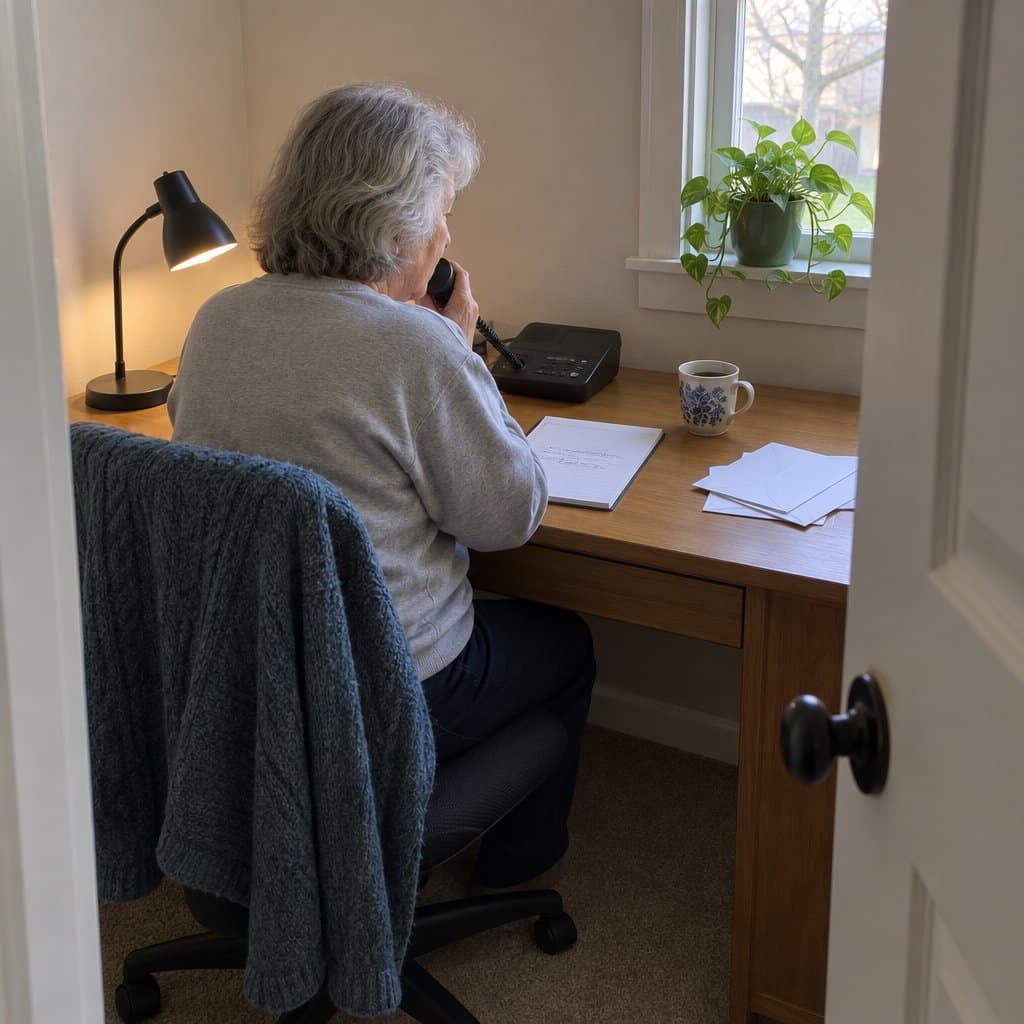
- Read the instructions that come with your phone system. If you can’t read the text, then ask a family member to help you set up the system to start with.
- Make sure you record an outgoing machine message that indicates who you are and that you’ll call the person back later if need be.
- Finally, test out your phone system right when you get it, so if it’s not to your liking you’re still able to return it since that window generally passes around 30 days after getting the product sent to you.
Wrapping Up
Hopefully, you now have a better idea of what to look for when shopping for basic answering machines for seniors. I wish I had more options to give you but there aren’t many choices out there.