![Man struggling to hear cordless phone call[1]](https://www.grayingwithgrace.com/wp-content/uploads/2026/10/man_struggling_to_hear_cordless_phone_call1-e1791731398922.jpg)
Our Senior Tech Expert’s Top Picks
Struggling to hear phone conversations? Can’t see the small buttons and screens on phones? Looking for a cordless phone specially designed for seniors that solves these problems? This guide will help you choose the right cordless phone to meet your needs.
Selecting a cordless phone with senior-friendly features like large, easy-to-press buttons, volume amplification up to 50dB, bright visual ringers, and hearing aid compatibility will make calling easier for you or your elderly loved one.
Below you’ll find what to look for and how the top picks compare, so you can decide what fits you or your loved one.
If you’re short on time, my top picks are right here, and you’ll find the details on each one further down the page.


Reviews: Cordless Phones for Older Adults
In this list, you’ll find our top picks for cordless phones designed with seniors in mind. As you browse the list, you’ll discover features tailored to make communication easy and effortless for both seniors and their loved ones.
Two phones I reviewed on their own are worth a look too: my Panasonic KX-TGD610 review also covers the newer KX-TGD810 that replaces it, and my VTech SN5147 review covers an amplified set with both a corded and a cordless handset.
Pros:
- Amplifies voices and clarifies speech
- Visual and audio ring alerts
- Large backlit display and buttons
- Intuitive menu system
Cons:
- Expensive compared to basic phones
- Some small buttons can be hard to press
- Handset battery life could be better
After thoroughly testing it, the Panasonic KX-TGM420W emerged as a top recommendation from my perspective as a tech expert who evaluates products for senior-friendliness.
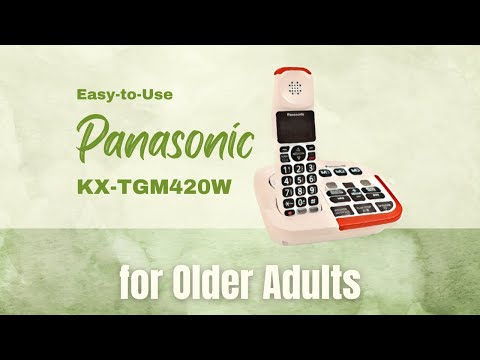
The Panasonic KX-TGM420W has many features tailored for those with mild to moderate hearing loss. It allows you to:
- Boost the volume up to 40dB to amplify voices
- Slow down speech in real time to not miss a word
- Reduce background noise for clearer conversations
- Choose between 6 voice tone settings to clarify voices
- Get visual ring alerts from the flashing lights
These functions help you hear, understand, and see calls better. The intuitive menu system with its large buttons simplifies usage too.
In testing, the volume boost allowed clearly hearing softer speakers that are difficult to understand on regular phones. The speech slowing feature really helps comprehend faster talkers by reducing their speed mid-conversation.
The bright visual ringers ensured incoming calls are seen from any room. The noise reduction suppressed distracting sounds to focus on the caller.
The enlarged buttons enabled easy dialing without squinting or misdialing. Together these design elements accommodate those with limited vision or dexterity.
For seniors seeking a cordless phone improving hearing and visibility, the Panasonic KX-TGM420W is an excellent choice. It delivers on its promise to help those with hearing loss through its amplification, speech slowing, and alert features.
Considering its senior-friendly benefits, this phone comes highly recommended after hands-on testing.
Panasonic Cordless Phone with Call Block
You want an easy-to-use cordless home phone for yourself or a senior loved one. One that is simple to dial, easy to read, and quick to shut out nuisance callers, without complex menus or extra features.
The Panasonic KX-TGD810B is built around that idea. It is a cordless phone with a large, high-contrast display and bilingual caller ID, so the name and number on the screen are easier to read.
Scam calls are where this one puts most of its effort. Automated Call Block pre-blocks robocalls, and Telemarketing Call Block lets you block announced callers. A one-touch Call Block Button on the handset lets you add 1,000 more numbers.
It also has a One-Ring Scam Alert. If you try to return a one-ring call, the phone shows a confirmation screen first. That small pause can save someone from calling back a number meant to cost them money.
The keypad is illuminated and has large characters, so it can be found and read in the dark. Speed dial gives you one-touch access to your 9 most-dialed numbers, which suits family and the doctor’s office.
The phone also has a speakerphone, and the design is wall-mountable if you want it to stay in one reliable spot. It is an expandable system, and this version comes with 1 handset.
One trade-off: with a single handset, you will need to buy extra handsets if you want one in every room. It is also a regular home phone with a good set of features, so it is not the pick for someone who wants a phone built mainly around extra-loud amplification for significant hearing loss.
For anyone who mostly wants a clear screen, easy buttons, and fewer scam calls getting through, it is a sensible choice.
VTech Amplified Additional Handset

The VTech SN5107 is an extra handset, not a whole phone system. It only works if you already have a VTech SN5127 or SN5147 base.
If you do, it lets you put a phone in another room, so you aren’t hurrying down the hall to catch a call. The system supports up to four handsets in all.
The buttons are big and the display is large and backlit, which makes dialing and reading Caller ID easier for anyone with vision trouble. The keypad is lighted, and it can announce the caller’s name out loud.
For hearing, there is a one-touch Audio Assist button that boosts the volume up to 50dB louder with clearer sound. There is also a full-duplex speakerphone, which means both people can talk at the same time without the line cutting in and out.
A bright light on top of the handset flashes when a call comes in, even if you’ve turned the ringer low. That helps if you don’t always hear it from the next room.
The catch is that it won’t work on its own, and it only pairs with those two base models. If you don’t own one of them, look at a complete phone system instead. Setup is a quick registration to the base.
Key Benefits for Seniors
The VTech SN5147 shines when it comes to features that benefit seniors, such as:
- Amplifies sound up to 50dB for clearer conversations
- Large backlit buttons and display for easy viewing
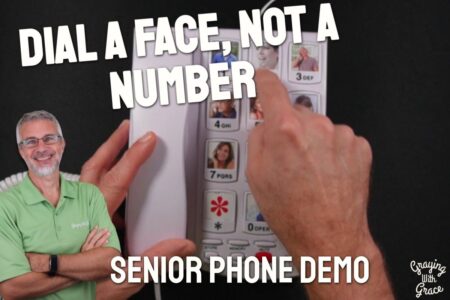
- Photo dial with up to 8 numbers for visual recognition
- Extra loud ringer up to 90dB with bright visual alerts
- Voice guide provides audible setup prompts and caller ID
- SOS button lets you call for help in an emergency
I found that setting up the VTech SN5147 is straightforward thanks to the included quick start guide and voice-guided prompts that walk you through the steps. In no time, you’ll have both the corded and cordless handsets ready to use.
The digital answering machine provides up to 22 minutes of recording time for messages. It announces the number of new messages and provides clear controls for playback, delete, repeat, and more.
I confirmed that the corded and cordless handsets both have built-in speakerphones with adjustable volume. This allows hands-free use for seniors with hearing difficulties.
The SOS button on the cordless handset dials preset emergency numbers or family members at the touch of a button. It can also play a recorded message when pressed to call for help.
A key benefit I discovered is the phone combines cordless mobility with corded reliability. The cordless handset enables freedom of movement while the corded handset ensures dependability even in power outages.
From the SOS button to power outage operation, I found the VTech SN5147 provides safety features that give seniors and caregivers extra assurance and security. As evidenced in your thorough review, it’s a senior-focused phone that’s both accessible and reliable.
After testing and using the VTech SN5147 phone system myself, I recommend it as a top choice for seniors wanting an easy-to-use cordless phone with essential accessibility features. It delivers freedom, reliability, and functionality to meet the needs of elderly users.
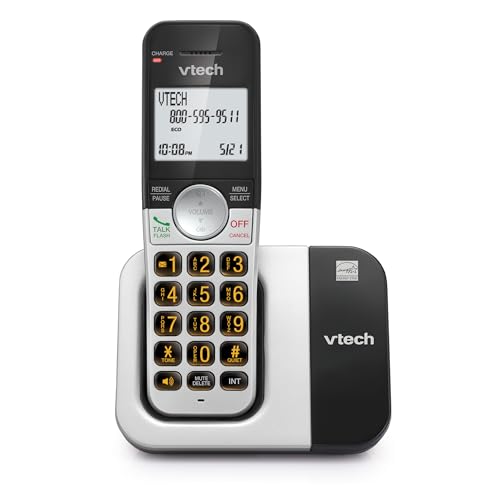
VTech Cordless Phone with DECT 6.0
A good fit if you want a plain, dependable cordless phone that is easy to see and easy to dial.
The VTech VG231 uses DECT 6.0, a type of cordless technology meant to give clear, private calls. The maker says it stays free of static and of interference from Wi-Fi and other devices around the house, with a range of up to 1,000 feet.
The part that helps most is the display and keypad. The 2-inch white display is high contrast, and the big keys are lit, so you can read who is calling and dial the right number day or night.
Caller ID stores up to 50 calls, with the name, number, time, and date. If you miss a call, you can look back and see who it was.
The speakerphone is full duplex. That means both people can talk at the same time without the line cutting out, the way a normal conversation goes.
Quiet Mode lets you silence the ringer on the handset and the base when you want some peace, such as at nap time. ECO Mode lowers the wireless power when the handset is close to the base, which helps the battery last longer.
It works with a traditional landline, cable phone service, and internet phone services such as Ooma, Vonage, and Google Voice. That is worth checking against your own service before you buy.
As for downsides, this is a straightforward phone built around the basics. If you want extras like a built-in answering machine or a very long list of settings, this is not the one to pick.
VTech Cordless Phone with DECT 6.0

A good fit for older adults who want a plain, dependable cordless phone without a lot of extras to learn.
The VTech VG131-11 uses DECT 6.0, which is the technology VTech relies on for clear sound and a steady connection without interference. The range is up to 1000 ft outdoors. Indoors, walls will cut into that, but it should still cover a typical home.
The backlit display and keypad are the feature I’d point to first. The screen is blue-white and the keys light up green, so dialing in a dim hallway or at night is easier on the eyes.
The handset also shows the name, number, time and date of incoming calls. That makes it easier to decide whether to pick up.
It has a full-duplex speakerphone. That means both people can talk and be heard at the same time, so you don’t get the cut-off pauses that some speakerphones cause.
The volume control is one touch, and so is the mute button. You can silence the phone for a single call, which is handy if the doorbell rings or you need a quiet moment.
It is also listed as hearing aid compatible. That’s worth knowing if you wear hearing aids, though the phone doesn’t replace a dedicated amplified model for someone with significant hearing loss.
It can be mounted on a wall as well as set on a table. If you plan to mount it, expect a bit of fiddling. If you want a phone with a built-in answering machine or very large buttons, look at other models in this list.
Clarity Amplified Cordless Phone
The Clarity D714 is a cordless phone built for people who have trouble hearing the other person on the line. It’s a good fit if you want louder, clearer calls and an answering machine in one phone.
It amplifies incoming sound by up to 40 dB. That means the voice on the other end comes through louder, which helps if conversations have turned into a lot of “what did you say?”
The adjustable tone control and four tone settings let you shape how voices sound. Some people hear low voices better, others do better with higher ones, so it’s worth trying each setting until a caller sounds clear to you.
It uses DECT 6.0 technology, which is meant to keep calls free of interference from other household electronics. The built-in digital answering machine means you don’t need a separate device to catch messages when you can’t reach the phone in time.
Now the downsides. The amplification tops out at 40 dB, so if your hearing loss is significant, you may want a phone that goes louder. This one comes with a single handset, so if you want to answer from several rooms, you’d need to add more handsets.
The D714 suits someone with mild to moderate hearing trouble who wants a simple phone with an answering machine. If your hearing loss is more serious, ask your audiologist what level of amplification you’d need before you buy.
Clarity Amplified Cordless Phone
Consider the Clarity XLC3.4+ DECT 6.0 for seniors who need an extra-loud speakerphone with large buttons and talking Caller ID.
Pros:
- 4 tone settings for customized listening
- Amplifies incoming sound up to 50 dB
- High-contrast Caller ID screen with large font
Cons:
- Heavier and bulkier than some alternatives
- Instructions can be confusing
- Some users experienced breakdowns after a short period of use
The Clarity XLC3.4+ DECT 6.0 features a user-friendly design that caters to seniors’ needs. With its big buttons, seniors can comfortably navigate the phone’s functions.
The display has high contrast and large font, making it easier for seniors to quickly read Caller ID and other essential information.
Seniors with hearing difficulties will appreciate the customizable tone settings and sound amplification up to 50 dB. The speakerphone is louder than most alternatives, allowing seniors wearing hearing aids or those with significant hearing loss to communicate better on phone calls.
However, bear in mind that this cordless phone is heavier and bulkier compared to other models, which might make it difficult for some seniors to handle it comfortably.
In addition to its appealing features, the Clarity XLC3.4+ DECT 6.0 has a few drawbacks. Some users found the instruction manual confusing, making phone setup frustrating. Furthermore, a few customers experienced the phone breaking down after a short period of use.
Overall, the Clarity XLC3.4+ DECT 6.0 is an excellent option for seniors who prioritize sound quality, amplified volume, and easy-to-read displays, but keep in mind its size and potential durability issues.
Motorola Cordless Phone with Call Block

The Motorola T603 is a cordless phone system that comes with three handsets, big buttons, a bright backlit display and a hands-free speakerphone.
Each handset has a backlit display that is easier to read in a dim room. The buttons are large and well spaced, which helps if your fingers aren’t as steady as they used to be.
It is also hearing aid compatible. That’s a good starting point if you wear hearing aids, though it’s worth checking that the volume suits you in your own home.
The three handsets let you keep one in the bedroom, one in the kitchen and one in the living room. You can call between handsets, transfer a call from one to another, and set up a three-way call with an outside caller.
It uses DECT 6.0, a digital phone technology meant to give clear sound and a steady connection around the house. It is built to cut down on interference from Wi-Fi.
The call blocking is worth a mention. You can block up to 100 numbers, and it can also screen out Anonymous, Private, Unavailable and Out-of-Area callers. Caller ID shows you who is ringing before you pick up.
The speakerphone is handy when you want both hands free or want someone else in the room to hear the call.
Now the downsides. Three handsets is more than a one-bedroom apartment needs, and each one needs its own spot near an outlet to charge.
Blocking Anonymous and Private callers can also stop a call you actually want, such as a doctor’s office that calls from a private line. And like most cordless phones, it usually stops working when the power goes out, so keep a cell phone charged for emergencies.
If you have a bigger home and want a phone within reach in every room, this one is worth a look.
AT&T Cordless Phone
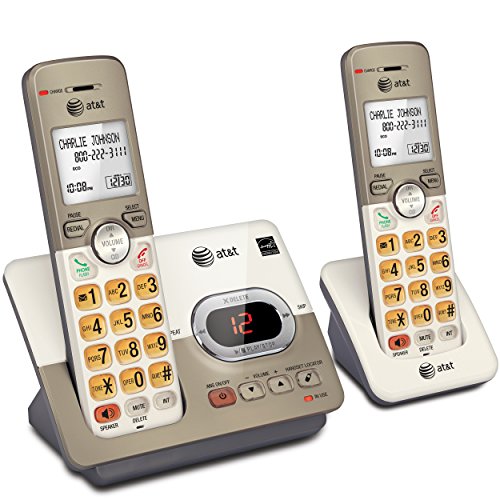
This AT&T cordless phone is an excellent choice for seniors due to its user-friendly design and helpful features.
Pros:
- Extra-large backlit keys
- Easy-to-read LCD display
- Speakerphone with clear conversation quality
Cons:
- It takes time to learn all features
- Battery life could be better
- Possible signal issues in some cases
The AT&T EL52213 2-Handset Cordless Phone offers a range of features that cater to the needs of seniors. With enlarged font and extra-large, backlit keys, this phone is easy to use, even for those with visual impairments.
The intuitive design ensures a hassle-free experience while navigating through the various functions.
One of the standout features of this cordless phone is its easy-to-read LCD display. The high-contrast black text on a white background ensures clarity when viewing incoming caller ID information or reviewing call history.
This phone also has a lighted keypad for comfortable dialing in low-light conditions.
The speakerphone quality is impressive, allowing both ends of the conversation to be heard clearly. This feature enables seniors to engage in lifelike conversations, making their calls more enjoyable and authentic.
However, some users may need time to familiarize themselves with all the features, even with the manual’s help.
An area that could be improved in this cordless phone is the battery life. Seniors may find themselves having to recharge the handset frequently, which could be an inconvenience.
Additionally, some users have reported signal issues, leading to a robotic sound during calls. Despite these minor shortcomings, the AT&T EL52213 2-Handset Cordless Phone still stands out as an excellent choice for seniors seeking a user-friendly cordless phone.
Comparing Helpful Cordless Phone Features
| Feature | Benefit for Seniors and the Elderly | What to Look for in a Cordless Phone |
|---|---|---|
| Large buttons | Easier operation and reduced chance of misdialing | Large, easy-to-press buttons |
| Simplified interface | Easier navigation and reduced confusion | Straightforward interface with minimal features |
| Easy-to-read display | Easier to read call information without straining eyes | High-contrast display and adjustable font sizes |
| Volume amplification | Clearer call experience for those with hearing difficulties | Audio assist features and noise reduction technology |
| Hearing aid compatibility | Smooth call experience for those using hearing aids | Compatibility with hearing aids (look for the HAC or T-coil symbol) |
| Built-in emergency buttons | Quick assistance in case of emergency | Pre-programmed emergency numbers and one-touch dialing |
| Caller ID capabilities | Easier call prioritization and management | Clear caller ID display and easy-to-use speed dial options |
| Visual & audio indicators | Easier to notice incoming calls for those with hearing or visual impairments | LED lights that flash and adjustable ringtone |
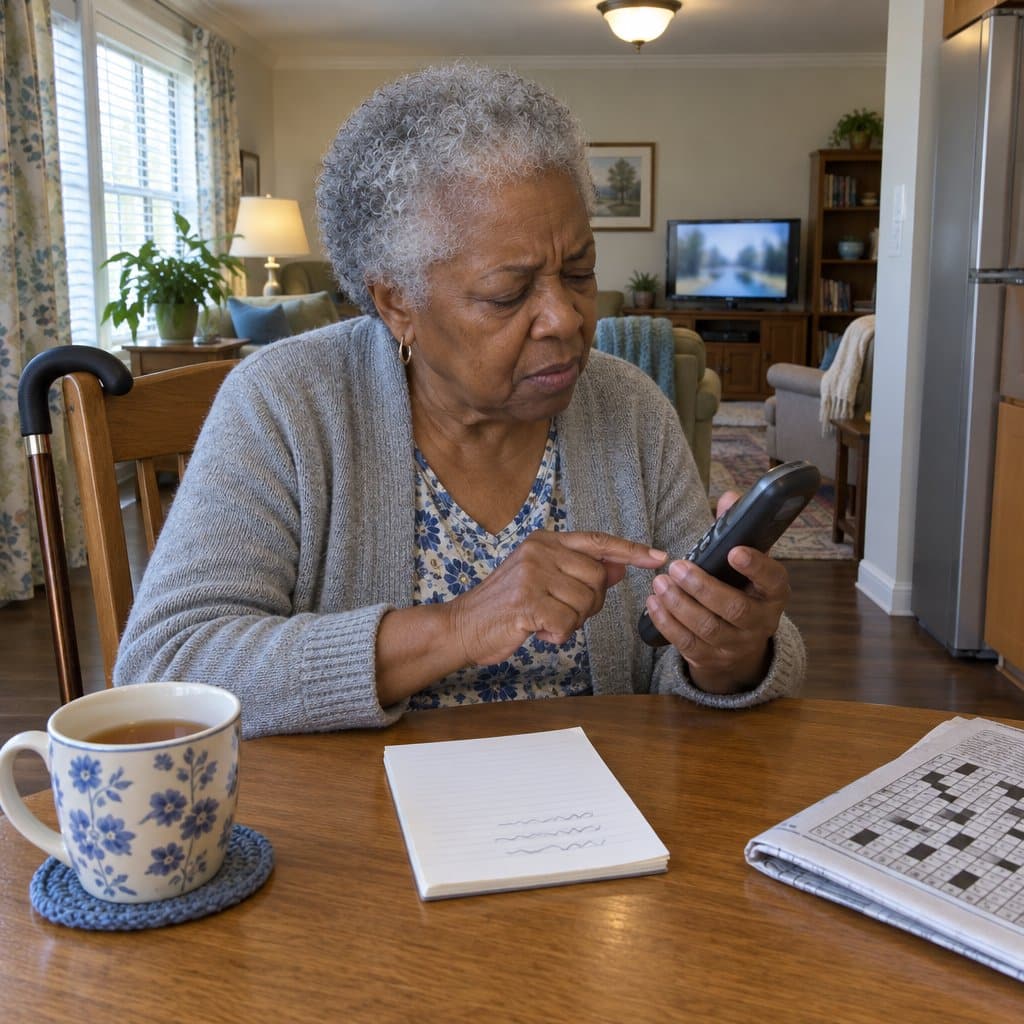
Cordless Phone Buying Guide for Seniors
When purchasing a cordless phone for a senior, consider these expert-recommended factors and features that can enhance accessibility and usability:
Key Purchasing Factors
- Usability and ease of operation – Large buttons, clear displays, and simple interfaces allow seniors with dexterity issues or vision impairments to dial and handle the phone independently.
- Affordability and value – Getting features that aid seniors at the best price reduces financial strain, important for those on fixed incomes.
- Medical device compatibility – Phones labeled as hearing aid compatible ensure seniors with hearing impairments can effectively use the phone. Also verify compatibility with any assistive devices.
- Battery life and charging – Long battery life and easy charging features like docking prevent loss of use when battery depletes, especially helpful for seniors with limited mobility.
- Warranty and support – Good warranty coverage and helpful resources provide peace of mind. Useful for seniors less comfortable troubleshooting tech issues.
Accessibility and Ease of Use Features
- Visual and audio call indicators – Features like flashing lights and loud ringtones notify seniors with hearing or vision difficulties about incoming calls. Prevent missed calls.
- Voice dialing – Allows seniors with limited dexterity or visual impairments to dial through voice commands rather than pressing buttons.
- Speakerphone – Enables hands-free conversations for seniors unable to hold a handset due to arthritis, tremors, or other conditions affecting grip. Prevents fatigue.
- Headset jack – Headsets allow comfortable hands-free talking useful for seniors with dexterity or strength difficulties.
- Answering machine – Integrated, senior-friendly answering machines make it easier to manage calls and messages for those uncomfortable with technology.
- Multi-handset compatibility – With handsets in multiple rooms, seniors don’t need to rush to the phone to prevent missed calls, reducing fall risk.
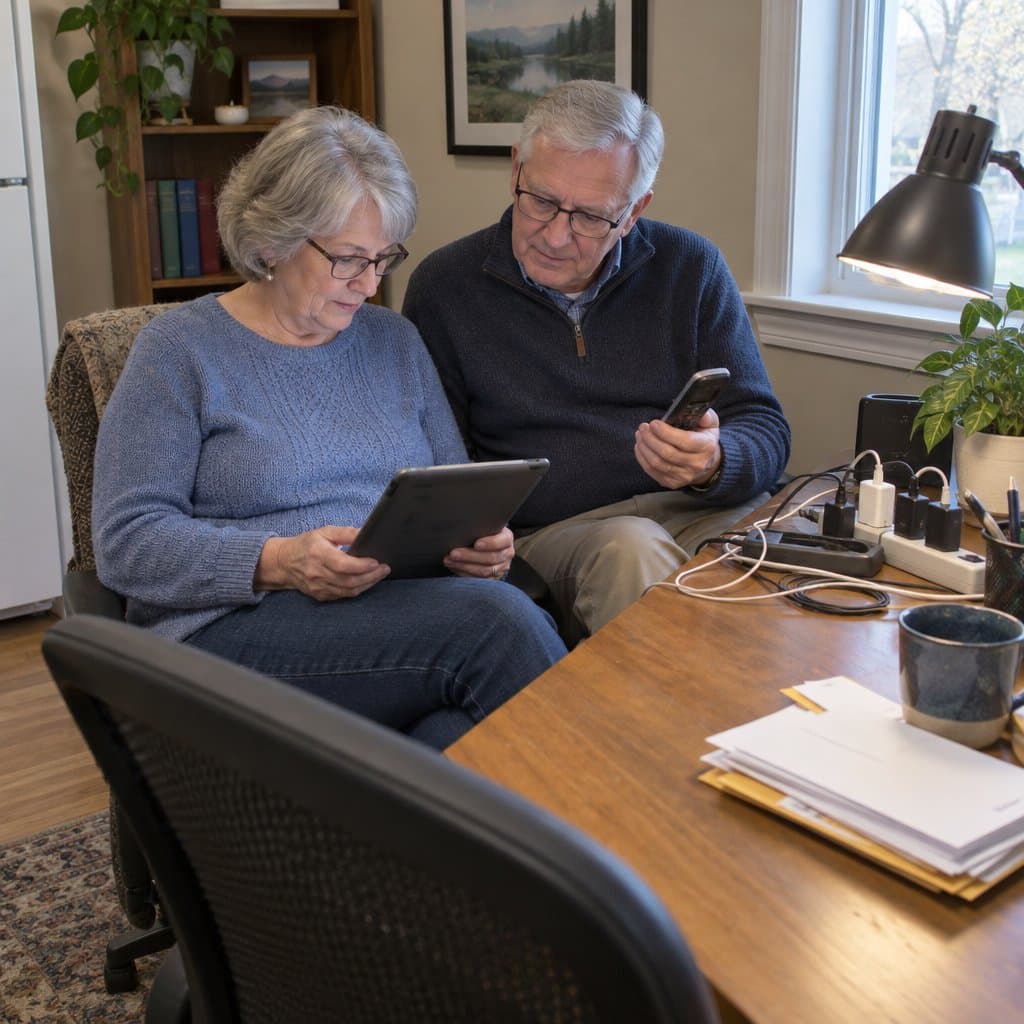
Compare Cordless Phones to Other Devices
Cordless phones tend to be simpler, more affordable, have better battery life yet still offer accessibility features compared to smartphones and tablets.
However, the latter may be preferable for tech-savvy seniors. Decide based on the senior’s needs and comfort with technology.

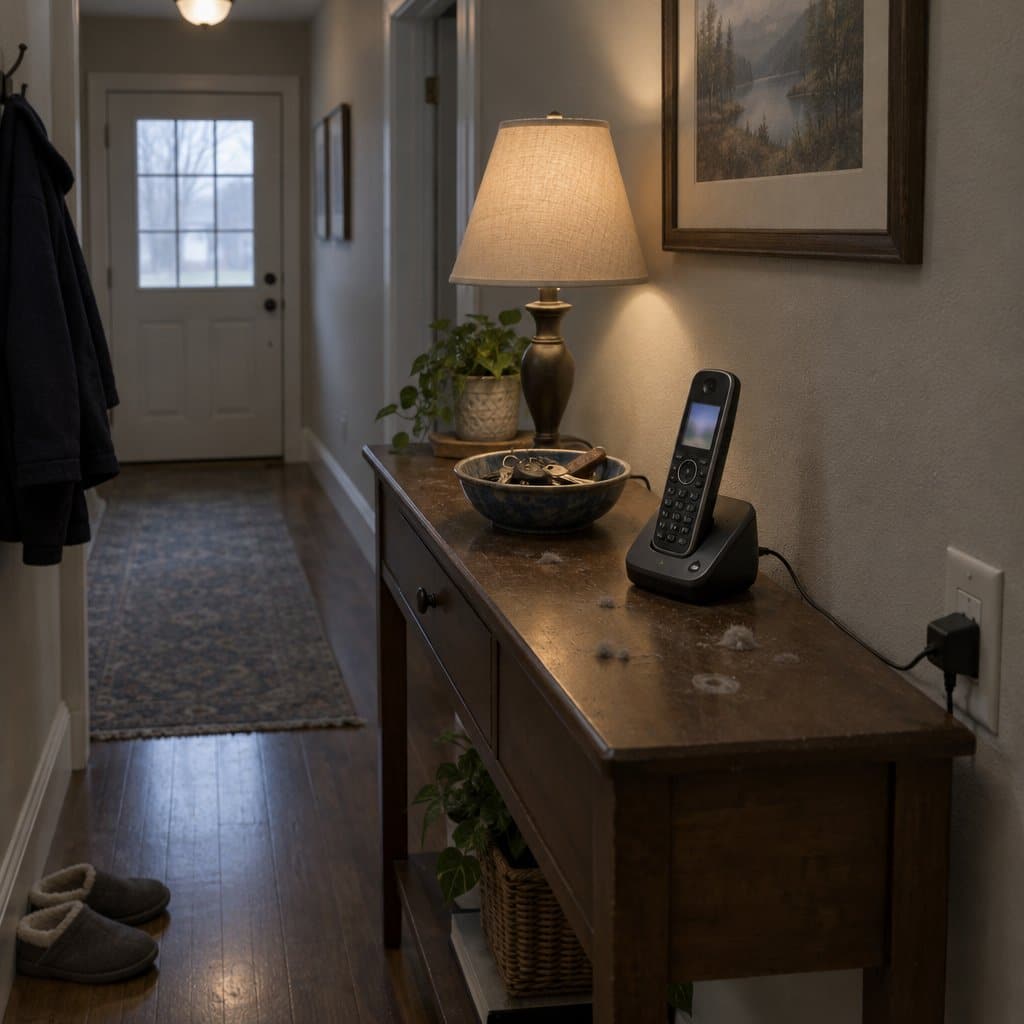
Tips for Optimizing Cordless Phone Performance
Follow best practices for charging, cleaning, setup, and troubleshooting. Customize settings to the senior’s needs and utilize all available features that can aid accessibility and ease of use.
With this advice in mind, you can confidently select a cordless phone that enhances your senior loved one’s communication and provides greater safety, independence, and convenience.
Infographic: Senior-Friendly Cordless Phone Guide

Share on Your Site With This Code:
<a href="https://grayingwithgrace.com/best-cordless-phones-for-seniors/"><img style="width:100%;" src="https://grayingwithgrace.com/wp-content/uploads/2023/06/Cordless-Phones-infographic.png"></a><br>Design by: <a href="https://grayingwithgrace.com">Graying With Grace</a>
Conclusion
Choosing the right cordless phone for seniors can greatly enhance their quality of life by providing easy and efficient communication solutions. These phones often come with features tailored to the needs of seniors, such as large buttons, amplified sound, and flashing ringers.
When opting for the most suitable cordless phone, make sure you keep the specific needs and preferences of your elderly loved ones in mind.