
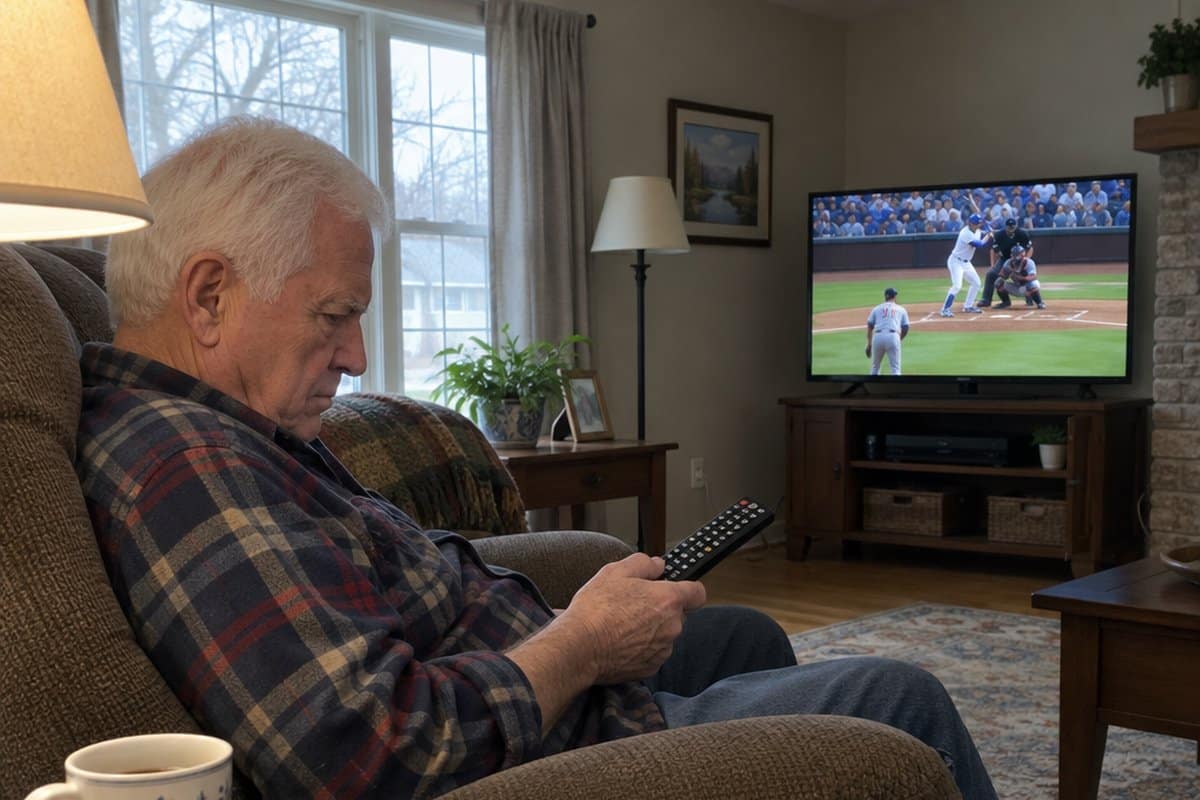
You sit down to watch your favorite show, and the remote has so many buttons that you press the wrong one and lose the picture. This guide to simple TV remotes for seniors is here to help.
We cover universal remotes with large buttons, backlit keys, wrist straps, and easy setup, plus which devices each one controls. We also point out the downsides, so you don’t buy the wrong one.


Recommended Universal Remotes for Seniors: My Top Picks
If you are a senior citizen and want to keep your independence as much as possible, then you should consider getting a universal remote. There are a lot of great universal remotes out there but here is my list of the best universal TV remotes that you should consider.
EZclicker Roku TV Remote


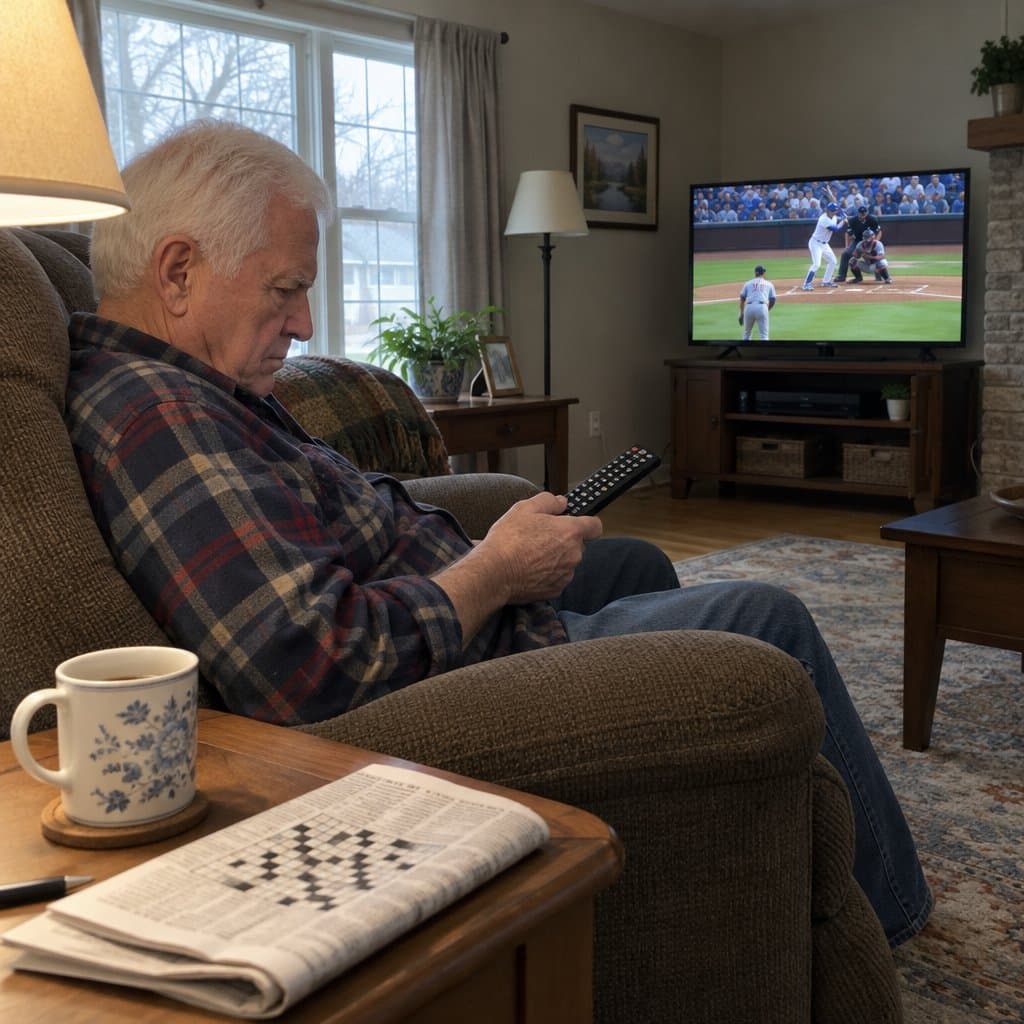
The EZclicker TV Remote for Roku is a good fit if you have a Roku TV and just want to change the channel without a lot of fuss. It is a stripped-down remote with extra-large buttons and far fewer of them than the one that came with the TV.
The buttons are spaced apart so you can find them by feel alone. That helps if you tend to press the wrong thing on a crowded remote, or if rows of buttons you never use get confusing.
Setup is simple too. Programming takes one button, so you don’t have to hunt through code lists or follow a long manual.
Now the limits, so you don’t buy the wrong one. This remote works only with TVs that have Roku built in. It will not work with a Roku stick, a cable box, or a soundbar.
The buttons are not backlit, so watching in a dark room may mean a lamp on nearby. Batteries are not included, so have a couple on hand.
If your TV is a Roku TV and you want a remote that does the basics and nothing else, this one fits well. If you need one remote to run several devices, look at a universal model instead.
EZclicker Big Button Universal TV Remote

The EZclicker Big Button Universal TV Remote is a stripped-down remote for people who just want to turn the TV on and change the volume. It has far fewer buttons than the remote that came with your TV, and that is the point.
The buttons are large and high contrast. Each one has its own distinct shape, so you can find the right one by touch without looking down.
With fewer buttons, there is less chance of landing on a screen you don’t recognize and not knowing how to get back. If you have a Roku TV, there is also the EZclicker remote for Roku TVs, which has very few, large buttons.
This one pairs with major TV brands without a code book, which saves you a lot of squinting at long lists of numbers.
Now the downsides. It controls TVs only. Cable boxes, streaming sticks, and soundbars are out, so if you use any of those to watch, this is not the remote for you.
Setup also asks you to hold down two buttons at once. If hand strength is limited, that step may be hard, and it is worth having a family member or friend do it for you.
EasyMote Universal Big Button TV Remote
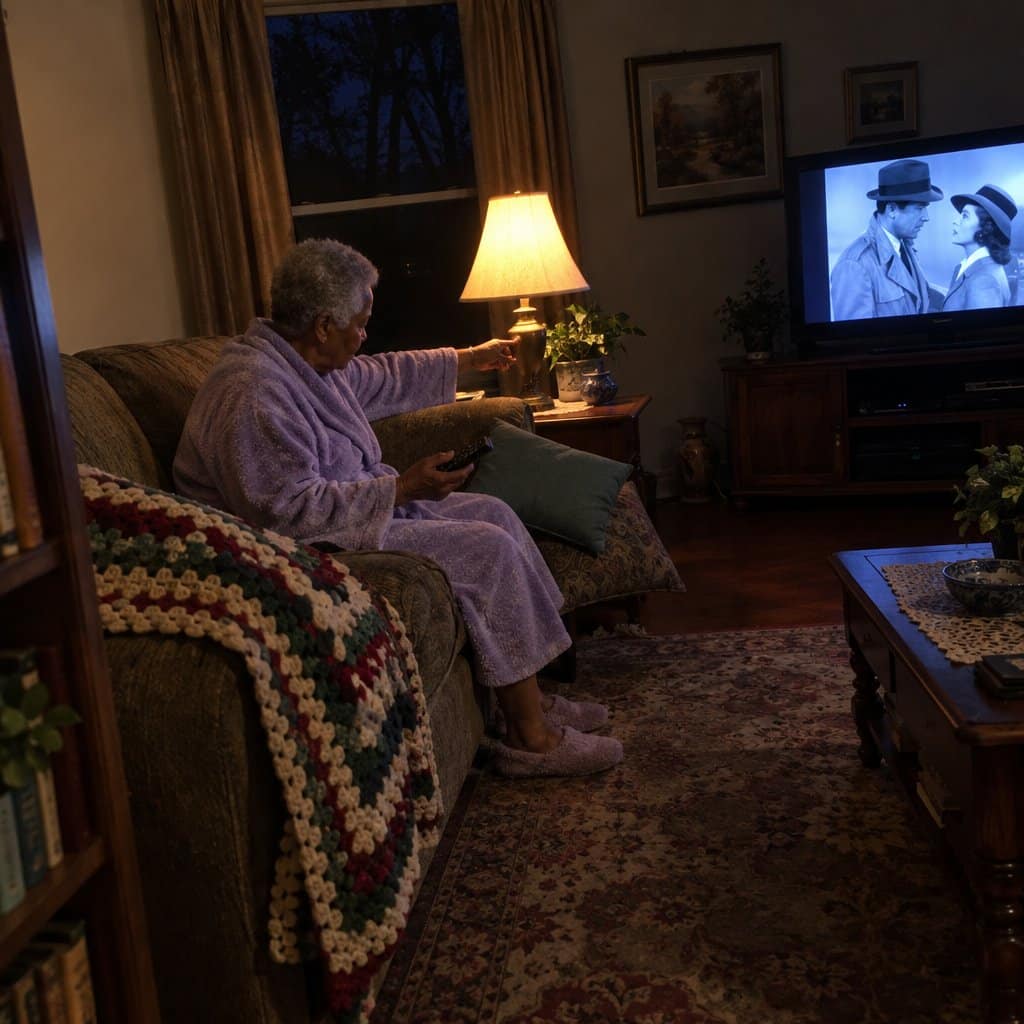
The EasyMote (model DT-R08W) is a TV remote with very few buttons, which is the whole idea. It suits anyone who wants a simple way to run the TV.
It has 6 large, bright, backlit buttons for basic TV control. The text on them is big and clear, and you can see it in a dark room.
It controls both your TV and your cable box with the same remote. It works with major IR (infrared) TVs and set top boxes. If you have Xfinity or Dish, make sure IR is turned on in the box’s settings.
A strong wrist strap comes with it. It is made of a comfortable material and helps keep the remote from getting lost between the couch cushions.
Setup is simple. The Quick Search feature scans for your TV’s code and takes a matter of seconds. There is also a learning mode, so you can teach each button a custom command.
Who it is not for: someone who wants to browse streaming apps, change settings or use many channel shortcuts. Six buttons cover the basics and not much more. If your TV doesn’t use IR, this remote won’t work with it.
GE Big Button Universal Remote
The GE Big Button remote is designed for people who have difficulty seeing. The buttons are bigger with large letters and symbols in black so that they are easier to see.
The channel and volume buttons toggle and are the largest buttons on the remote as they are probably used the most.
This remote can be programmed to control a variety of devices, including your TV, stereo, soundbar, DVD player, Blu-ray player, VCR, and more. It can control up to 8 devices simultaneously, and programming it is easy, thanks to 90 days of free technical support.
This remote is ideal for seniors who are visually impaired but not great for those who have memory problems. Seniors with arthritis or other painful joint conditions may find the rectangular design difficult to hold.
Amazon Fire TV Stick HD

The Amazon Fire TV Stick HD is a small step up from a regular remote, because it changes how you find things to watch. It plugs into your TV and comes with an Alexa Voice Remote.
You can press the voice button and say the name of a show or a movie instead of typing it in letter by letter. It also gives you quick access to apps such as Prime Video, Netflix, YouTube, Disney+, Hulu and Peacock, plus free, ad-supported shows and live TV.
It is powered by the TV, and it supports Full HD picture.
Keep in mind that the apps themselves may charge subscription fees. The stick gets you to them, but it doesn’t make them free.
This one suits someone who is comfortable learning a new way of doing things and would rather talk to the TV than hunt for buttons. It is not for anyone who wants a plain remote with big, labeled keys and nothing else, since the home screen and menus take some getting used to.
If you or a family member can get comfortable with the voice button, you will not need much else on the remote.
Big Button Universal TV Remote
If your TV remote has more buttons than you will ever use, the Big Button Universal Remote is worth a look. It has large, high-contrast buttons and a simple layout, so it is easy to see what each one does.
It works with Samsung, LG, VIZIO, Sony, Hisense, Philips, Panasonic, Sharp and more TVs. Setup is a simple pairing process, and it takes two AAA batteries.
The shell is curved to sit comfortably in the hand. It is made of ABS plastic, which is drop-resistant and wear-resistant. It uses an infrared signal, so you point it at the TV and the buttons respond right away from a reasonable distance.
Here is the catch: you need your original remote to pair it. If that remote is lost or broken, this one will not work for you.
It also does not work with streaming devices, cable boxes, or unrelated TV platforms. It suits someone who only wants to run the TV itself. If you also need to change cable channels, look at a different remote.
LuckyStar Big Button Universal Remote
If you are looking for a universal remote control that is easy for seniors to use, then the Gmatrix U43 Big Button Universal Remote Control is a good option.
This remote has a large, easy-to-read button layout that is perfect for those who have difficulty using small buttons. It is easy to set up and includes an “auto” programming mode.
But, it only controls one device: the TV. There is an input button on it that allows you to switch the TV input to another device but it won’t control the other device.
What Makes a Good Universal Remote for Older Adults?
There are a few things to consider when looking for a good universal remote for seniors. Some of the more obvious factors include ease of use, large buttons, and compatibility with your devices.
But what about other features? You may want voice recognition, backlit buttons, a wrist strap, or universal search.
Universal remotes with these features can make life a lot easier for seniors!
1. Simple and Easy to Use
Universal remotes can be really simple or really complicated to use, depending on the model.
Some have buttons on the side that you have to press in order to change the channel or volume, while others have menus that you can access by pressing a button on the front.
Some just have the basic buttons to control the TV volume and change the channel. It really depends on the model and what features are important to you and what you really need.
If you’re looking for a simple remote that you can use without having to read a manual, a basic model like the SMPL Remote for Seniors might be a good option.
But if you want something with more features, the GE Big Button Universal Remote or even the Fire Stick Remote from Amazon if you are up for trying voice control, then you might want to consider those although they are a bit more complicated to use.
If even those sound like too much, there is also the six-button EZclicker big button TV remote, which keeps things down to the basics.
2. Large Buttons Are Easier to Operate and Read
Older adults with vision impairments will appreciate big buttons on universal remote controls because they are easier to find, operate and read.
But, often remotes with bigger buttons are larger overall. So, others may prefer smaller buttons because they may have trouble gripping a large remote. Choose a remote control that meets your needs or is somewhere in the middle.
Remotes that use a touch screen for control are coming out on the market too, but none I would recommend for this yet.
3. Backlit Buttons Are Easier to See
Backlit buttons are an easy way to make buttons more visible to seniors because they are easier to see in dimly lit or other dark conditions.
Backlighting on the buttons helps you find what you are looking for in a dim room.
But some backlit buttons with small print can be harder to read, because the backlighting makes the print blurry.
So, it’s important to choose a remote with backlighting that is easy to see without being too bright.
4. Operates Multiple Devices
Some universal remotes are compatible with devices such as standard televisions, cable boxes such as those from Xfinity or Comcast, Roku boxes, DVD players, Blu-ray players and more.
But do you really need all those options?
Choose a remote control that only controls the electronic devices you really use. Note that some electronics like the Apple TV aren’t compatible with some universal remotes. If you have a higher-end smart TV, check compatibility before buying another remote for it.
5. Lightweight and Easy to Hold Onto
You will also want a remote that is lightweight and easy to hold onto, especially if large objects are hard to grip.
A good remote should also have an ergonomic design with a comfortable grip, so you can keep it in your hand without having to adjust your grip every time you want to use it.
6. Should Lock to Prevent Accidental Reprogramming
Some universal remotes often have a lock feature to prevent accidental programming. This is important for tech-averse seniors who are concerned about “messing up their remote”. (This also keeps the grandkids from messing it up too!).
7. Hard to Lose or Misplace
Seniors often have difficulty with losing or misplacing their remotes. So, if they have to use multiple remotes, consider purchasing a universal remote that operates several devices. It might be easier to keep up with one remote opposed to multiple ones.
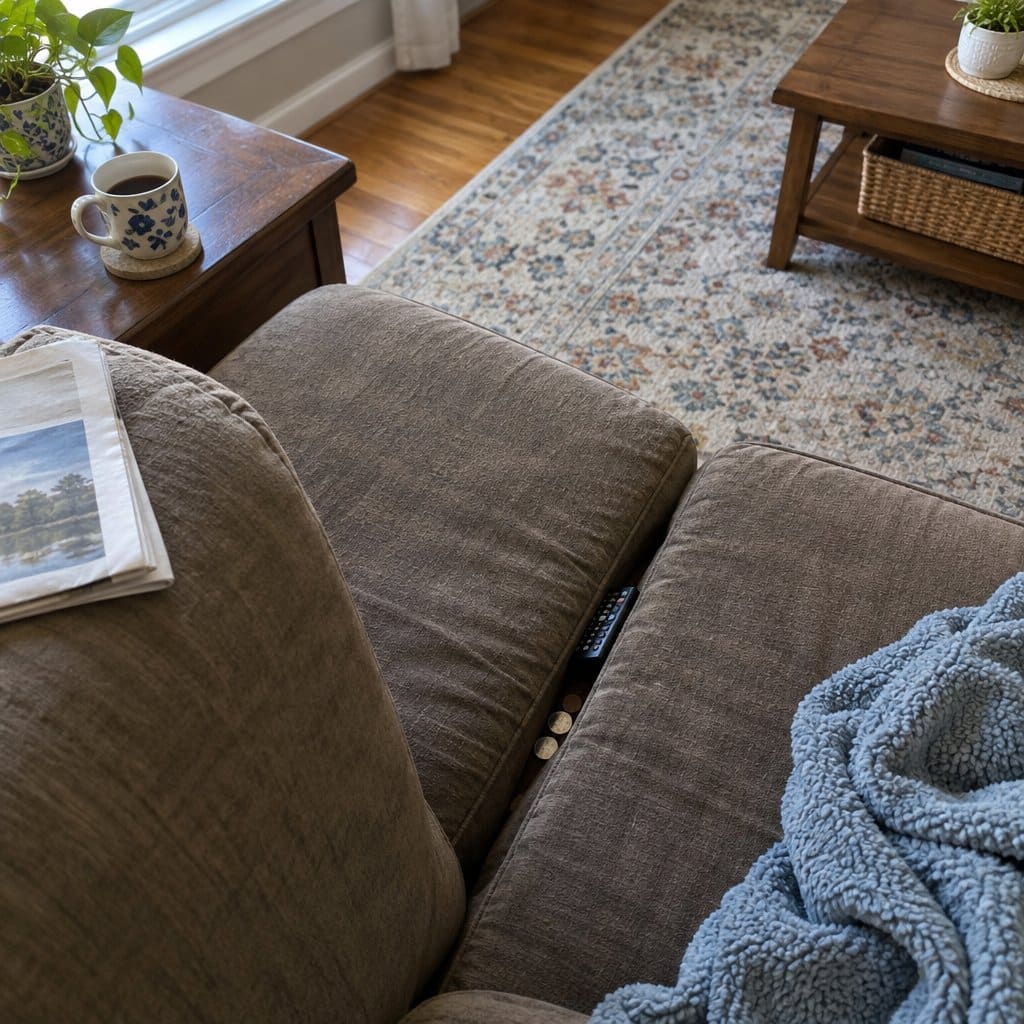
8. Wrist Straps Keep Seniors from Dropping their Remotes
Seniors often struggle with dexterity, coordination or balance and mobility issues, which can make it difficult for them to use traditional remotes. A wrist strap can help keep seniors from accidentally dropping their remotes and can keep it from falling down the cracks of the couch.
Wrapping Up
The right remote control can make a big difference in a senior’s ability to entertain and inform themselves.
My recommended remotes above are perfect for seniors because they operate the basic functions of a TV and only have the basic features that most older folks want. They for sure make a great gift!
With any of these universal remotes, you’ll be able to easily control your TV, DVD player, and more. So get yourself a universal remote today.








I disagree that most elderly want 4 functions, I believe they want only 3. I am searching for a unit without “mute”. My 91 year old mother in law understands on/off, channel, and volume, but if she accidentally hits “mute” she tells us the TV or remote isn’t working. I’m still searching for something like the Seki Slim learning remote (no tedious setup like the Tek Pal) but one with only three functions. Looks like I’ll have to buy what exists and disable the fourth function myself. Maybe make a youtube video of how to disable and if it gets enough hits, we’ll finally get a 3-function remote. If TV stations held to a standard volume, and commercials weren’t rude, we could do away with remote volume and just set it at the TV.
Hi Ray – thanks for stopping by and leaving these valuable comments. I have been researching and I cannot find a 3 function remote either. Seems like everything has mute. But I’m going to keep looking. Thanks also for the video suggestions. My goal for next year is to start making videos for some of my posts. I’ll put this one to the top of the list. Loud commercials are a pet peeve of mine too – another advantage of cutting the cord and moving to streaming programming!
Has anyone out there seen a 3 function TV remote anywhere that you can let me and Ray know about?
I am looking for a large button tv remote for my mom to use. The problem is she is in a nursing home and her cable is delivered to her room through a simple cable that I assume is connected to a cable box located somewhere in the nursing home. I am sure it serves all the residents. I have not found a remote that can be programmed under these circumstances. Any suggestions?
Hello Elaine! There should be a way to make this work. A few questions: Is the remote she has now stand alone or is it built into her bed? if it is built into the bed there may not be much you can do. If it is a standalone remote, use it to change the channels on the TV. If the channel on the actual TV changes, you may be able to get away with a standard big button remote. This is because the TV is probably in control of the channel selection not the cable box. But if the displayed channel on the TV stays the same but the programming changes, the cable box is in control and you may be at the mercy of the nursing home. If the remote control is stand-alone, you might want to try the Easy Mote at Amazon. It may work because you use the current remote control to program it. It is simple and easy to do. Maybe it would be programmable to the current remote control codes? let me know what you find out. –Scott
Is there a big button remote controller for Cox contour2 box it uses rx-15 remote controler which is to small for my 90 year old mother-law who has dimension. I spoke to Cox representative and they don’t have a big number control for the contour box. so I am trying to find one that is compatible to Cox contour box . Thank You Vito