![Elderly man reaching for hand bell beside armchair[1]](https://www.grayingwithgrace.com/wp-content/uploads/2026/10/elderly_man_reaching_for_hand_bell_beside_armchair1-1200w.jpg)
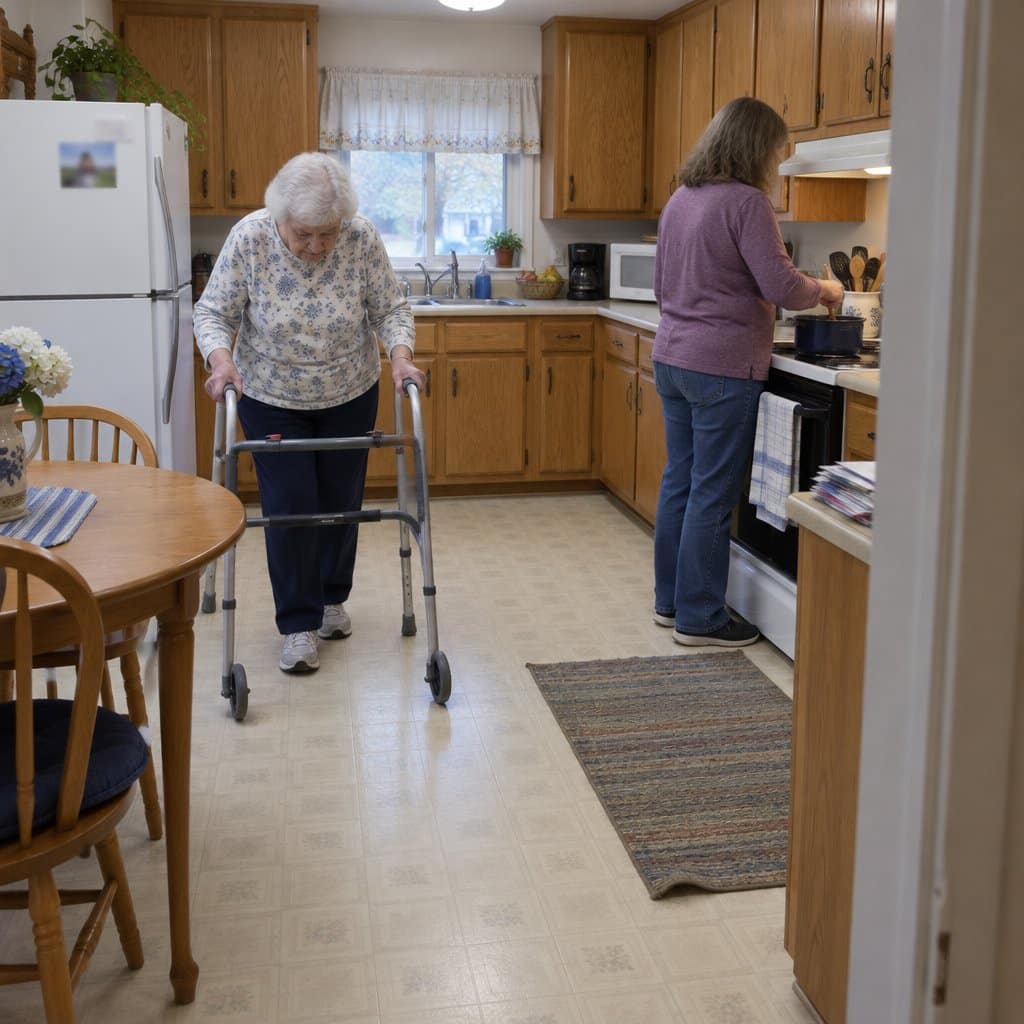
Caregivers and families of beloved seniors and elders have to have a way of knowing when they require assistance. Being there without knowing if they need help, slip, or fall can be hard. Younger family members usually have full-time jobs and maybe even kids of their own, stretching their responsibilities.
Caregiver call buttons can fill the void, often meaning the difference between survival and fatality. The best caregiver call buttons help out with things like:
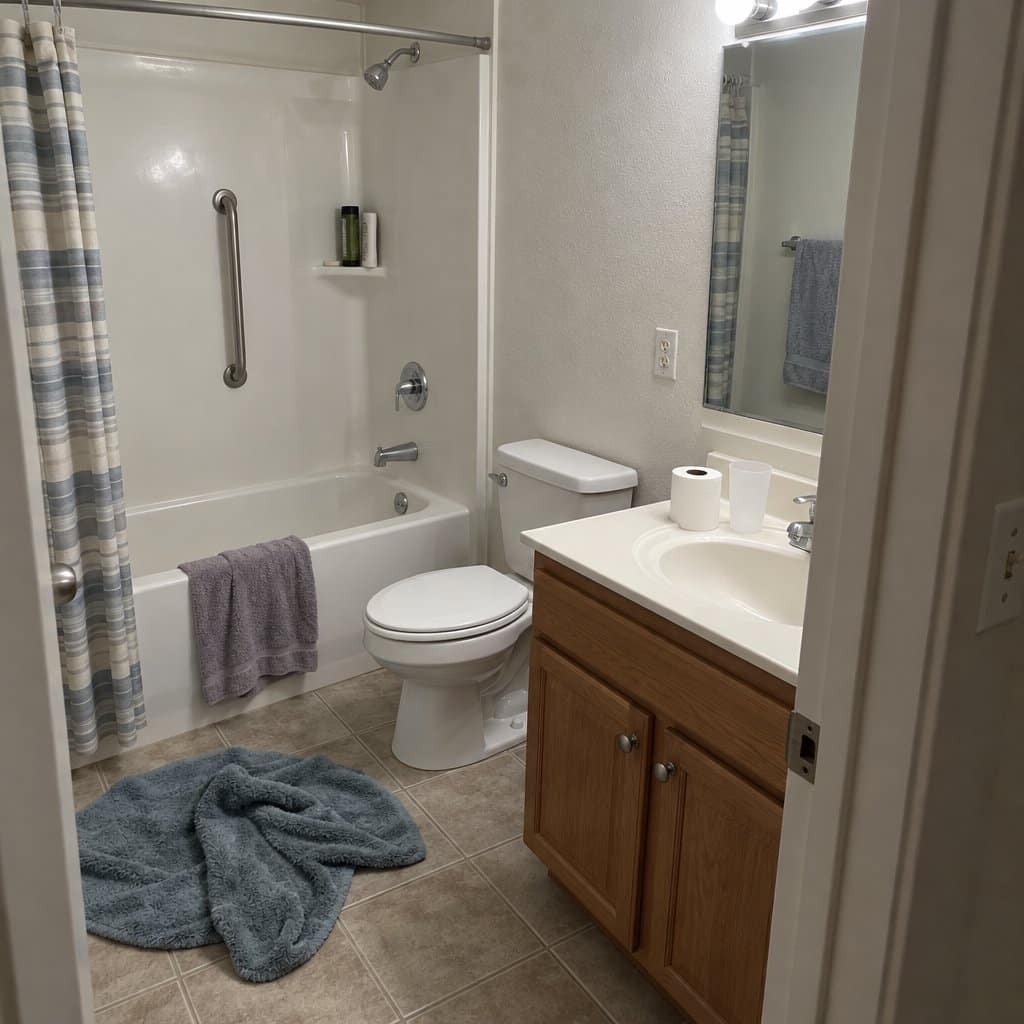
- People falling: This can happen anywhere from breezeways to bathrooms, resulting in brain injuries, spinal cord issues, concussions, and broken bones. Half of those 80 and up fall annually, and 9,500 annual falls result in fatalities.
- Relatives needing help getting to the bathroom: Incontinence and lost mobility both happen with aging for many, so calling for help can prevent older relatives dealing with incontinence from messing themselves up and embarrassing themselves. This seriously helps in fighting off depression and maintaining self-esteem.
- General assistance: This can cover anything from bathroom help and repositioning to hunger, pain, and other symptoms needing attention.
Our top picks are right here, and if one catches your eye, the details on each are further down the page.


The Advantages Of Emergency Call Buttons
Call buttons are effective tools for those taking care of seniors and elderly loved ones, as technology can reduce your considerable burden. Depending on the make and model, these buttons can provide benefits to caregivers and seniors alike, such as:
- Range: Some of these systems have ranges in the hundreds of feet, meaning they can even work to a short distance on the outside. Longer ranges mean that caregivers can still get alerted when their parents or older relatives need help farther away.
- Simplicity: Pagers and buttons can be pretty much operated by anyone. Even those who are arthritic can usually hit a button or squeeze a device to request assistance. There’s not usually any complex fiddling with an intercom or multiple buttons when needing help.
- Fewer Incidents: Personal call buttons and pagers mean someone gets notified when a user needs them. Faster response time and fewer unaddressed incidents dramatically help the quality of life and safety.
10 Best Caregiver Call Buttons
There are quite a few caregiver call buttons available in the current market. The following are 10 specific makes and models that you should consider:
NOMO Smart Care Medical Alert System

One of the best things you can do for an older adult in your life is make sure help is never far away, especially when they’re home alone.
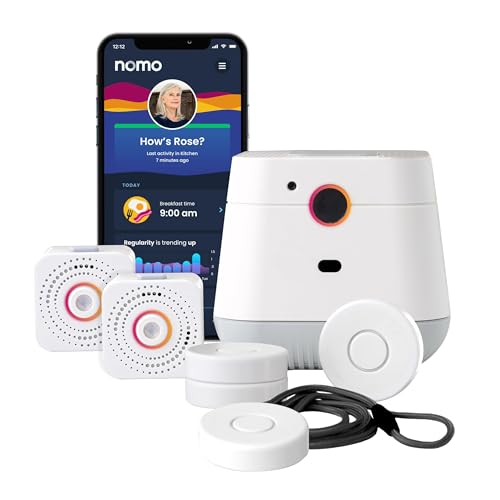
The NOMO Smart Care Medical Alert System is built for that. It uses your home’s WiFi to detect falls, and it does it without a camera. There’s no lens in the house, which matters to a lot of people who don’t want to feel watched.
The person wears a tag that detects a fall. When it does, an alert goes out right away to a group of family caregivers the system calls a Care Circle.
The Hub also has two-way voice. You can speak straight to your loved one through it, without needing to place a phone call and hope they get to the phone.
Setup is plug and play. No technician, no wiring.
Now the downsides. The whole system runs on WiFi, so if the home internet goes down, the alerts stop. It’s also a system for in the home, so it isn’t the right pick for someone who wants protection while out walking or shopping.
And 24/7 professional emergency response needs a monthly subscription once the 60-day trial ends. The trial gives you time to see whether it fits your family before you commit.
It suits someone who spends most of the day at home, has family who want to be notified quickly, and values privacy. If your loved one is out and about a lot, look at a device that works away from home.
FullHouse Wireless Call Button

Looking after an older loved one often comes down to one question: if something goes wrong, can they reach you quickly? A simple call button answers that without much fuss.
The FullHouse Wireless Call Button is a good example. Your loved one presses the button once, and a receiver alerts you from up to 1,000 feet away. There are no apps to set up and no monthly bill.
The button is IP55 waterproof, so it’s safe to use in the bathroom, where many falls happen. It can be worn as a necklace or mounted on a wall, whichever suits your loved one’s routine.
The receiver sounds a 110 dB alert (loud enough to catch your attention from another room). It has 52 melodies to choose from, plus a silent LED mode for times when you’d rather not have a loud noise, like when someone is sleeping nearby.
Now the downsides. That 1,000 feet is open range. Indoors, walls bring it down to around 500 feet, which could leave gaps in a very large home.
The receiver also has to be plugged into a wall outlet, and you’ll need to carry it from room to room yourself. It suits a caregiver who is nearby in the house, not someone who lives far away.
It also works only within range of that receiver. If your loved one goes out on their own and you want help to reach them wherever they are, you’ll want a different kind of device.
Wireless Call Button for Seniors

One of the kindest things you can do for an older adult who lives on their own is make sure help is always one press away.
The Caregiver Pager is about as simple as this gets. It comes with one SOS button and one receiver. Your loved one presses the button, and the receiver lets you know they need you.
There is also the SYNLETT Caregiver Pager System, which I wrote up in a full review if you want one more pager to compare.
It works without WiFi, a phone line, or a monthly fee. There is no account to set up and no service to cancel later.
One button also means there is nothing to learn. That helps a lot if your loved one deals with arthritis, tremors, or memory trouble, since there is no screen or menu to get lost in. The button is waterproof too, so it can go along to places like the bathroom, where a fall is a real worry.
Now the downsides. Wireless range depends on how your home is built, so walls and floors can get in the way. Test it from the farthest room before you count on it.
It also only helps if your loved one can press the button on purpose. For someone with advanced dementia, it will need other supports alongside it.
And it is a call button for the home, not a pendant that texts your location or calls 911 when you’re away. If your loved one is out and about a lot, a different kind of device may suit them better. If they are mostly at home and you are nearby, this plain one-button setup does the job.
CallToU Caregiver Pager

One of the best things you can do for an older adult you care about is make sure they can call for help the moment they need it, without hunting for a phone.
The CallToU Caregiver Pager is a simple way to do that at home. The senior presses the button, and a receiver plugged into an outlet near you sounds an alert.
There’s no WiFi, no app, and no password. It also has no monthly fee. You plug in the receiver, and the manufacturer says it’s ready in under 30 seconds.
The button and the receiver are both waterproof. That matters because the bathroom is where many falls happen, and it’s the place people are least likely to have a phone in reach.
The receiver can be as loud as 110 decibels and has 55 ringtones to pick from. If you or the person caring for your loved one has some hearing loss, you can choose a sound that gets noticed.
Now the downsides. The receiver needs a live outlet and has no battery backup, so it won’t sound during a power outage.
It also works one room at a time. In a larger home, think about where you’ll plug it in, so you can hear it from where you spend most of your day.
This isn’t a pendant that texts family or calls 911, and it isn’t meant for use away from home. It suits a household where someone is nearby and just needs a dependable way to be called.
Smart Caregiver Pager System

Sometimes the safest thing you can give an older loved one is a simple way to say “I need you” without getting up or shouting down the hall.
The Smart Caregiver Pager System comes with two call buttons. Your loved one presses a button, and the pager that stays with you lets you know they need help. If you want the details, I wrote a full review of the Smart Caregiver Pager System.
It comes already paired, and the batteries are included. You can have it working in minutes, with no apps, no setup menus, and no tech headaches.
There is also no subscription. Many medical alert services charge a monthly fee, and this one doesn’t.
The range is 300 feet, so you can move around the house and out into the yard and still be reached. That suits a family caregiver who is cooking, doing laundry, or gardening while keeping an ear out.
It is also a good fit for someone who is a fall risk and needs help getting up or moving around safely. A call button within reach means they don’t have to try it alone.
Here is the catch: this system works inside your home and yard only. It does not call 911 or anyone outside, and it does not send your loved one’s location anywhere.
If your loved one is on their own for long stretches, or goes out by themselves, you will want a different kind of medical alert. This one is for when a caregiver is nearby.
It has two alert tones to choose from. If anyone in the house has trouble hearing, that is a small choice, so think about whether you will notice the sound from wherever you usually are.
Medical Guardian MGMove Medical Alert Smartwatch
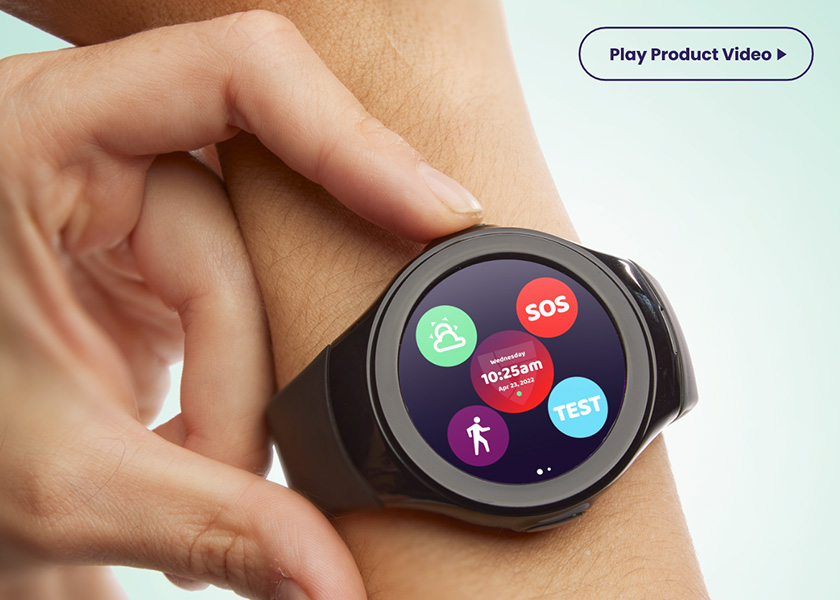
The MGMove is a medical alert smartwatch from Medical Guardian, made for older adults who want to feel safe while they’re out and about, not just at home. If something goes wrong, it connects the wearer to emergency support quietly and without fuss.
The people on the other end matter as much as the watch. Medical Guardian says it has over 550 trained emergency operators across two U.S.-based monitoring centers, with a 5 diamond certified center available 24/7. It also says its systems are consistently top-rated by the National Council on Aging.
The battery lasts up to 24 hours, so it goes on the charger every day, and like any alert device it only helps if it’s being worn. If your loved one is dead set against wearing one, don’t argue with your older parents about it. Try a different style of call button instead.
Pros:
- Built for staying safe away from home as well as in it
- 24/7 monitoring by trained operators at U.S.-based centers
- Discreet way to reach emergency support
- Medical Guardian is highly rated by the National Council on Aging
Cons:
- Battery lasts up to 24 hours, so it needs charging every day
- Not a fit for someone who won’t wear a watch
- The monitoring service is an ongoing commitment, so read the plan terms before you sign up
Mace Alert 911 Emergency Device

This model lets your older loved one push a button and directly dial 911 for emergency dispatch. You and they both have the peace of mind that professional help is coming. It’s usable at home and out and about, which is great for seniors with active social lives. A lanyard connector lets users clip it on their belt or bag, and no maintenance or monthly fees keep things cheap.
Pros:
- 1-year standby life for the battery
- Usable with all cellular carriers
- No subscription fees
- Portability, mobile technology
Cons:
- Must be in areas with cell towers
- Testing involves calling 911, so explain what’s going on to avoid legal trouble
Elderly Monitor with Camera and Audio


This one is a camera and screen set for a room, built for an older adult who lives alone or sleeps apart from you. It has two-way talk, infrared night vision, medication reminders, and a temperature sensor that alerts you if the room gets too hot or cold. There are five different one-touch alert types, including an SOS button, so your loved one can reach you without fiddling with a phone.
The part I like for families is that it needs no WiFi, no smartphone, and no monthly fee. It also keeps working when the internet goes down, and there’s very little to set up. If your parent doesn’t want “another gadget to learn,” this is easier to live with than most.
Now the trade-offs. Because it doesn’t use WiFi, you have to stay within range, and through walls that can drop to 50 to 150 feet. Test it in the actual rooms you’ll use it in while you’re still within the return window. The portable screen also needs charging every day unless you keep it plugged in, so it suits a household where someone will remember that.
Call Button With Pager

This is a two-piece set from Vive Health: a call button for your loved one and a wireless pager for you. One press of the button sends an alert to the pager, so you know they need you.
The button is large, which suits someone with arthritis or limited grip strength. A bright indicator lights up when it’s pressed, so they can see the call went through. The pager has a large stop button and three notification settings, so you can choose how you’d like to be alerted.
The range is up to 150 feet. That works well when you’re elsewhere in the house or out in the yard, and it’s a good fit for a family caregiver who lives with their loved one.
The trade-off: this calls you, not 911. If you’re out of range, or you’ve stepped away from the pager, nobody gets the alert. It isn’t the right choice for someone who’s alone for long stretches or who needs help when they leave the house.
InvisaWear Panic Button Jewelry

This last one isn’t a call button in the usual sense, but it covers the time away from home that most call buttons can’t reach. One of the kindest things you can do for an older adult in your life is make sure they can get help wherever they are. That matters even more for women, who are among the most vulnerable in our society.
invisaWear® Panic Button Jewelry is built for that. It comes as necklaces, bracelets, keychains, scrunchies and more. Each piece is an accessory first, with a hidden button that makes it a safety device too.
Press the button twice and it sends a text message with the wearer’s location to up to five people you choose ahead of time. You can also set it up to text 911, which is worth considering if there’s a medical concern.
The big plus is that nobody looking at it would know it’s anything but jewelry. For people who would never wear a medical-looking alert device, that can be what decides whether they wear it at all. For men, the keychain is the option to look at.
Now the downsides. It sends a text, so it isn’t the same as talking to someone live. It also only helps if it’s on the person, so a keychain left on the counter won’t do much. Pick a piece your loved one will actually put on each day, and make sure the five people on the list know to check their phones.
Low-Tech Ideas for Calling for Help
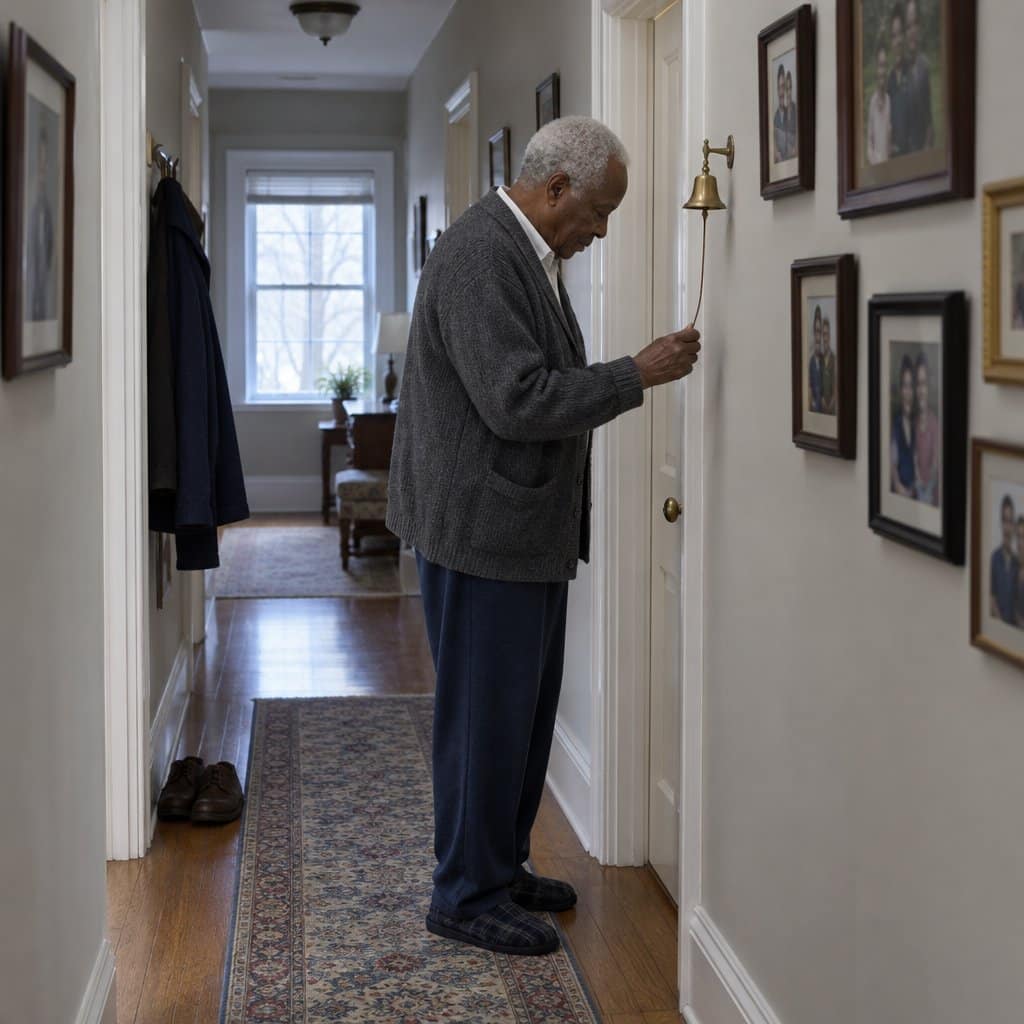
Modern technology ironically gives modern call buttons and bells quite a few bells and whistles. However, for all the wonderful features available, they can also be tremendously complicated pieces of work. Installation and programming can be burdensome, as it can be just as overwhelming for elders as it is for caregivers.
This is why some families actually resort to low-tech ideas like old-fashioned bells with manual strings or even interior doorbells for the elderly to use to get help.
Pros:
- Manual bells and wired doorbells will work in rural areas without a cell signal
- Manual bells work when power is out
- Seniors might be more comfortable with traditional technology
Cons:
- Wired doorbells might not work during a power outage
- Only useful in a multigenerational home; caregivers need to be there to hear the bells
- Doorbells or bells might be mistaken for the front door and ignored, or just slept through and unheard in far corners of the home
Alternatives to Call Buttons
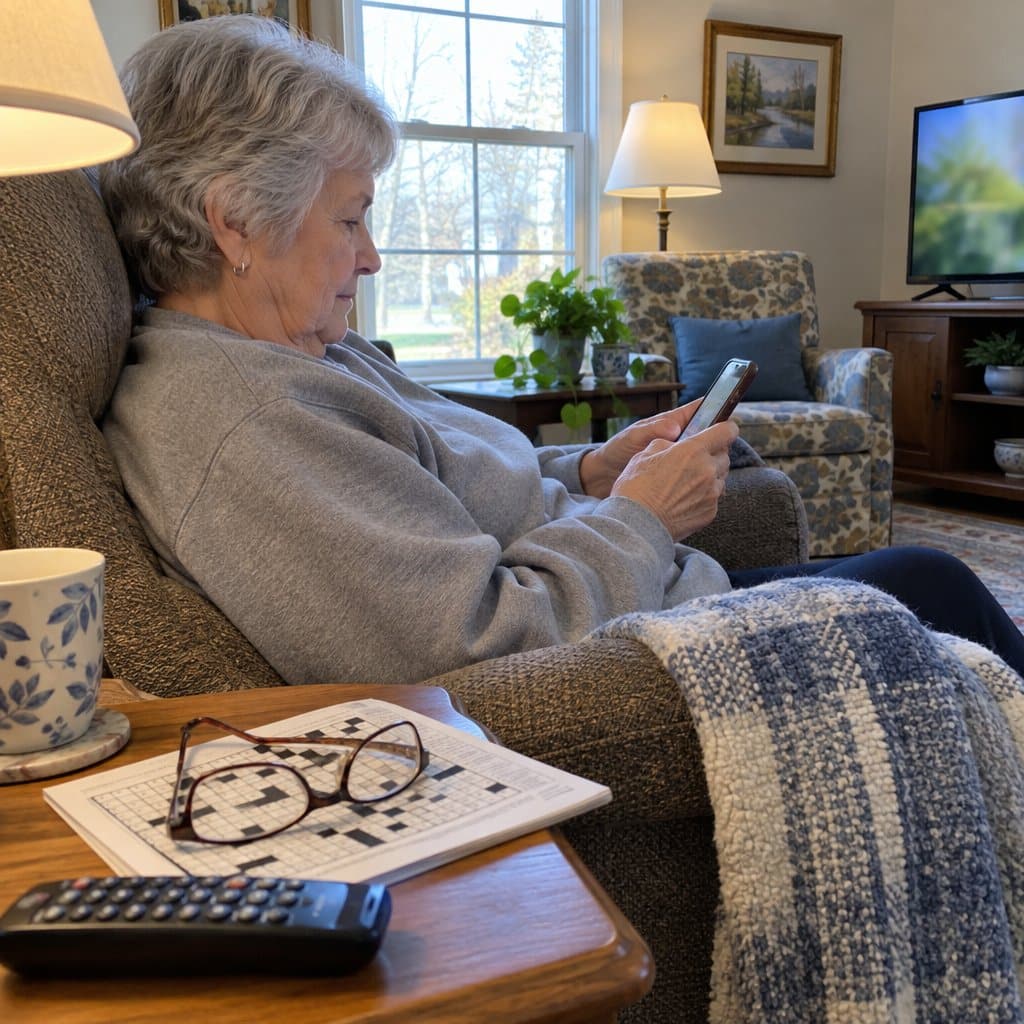
Some alternative devices and solutions can be used in place of traditional caregiver call buttons, especially considering seniors’ diverse needs and preferences. Here are some options:
- Smart Watches and Wearable Technology: Many smartwatches have built-in emergency call features, health monitoring (like heart rate and fall detection), and GPS tracking. They can be more appealing due to their modern design and additional functionalities.
- Mobile Phones with Emergency Features: Some mobile phones are designed specifically for seniors, featuring large buttons, simple interfaces, and emergency call functions. They can be carried around and used for regular communication as well.
- Voice-Activated Assistants: Devices like Amazon Echo or Google Home can be set up to make calls or send alerts using voice commands. This can be particularly useful for individuals with difficulty moving or pressing buttons.
- Home Monitoring Systems: Comprehensive home monitoring systems can include motion sensors, cameras, and wearable devices that alert caregivers or family members if unusual activity is detected, like a lack of movement for an extended period.
- Personal Emergency Response Systems (PERS): These systems usually have a wearable pendant or bracelet and a base station. They can be programmed to call emergency services or designated contacts when activated.
- Check-In Services: Some companies offer check-in services where a call center agent regularly calls the senior to ensure they are okay. Emergency contacts are notified if the senior does not answer after a certain number of attempts.
- Medical Alert Apps: There are smartphone apps designed to function as medical alert systems, allowing users to send an SOS with their location to a predefined list of contacts.
- Fitness Trackers with SOS Features: Some fitness trackers come equipped with features that allow users to send an SOS message or call for help. These devices also monitor physical activity and health metrics.
- Text-Based Alert Systems: For seniors comfortable with texting, systems that allow them to send a quick text message to a group of caregivers or family members can be an effective alternative.
- Two-Way Radios: In smaller settings like a single home or small community, two-way radios like walkie talkies can be an effective way for seniors to communicate quickly with caregivers nearby.
Each of these alternatives has its own set of advantages and may be more suitable for different lifestyles, mobility levels, and technology comfort. It’s important to consider the specific needs and preferences of the senior when choosing the best option.
Final Thoughts
Medical alert systems, watches, and personal alarms can be life-saving devices for the right people. They give families peace of mind by offering security and guaranteeing the safety of older or infirm loved ones. If you’re considering how to help your aging parents or relatives, then any of these options might be suitable.
Make sure you pick the right option regarding functionality and how it fits your family. If you choose something involving a monitoring service, look into the specific service provider as much as you do the device itself.